
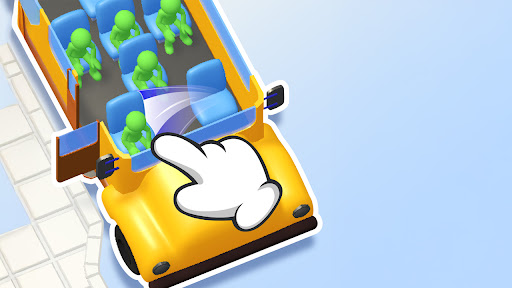
Choose your Seat Away coin balance
Set a coin total that suits your run, apply the change and return to helping passengers find a seat. Coins customization is free.
Requires the Windows app and the Bytonian Mods browser extension for Chrome or Edge. Browser setup guide

Set your total
Choose the balance you want in Coins, then press Apply. The game reloads with your new total, ready for you to continue playing.
Keep the normal level unlocks
Boosters still unlock at their usual levels. Changing your coin balance leaves those level requirements in place.
Available customisation options
CoinsFree
Choose the coin balance you want to use in Seat Away.
Choose your total and press Apply before starting to arrange seats. The game reloads with the new balance.
Boosters still unlock at their usual levels.
More ways to customise Seat Away
- Seat Away game actions
Set five minutes on the active puzzle clock or restart the current seating arrangement.
Questions about customisation options
- When should I apply a new balance?
- Apply it before you start arranging seats. Applying a balance reloads the game.
- Can I keep earning coins normally?
- Yes. Normal puzzle rewards add to the balance you chose.
Using these features
Connect your game, then open Customise in the Windows app. Choose an option, check its available values and follow its instructions. Each option lists its own requirements and limits.
Setup for Seat Away →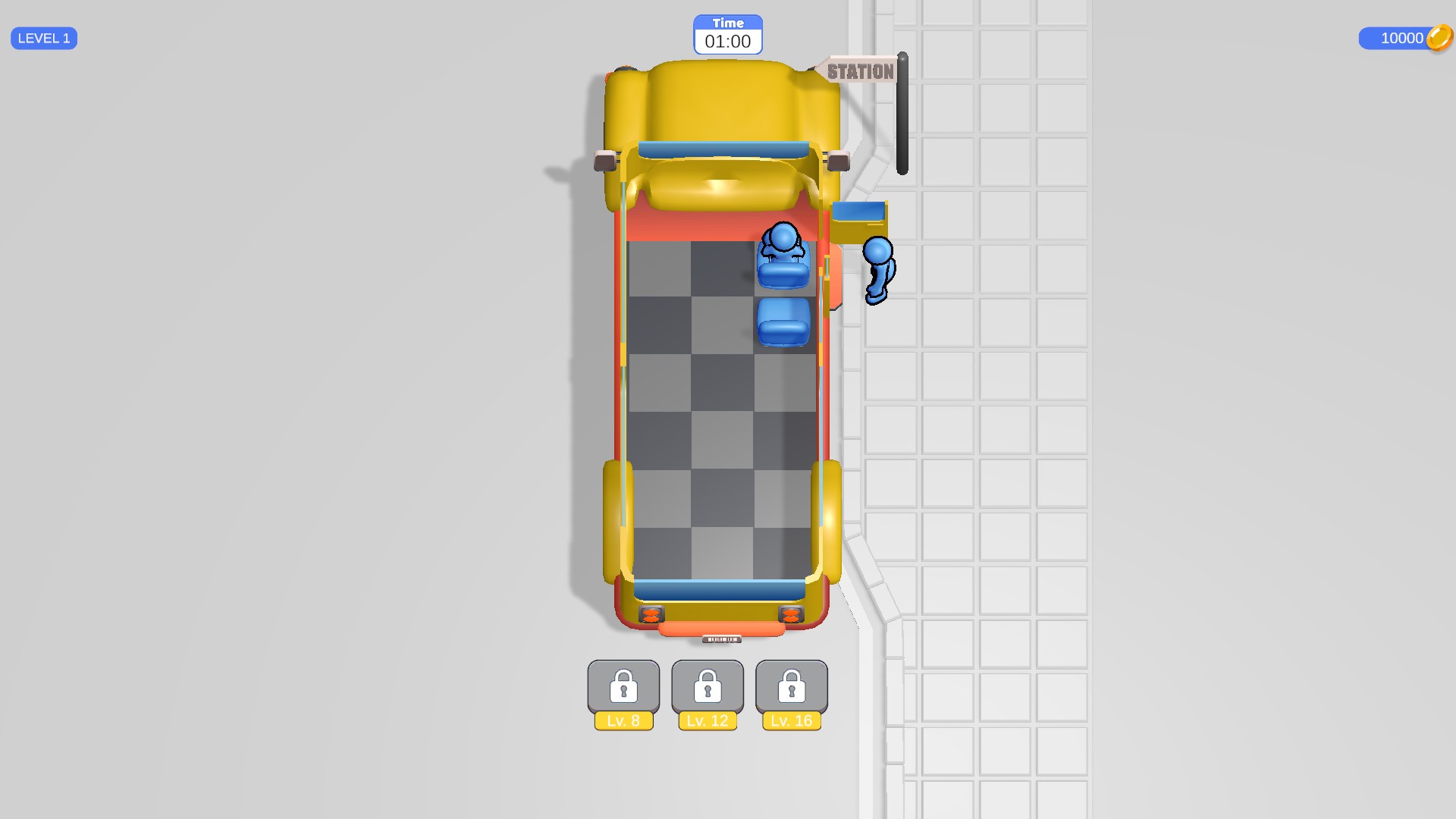
Choose your coin balance
The seating puzzle shows a balance of 10,000 coins after using Coins customization.