
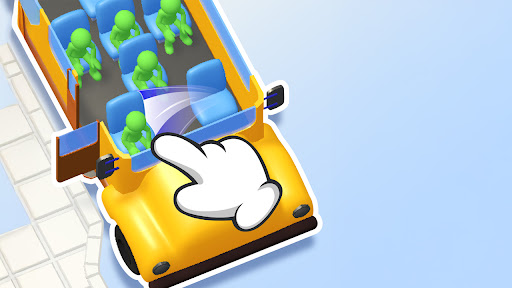
Customise
1 optionChoose a coin balance and apply it before starting your next seating puzzle.
View customisation options →Give yourself more time to plan a seating arrangement or restart the current puzzle for a fresh try. Slide seats into place so the waiting passengers can board.
Requires the Windows app and the Bytonian Mods browser extension for Chrome or Edge. Browser setup guide

Start with free mods
Download Bytonian Mods for Windows and try these free features. Choose one to see how it works and any requirements.
Bring back the starting seats and clock for another attempt at the current puzzle.
Use Restart puzzle during an active seating puzzle after finishing the tutorial.
Choose the coin balance you want to use in Seat Away.
Choose your total and press Apply before starting to arrange seats. The game reloads with the new balance.
Boosters still unlock at their usual levels.
A seat in the wrong place can keep a passenger waiting at the door. Think about the order of your moves and make room for passengers to reach an empty seat.
Coins customization lets you choose your balance. Puzzle time gives you a longer countdown, while Restart puzzle brings back the starting arrangement when you want another attempt.
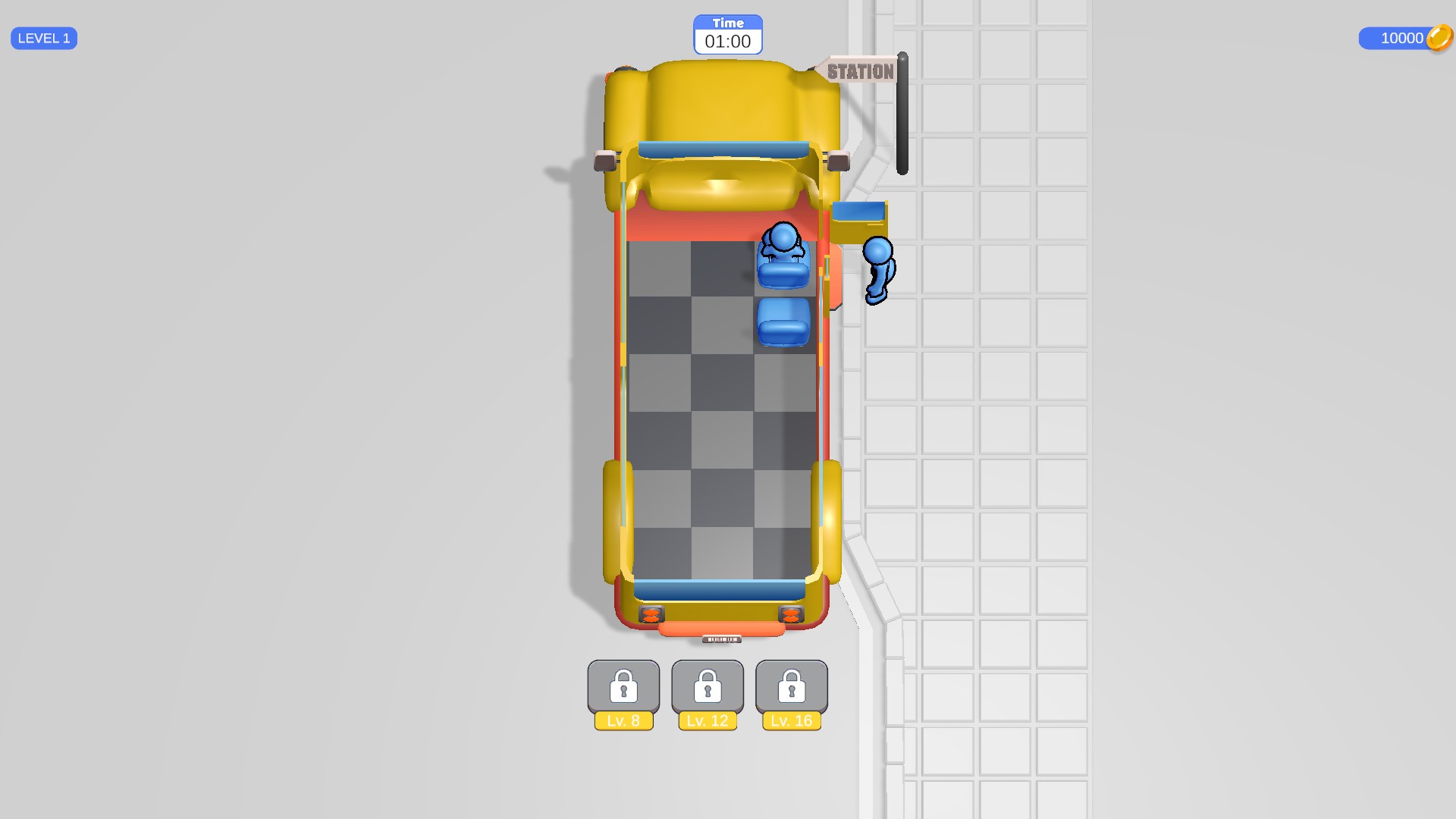
Make room for waiting passengers
Slide seats around the bus to clear a route for waiting passengers. This view shows a coin balance of 10,000 after using Coins customization.
Choose a coin balance and apply it before starting your next seating puzzle.
View customisation options →Set five minutes on the active puzzle clock or restart the current seating arrangement.
View game actions →Download the Windows app and follow the setup prompts.
Set up the browser extension in Chrome or Edge, then open the supported YouTube Playable. Follow the connection guide if the game is already running.
Review the available options in the app and choose the ones that suit how you play.