
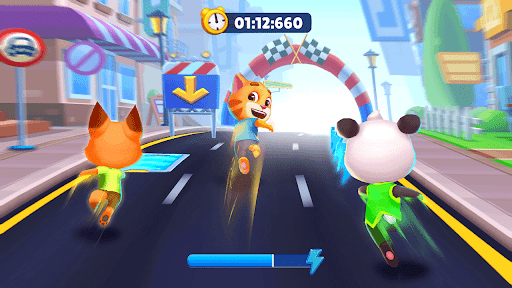
Choose your cat's running pace
Change the cat's forward running pace without changing jump height. The percentage control covers slower practice runs through faster challenges.
Requires the Windows app and the Bytonian Mods browser extension for Chrome or Edge. Browser setup guide

Pick your pace
Use 100% for the normal pace, choose a lower value for more reaction time, or raise the value when you want a faster run. The default mod setting is 150%.
What to expect
Turn the control off to restore the original running-speed setting. A temporary speed boost or scene change may replace the active setting.
Available stat modifiers
Run speedFree
Set forward running speed from 50% to 250%. The default 150% setting gives a noticeably faster pace, while 100% keeps the normal value.
Enable the control and choose a percentage. Turn it off to restore the speed captured when it was enabled.
Temporary speed boosts or scene changes may replace the active value; toggle the control again if that happens.
More ways to customise Running Pet Dec Room
- Running Pet Dec Room ability modifiers
Set normal jump height from 50% to 300%.
Questions about stat modifiers
- What does 100% mean?
- It keeps the running pace captured when the control is enabled.
Using these features
Choose the feature in the Windows app after connecting your game. Check its requirements before making a change.
Setup for Running Pet Dec Room →