
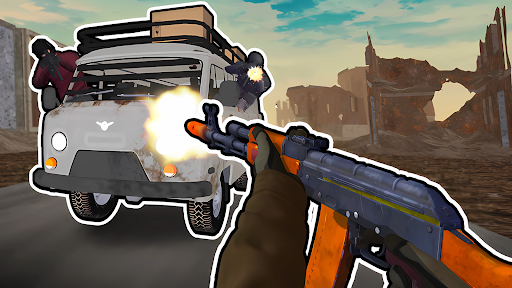
Choose your loaded rounds
Choose the rounds currently loaded in your weapon for the chase. A higher count gives you more shots as you aim at the vehicles behind you.
Requires the Windows app and the Bytonian Mods browser extension for Chrome or Edge. Browser setup guide
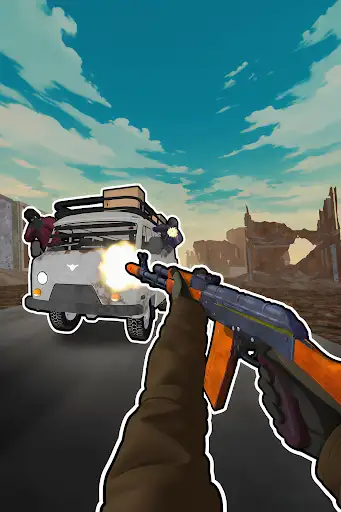
Apply the round count
Enter the chase, choose a value and apply it to your current weapon. The on-screen ammo count updates when you fire.
Available resources
Magazine RoundsFree
Set the number of rounds loaded in your current weapon.
Enter the chase, choose your round count and apply it. Fire to update the on-screen counter.
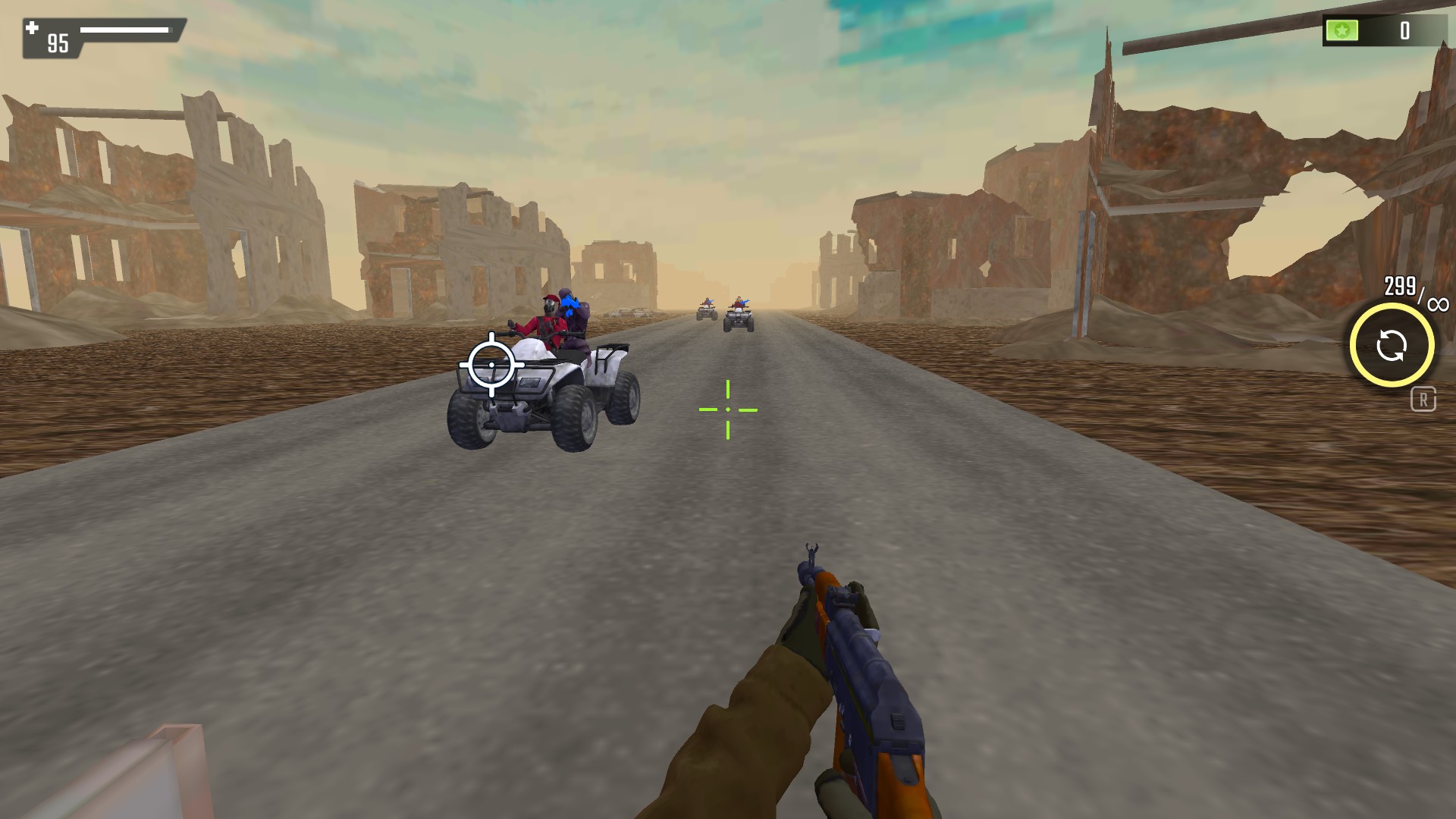
Keep more rounds loaded
Set the current magazine to 300 rounds and keep firing during the chase. This view shows 299 rounds remaining after a shot.
More ways to customise Road Chase: Shooter Realistic Guns
- Road Chase: Shooter Realistic Guns rule modifiers
Protect your player from incoming combat damage.
Using these features
Choose the feature in the Windows app after connecting your game. Check its requirements before making a change.
Setup for Road Chase: Shooter Realistic Guns →