
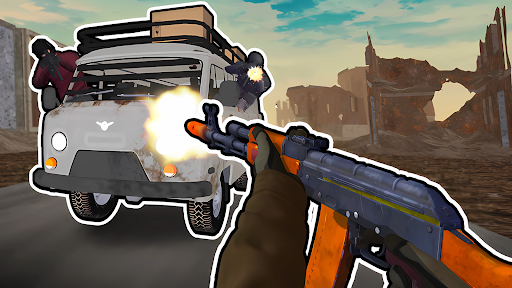
Resources
1 optionSet the current weapon's loaded rounds.
View resources →Set the rounds in your current weapon for longer bursts, or enable protection from incoming damage. Focus on the pursuing vehicles as the chase moves through ruined streets.
Requires the Windows app and the Bytonian Mods browser extension for Chrome or Edge. Browser setup guide
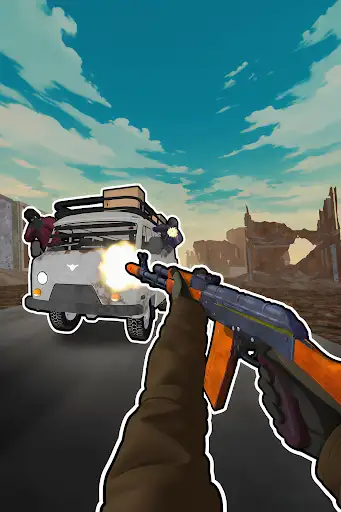
Start with free mods
Download Bytonian Mods for Windows and try these free features. Choose one to see how it works and any requirements.
Set the number of rounds loaded in your current weapon.
Enter the chase, choose your round count and apply it. Fire to update the on-screen counter.
Magazine Rounds lets you choose how many rounds are loaded in your current weapon. Invincibility protects your player from incoming damage while enabled.
Open Road Chase: Shooter Realistic Guns through Bytonian Mods and enter the chase. Choose the Magazine Rounds value or turn on Invincibility once your player is ready.
Set the current weapon's loaded rounds.
View resources →Protect your player from incoming combat damage.
View rule modifiers →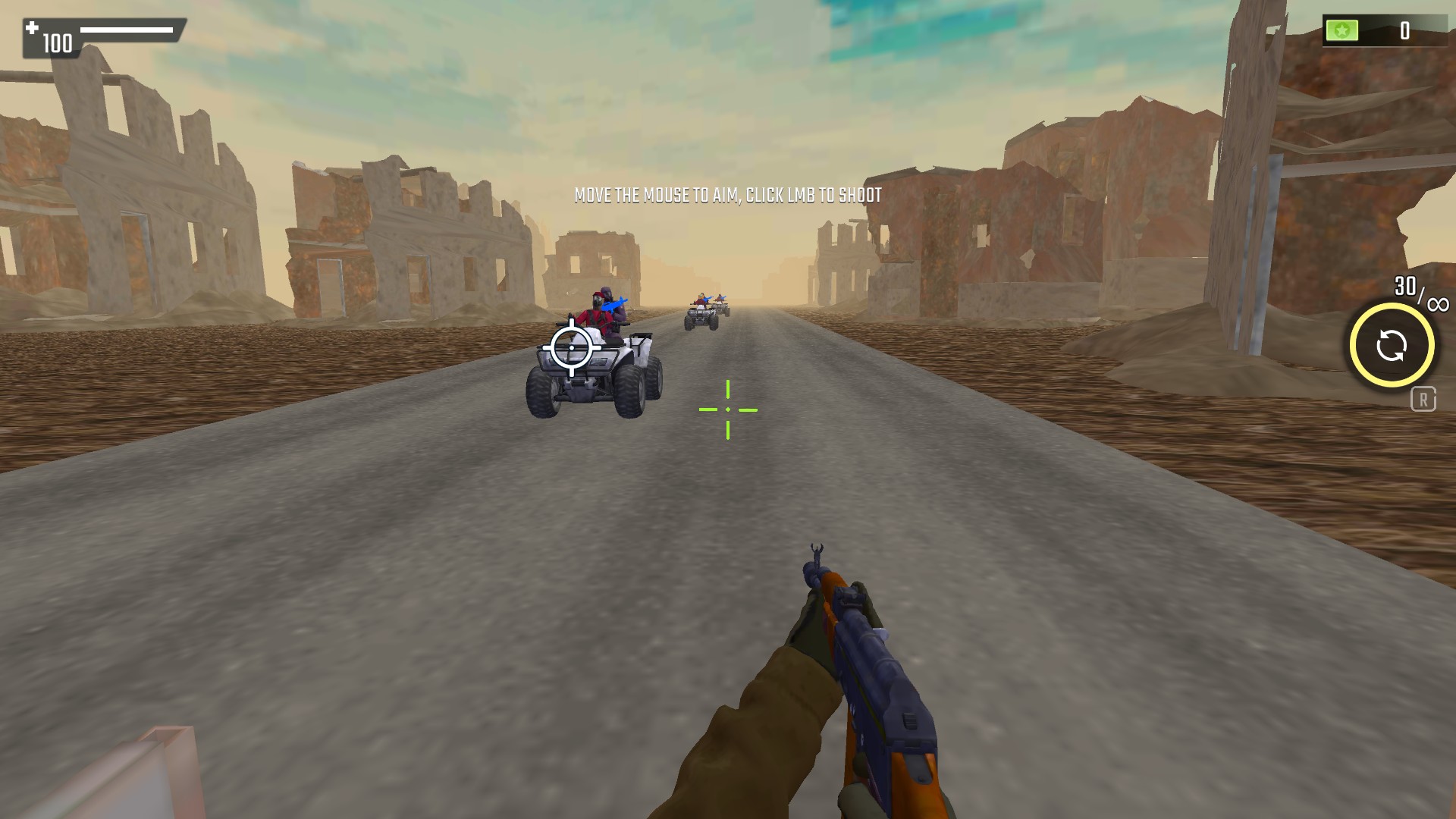
Aim and fire during a road chase
Face approaching vehicle enemies from a first-person view in Road Chase.
Download the Windows app and follow the setup prompts.
Set up the browser extension in Chrome or Edge, then open the supported YouTube Playable. Follow the connection guide if the game is already running.
Review the available options in the app and choose the ones that suit how you play.