
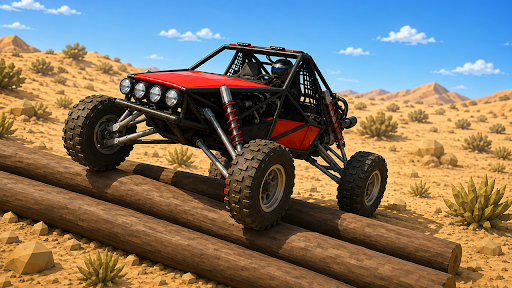
Set up your buggy for the drive
Give your current vehicle a setup that suits the way you want to drive. Keep its power, braking and speed limits together instead of adjusting separate controls across several cards.
Requires the Windows app and the Bytonian Mods browser extension for Chrome or Edge. Browser setup guide

Adjust the feel of your vehicle
Choose engine and boost power, then set braking force and separate forward and reverse speed limits. Changes take effect while Vehicle tuning is enabled. Turning it off restores the settings you had before.
Available stat modifiers
Vehicle tuningPremium
Choose engine and boost power, braking force and forward or reverse speed limits for your current vehicle.
Start a single-player drive, enable Vehicle tuning and adjust the settings. Switch it off to restore the previous setup.
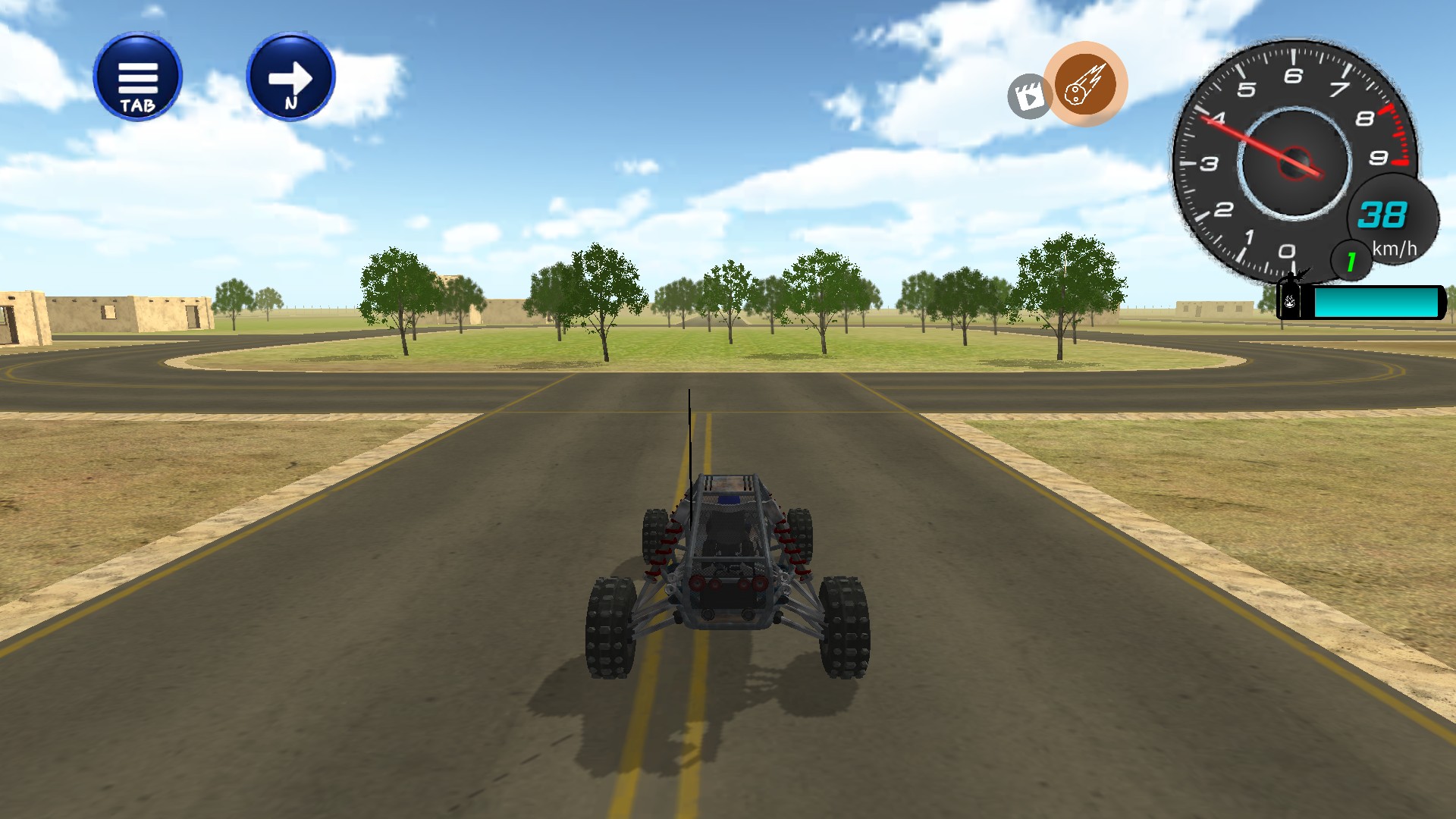
Tune your next drive
Adjust your buggy's engine power and take it out onto the open roads of Desert City.
More ways to customise Realistic Buggy Controller
- Realistic Buggy Controller perspective modifiers
A free chase-camera control with distance, height and angle settings.
Questions about stat modifiers
- When should I enable vehicle tuning?
- Start a single-player drive and take control of your vehicle first. Then enable tuning and adjust its settings.
Using these features
Choose the feature in the Windows app after connecting your game. Check its requirements before making a change.
Setup for Realistic Buggy Controller →