
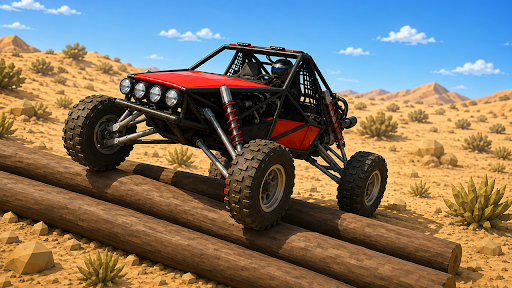
Find your preferred chase view
Pull the camera back to see more of the road around your buggy, or bring it closer for a tighter view. Height and angle controls help you frame the drive the way you prefer.
Requires the Windows app and the Bytonian Mods browser extension for Chrome or Edge. Browser setup guide
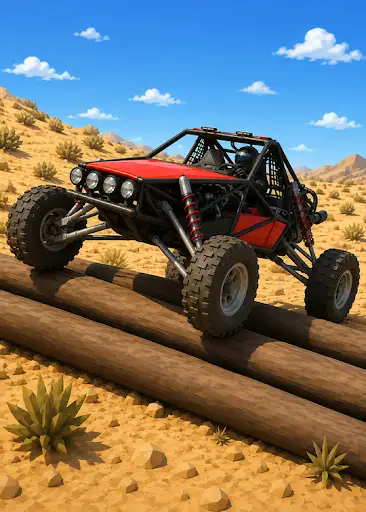
See more of your surroundings
Choose the chase-camera view during a single-player drive, then enable Chase camera. Adjust distance, height and angle as you go. Switch it off to restore your earlier view.
Available perspective modifiers
Chase cameraFree
Choose how far behind your buggy the chase camera sits, how high it looks from and the angle of the view.
Select the chase-camera view during a single-player drive, then enable this control. Changes apply as you adjust them; switching off restores your earlier view.
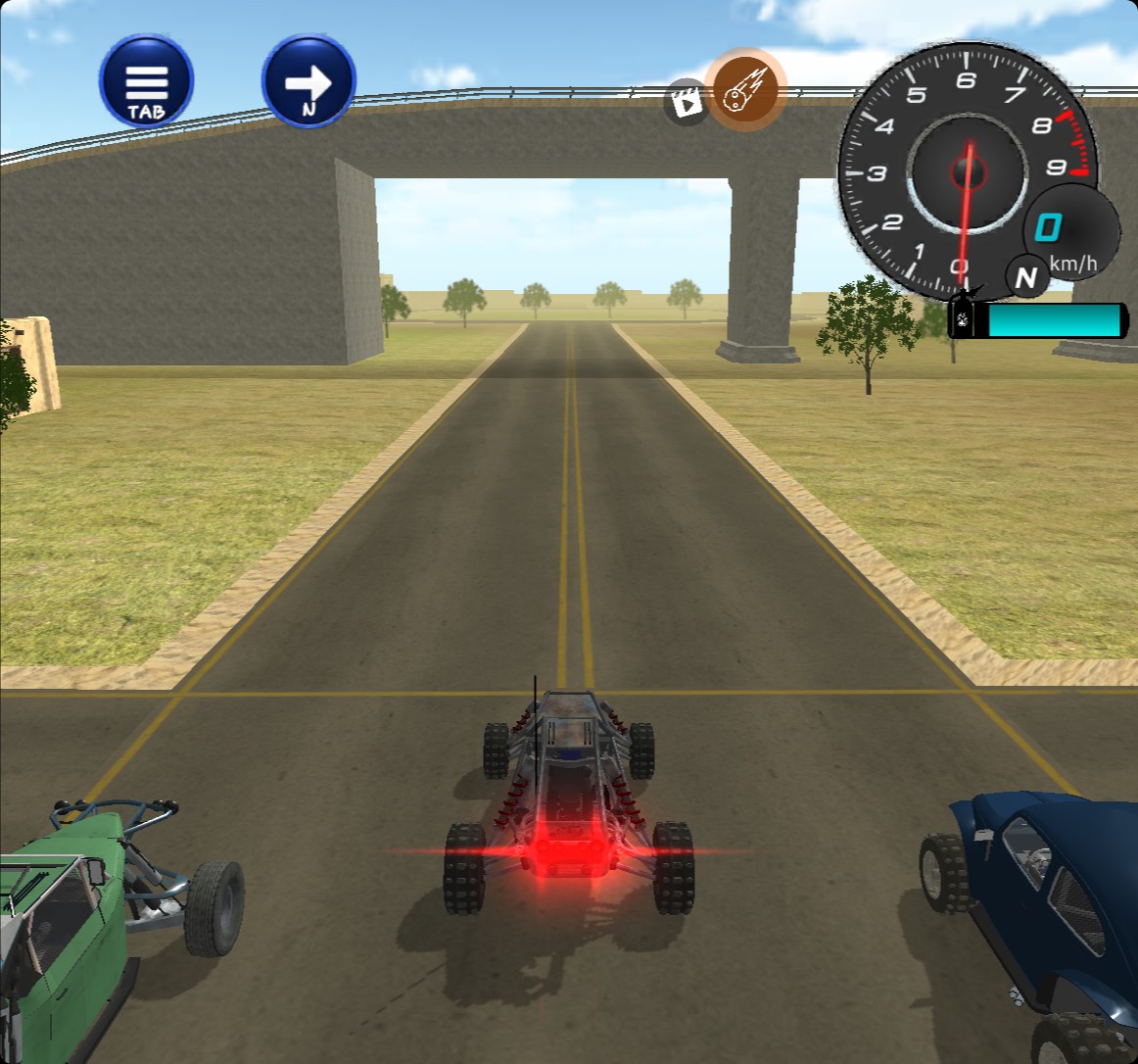
See more of the road
Pull the chase camera back and raise your viewpoint for a wider look at the road around your buggy.
More ways to customise Realistic Buggy Controller
- Realistic Buggy Controller stat modifiers
A grouped vehicle setup with power, braking and speed limits.
Using these features
Choose the feature in the Windows app after connecting your game. Check its requirements before making a change.
Setup for Realistic Buggy Controller →