
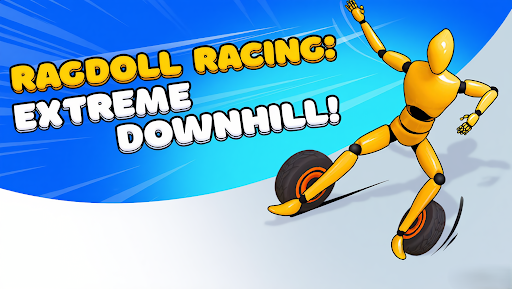
Find a new look in the equipment menu
Explore extra equipment choices, or give a ragdoll a fresh color with the game's color picker. Gear access and Paint controls let you choose which part of the menu to open up.
Requires the Windows app and the Bytonian Mods browser extension for Chrome or Edge. Browser setup guide
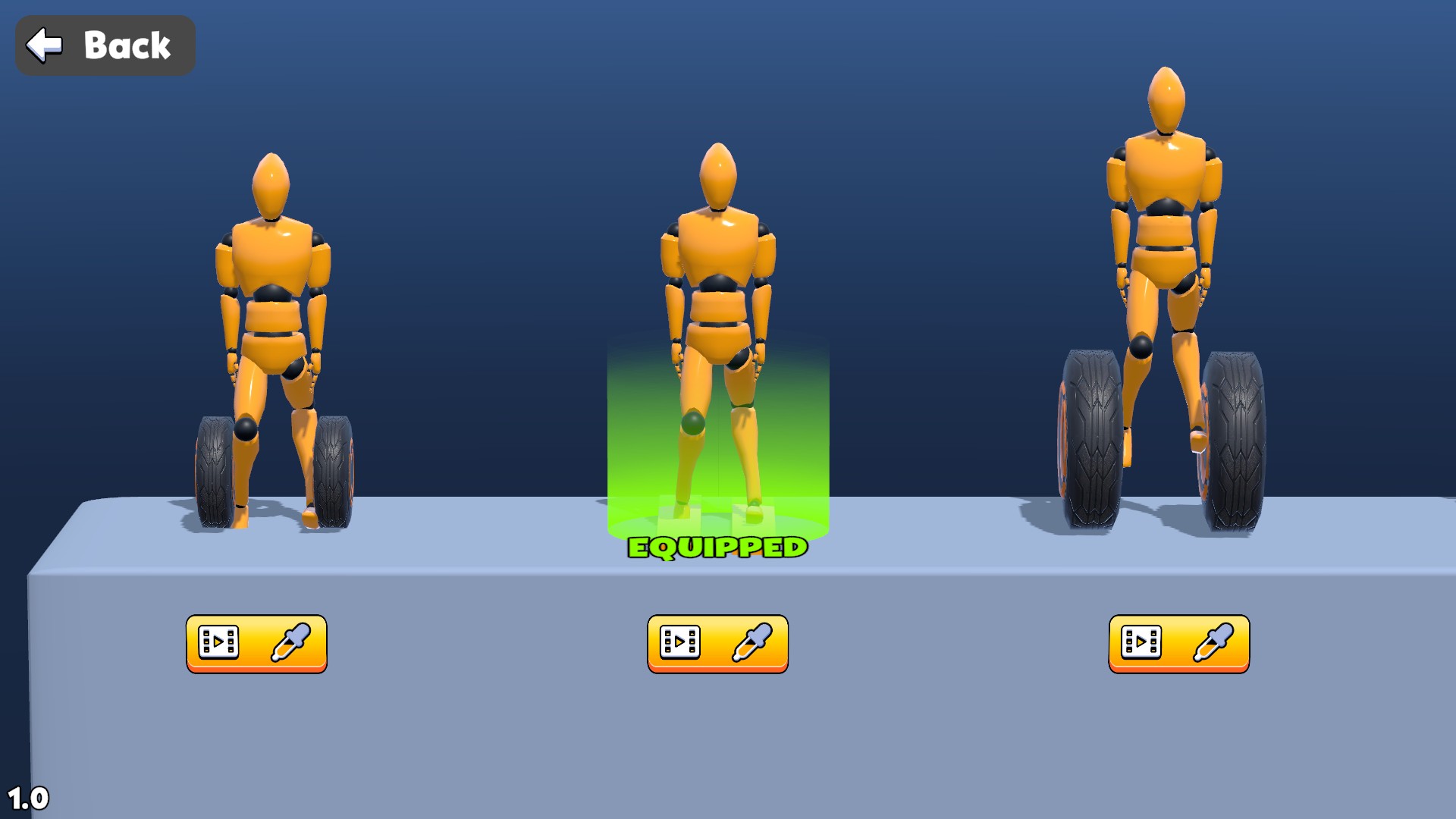
Choose your downhill gear
Browse extra gear choices in the equipment menu.
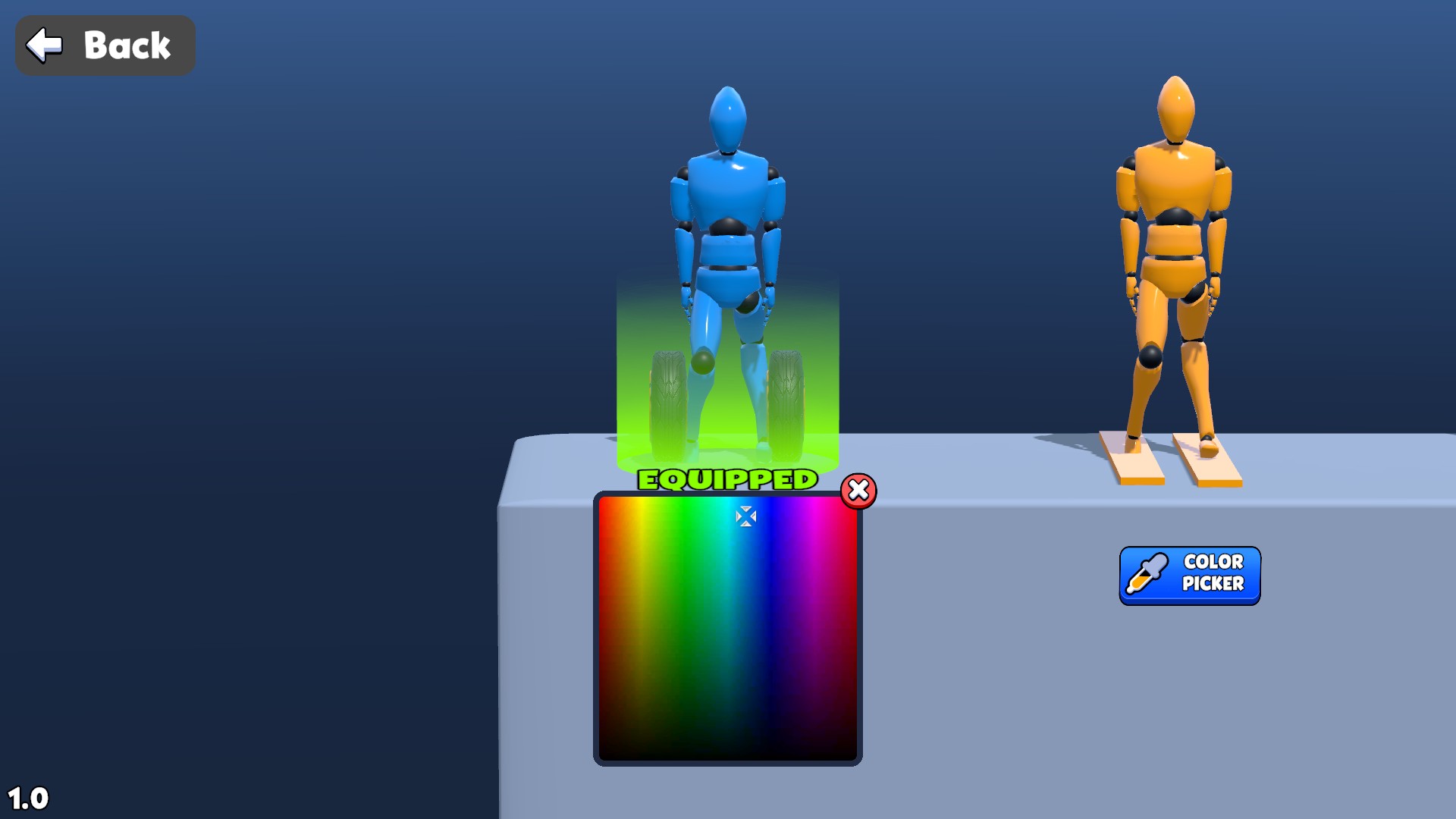
Give your ragdoll a new look
Pick a fresh color for your ragdoll in the equipment menu.
Explore the gear choices
Apply Gear access, open the equipment menu and browse the available setups. Selecting gear marks it Equipped; a course already underway keeps its current setup.
Pick a color
Apply Paint controls and choose Color Picker beneath a ragdoll. Select a color from the palette to change that ragdoll's menu appearance.
Available customisation options
Gear accessPremium
Browse and select extra gear in the equipment menu.
Apply Gear access, then open the equipment menu and choose a setup.
A course already underway keeps its current setup.
Paint controlsPremium
Choose a new color for your ragdoll in the equipment menu.
Apply Paint controls, open Color Picker beneath a ragdoll and choose a color.
More ways to customise Ragdoll Racing: Extreme Downhill!
- Ragdoll Racing: Extreme Downhill! stat modifiers
Adjust pushing strength for the tyre-equipped ragdoll.
- Ragdoll Racing: Extreme Downhill! game actions
Complete the current course and choose Next.
Using these features
Connect your game, then open Customise in the Windows app. Choose an option, check its available values and follow its instructions. Each option lists its own requirements and limits.
Setup for Ragdoll Racing: Extreme Downhill! →