
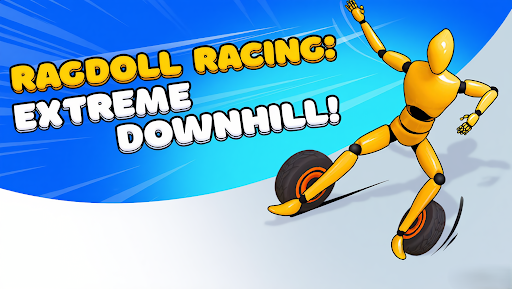
Stat Modifiers
1 optionAdjust pushing strength for the tyre-equipped ragdoll.
View stat modifiers →Finish a tricky descent, adjust push strength for the tyre-equipped ragdoll, or change gear and color in the equipment menu. Choose your next approach to the rocky downhill course.
Requires the Windows app and the Bytonian Mods browser extension for Chrome or Edge. Browser setup guide

Start with free mods
Download Bytonian Mods for Windows and try these free features. Choose one to see how it works and any requirements.
Bring up the current course's completion screen.
Apply during a course, then choose Next to continue.
Take on the downhill course
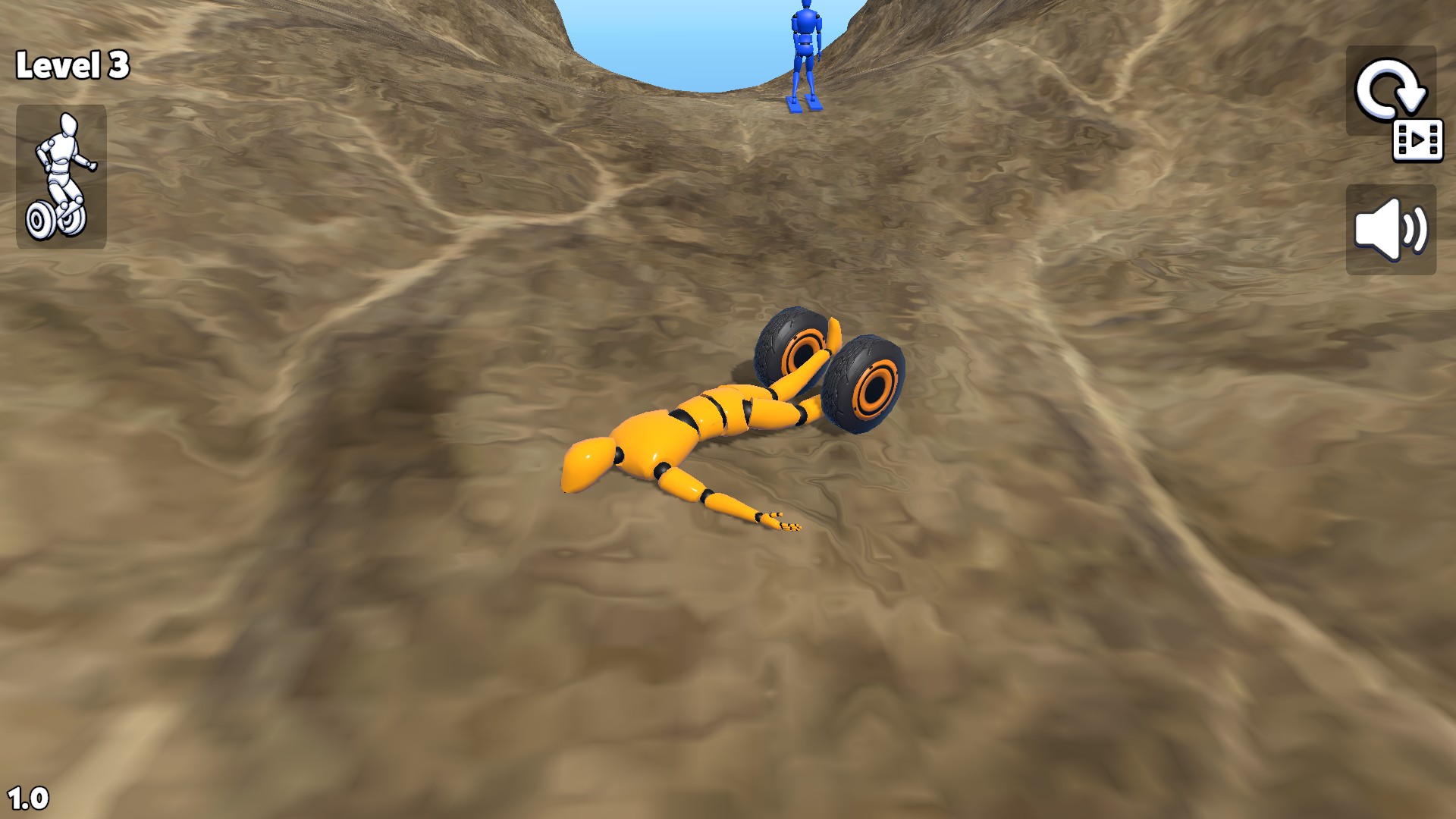
Tumble through a rocky canyon in Ragdoll Racing: Extreme Downhill!
Finish course brings up the completion screen so you can choose Next and keep going. Push strength gives the tyre-equipped ragdoll an adjustable push setting.
Browse extra equipment choices or open the color picker to recolor a ragdoll in the equipment menu.
Open this game through Bytonian Mods and choose a control from the categories below. Use the equipment menu for gear and paint choices, or apply Finish course during a run.
Adjust pushing strength for the tyre-equipped ragdoll.
View stat modifiers →Browse gear and recolor your ragdoll in the equipment menu.
View customisation options →Complete the current course and choose Next.
View game actions →Download the Windows app and follow the setup prompts.
Set up the browser extension in Chrome or Edge, then open the supported YouTube Playable. Follow the connection guide if the game is already running.
Review the available options in the app and choose the ones that suit how you play.