

Find a different feel for your pistol
Change the pistol’s upward push, kick and spin to suit the shots you want to try. Choose each percentage, then apply your settings while the pistol is equipped.
Requires the Windows app and the Bytonian Mods browser extension for Chrome or Edge. Browser setup guide

Set each pistol value
Choose lift from 20% to 300%, and kick and spin from 0% to 300%. Apply the settings with the pistol equipped. Set all three to 100% to return to their normal values.
Available stat modifiers
Pistol tuningPremium
Adjust your pistol’s lift, kick and spin with separate percentage settings.
Choose your percentages and apply them with the pistol equipped. Set all three to 100% and apply to return to normal strength.
These settings are for the equipped pistol.
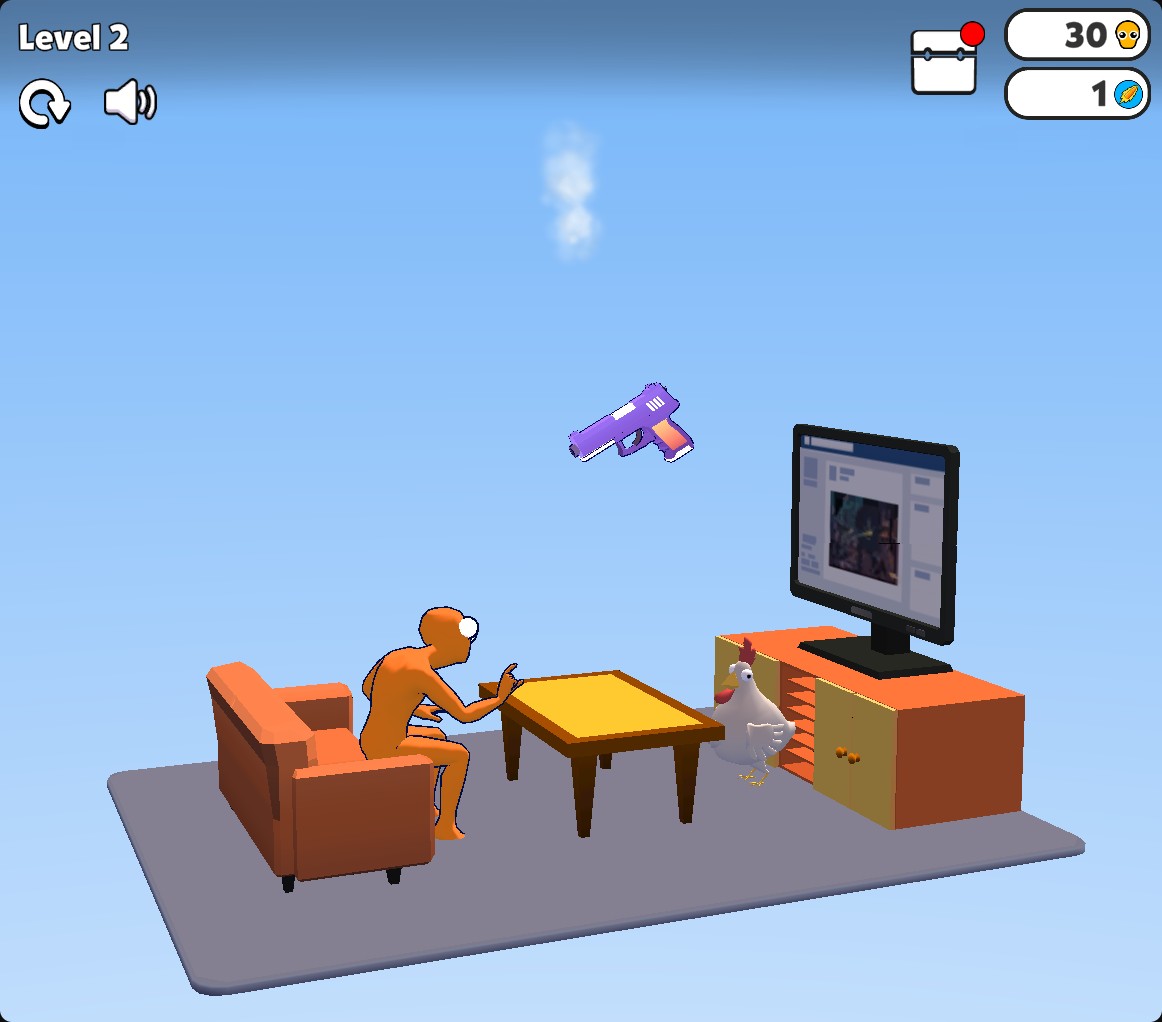
Find your pistol’s sweet spot
Adjust lift, kick and spin to try a different feel for your shots. Apply your settings with the pistol equipped.
More ways to customise Ragdoll Gun Shooter! Cannon Spinner Playground
- Ragdoll Gun Shooter! Cannon Spinner Playground game actions
Restart the current level or move on to the next.
- Ragdoll Gun Shooter! Cannon Spinner Playground progression systems
Add heads toward your next weapon unlock.
Questions about stat modifiers
- How do I return to the pistol’s normal settings?
- Set lift, kick and spin to 100%, then apply the settings with the pistol equipped.
Using these features
Choose the feature in the Windows app after connecting your game. Check its requirements before making a change.
Setup for Ragdoll Gun Shooter! Cannon Spinner Playground →