
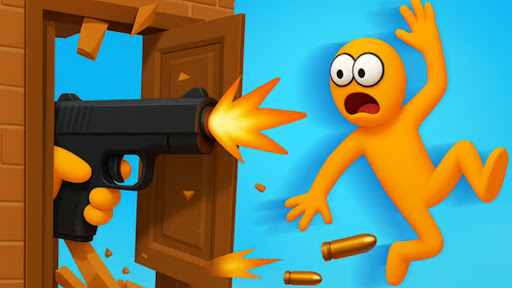
Stat Modifiers
1 optionChoose the pistol’s lift, kick and spin.
View stat modifiers →Add 15 heads toward your next weapon unlock, tune the equipped pistol's lift, kick and spin, or restart the current level for another shot. The Next level control moves you ahead one scene. Shots send your gun spinning, so timing still matters.
Requires the Windows app and the Bytonian Mods browser extension for Chrome or Edge. Browser setup guide

Start with free mods
Download Bytonian Mods for Windows and try these free features. Choose one to see how it works and any requirements.
Restart the current level and try a different approach to its targets.
Press the free restart control when you want another attempt.
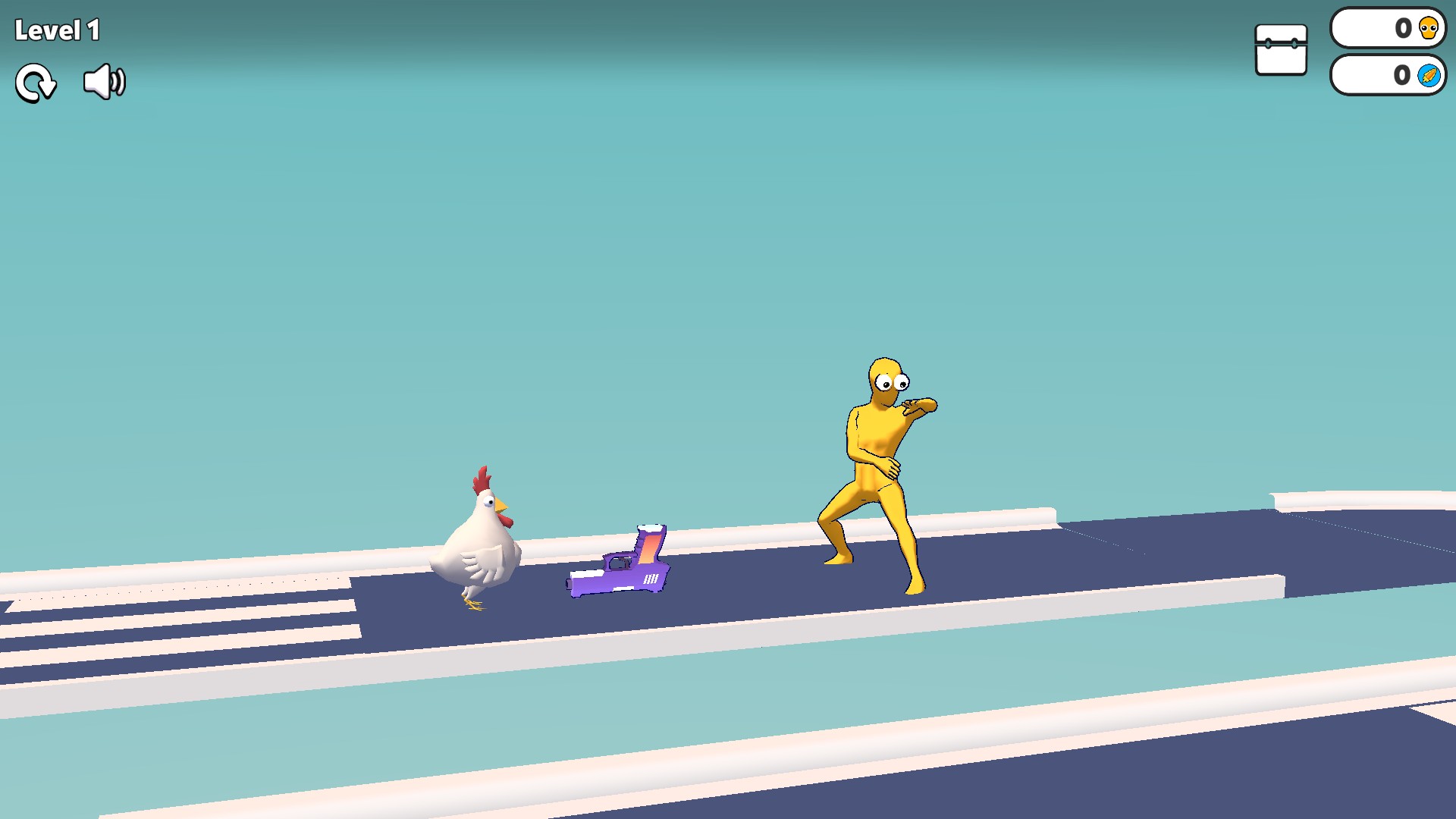
Line up your next shot
Send the pistol spinning and time your shots at the ragdoll targets.
Build up heads toward new weapons, tune the equipped pistol, or move on to the next scene. The free restart control gives you another attempt at the current level.
Open this game in Bytonian Mods and choose a control from its category. Keep the pistol equipped when applying pistol settings, and finish your current attempt before adding heads if you want to keep playing that scene.
Choose the pistol’s lift, kick and spin.
View stat modifiers →Restart the current level or move on to the next.
View game actions →Add heads toward your next weapon unlock.
View progression systems →Download the Windows app and follow the setup prompts.
Set up the browser extension in Chrome or Edge, then open the supported YouTube Playable. Follow the connection guide if the game is already running.
Review the available options in the app and choose the ones that suit how you play.