
Choose your starting cash balance
Choose the cash balance you want for the next race. Open Customize in Bytonian Mods, enter the amount and select Apply & reload.
Requires the Windows app and the Bytonian Mods browser extension for Chrome or Edge. Browser setup guide
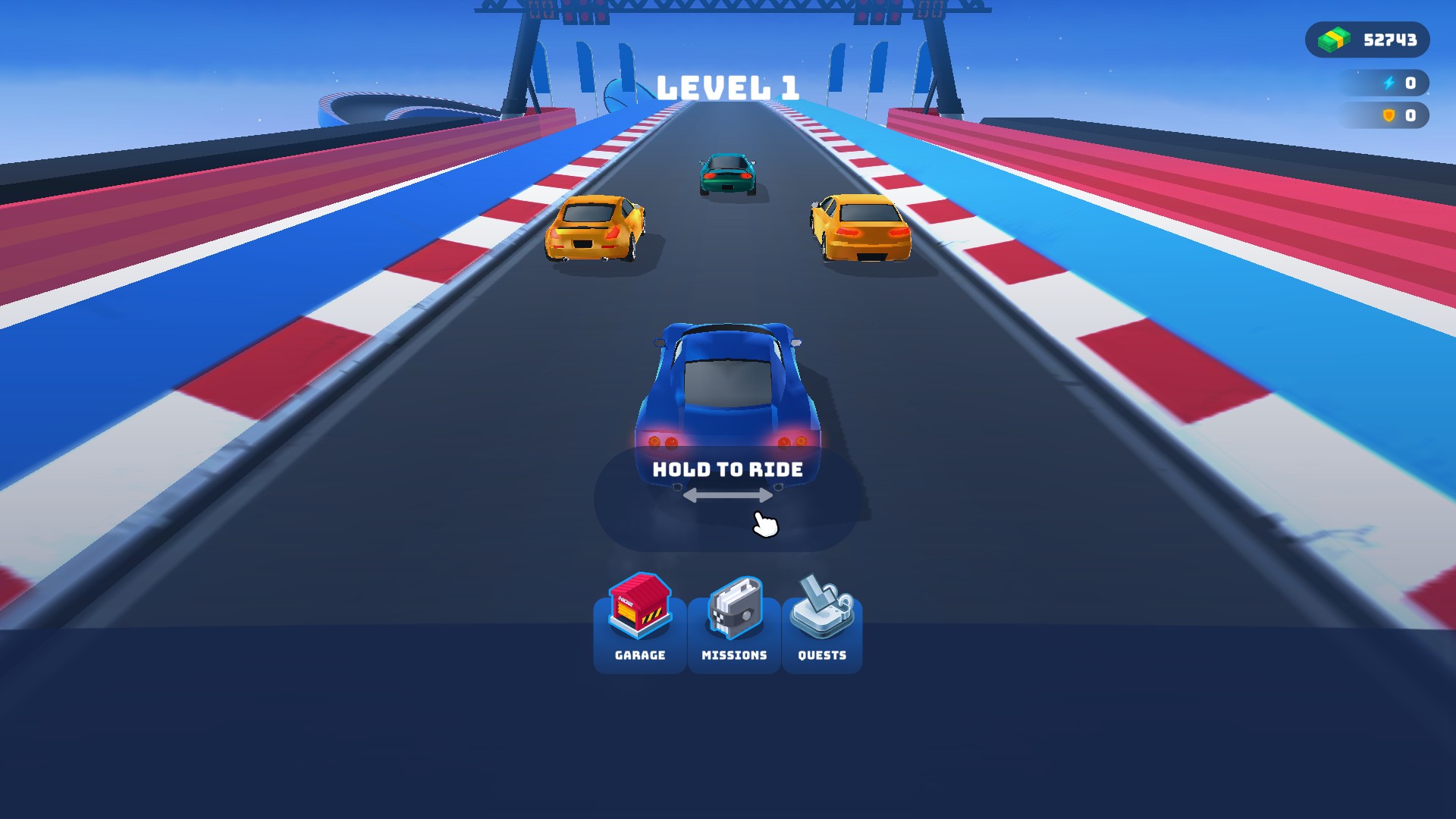
Start with 52,743 cash
Choose your cash balance before the next race. The counter here shows 52,743.
Available customisation options
CashFree
Choose the cash balance you want after Apply & reload.
Enter a whole number from 0 to 1,000,000, then Apply & reload.
Start the game once before using this option. It changes cash only; it does not unlock cars or add nitro or shields.
More ways to customise Race Master 3D
- Race Master 3D resources
Set or add cash while you play.
Questions about customisation options
- Why is Cash unavailable before I start playing?
- Load the game once so it can create your player progress, then open Customize again.
Using these features
Connect your game, then open Customise in the Windows app. Choose an option, check its available values and follow its instructions. Each option lists its own requirements and limits.
Setup for Race Master 3D →