
Set Cash, Gems and Tokens for Pizza Ready!
Set Cash for restaurant builds, while Gems and Tokens have their own balance controls. Choose each amount separately to match your plans.
Requires the Windows app and the Bytonian Mods browser extension for Chrome or Edge. Browser setup guide

Cash for your next addition
Choose your cash total and walk to a building spot to keep expanding your restaurant. The cash counter catches up when you make a normal purchase.
Gems and tokens
Enter the gem or token total you want and apply it. Each control updates its own on-screen counter, so you can see the new balance straight away.
Available resources
CashPremium
Choose your cash balance and put it toward your next restaurant build.
Enter your desired total, apply it, then walk to a building spot as usual.
The cash counter catches up after a normal purchase.
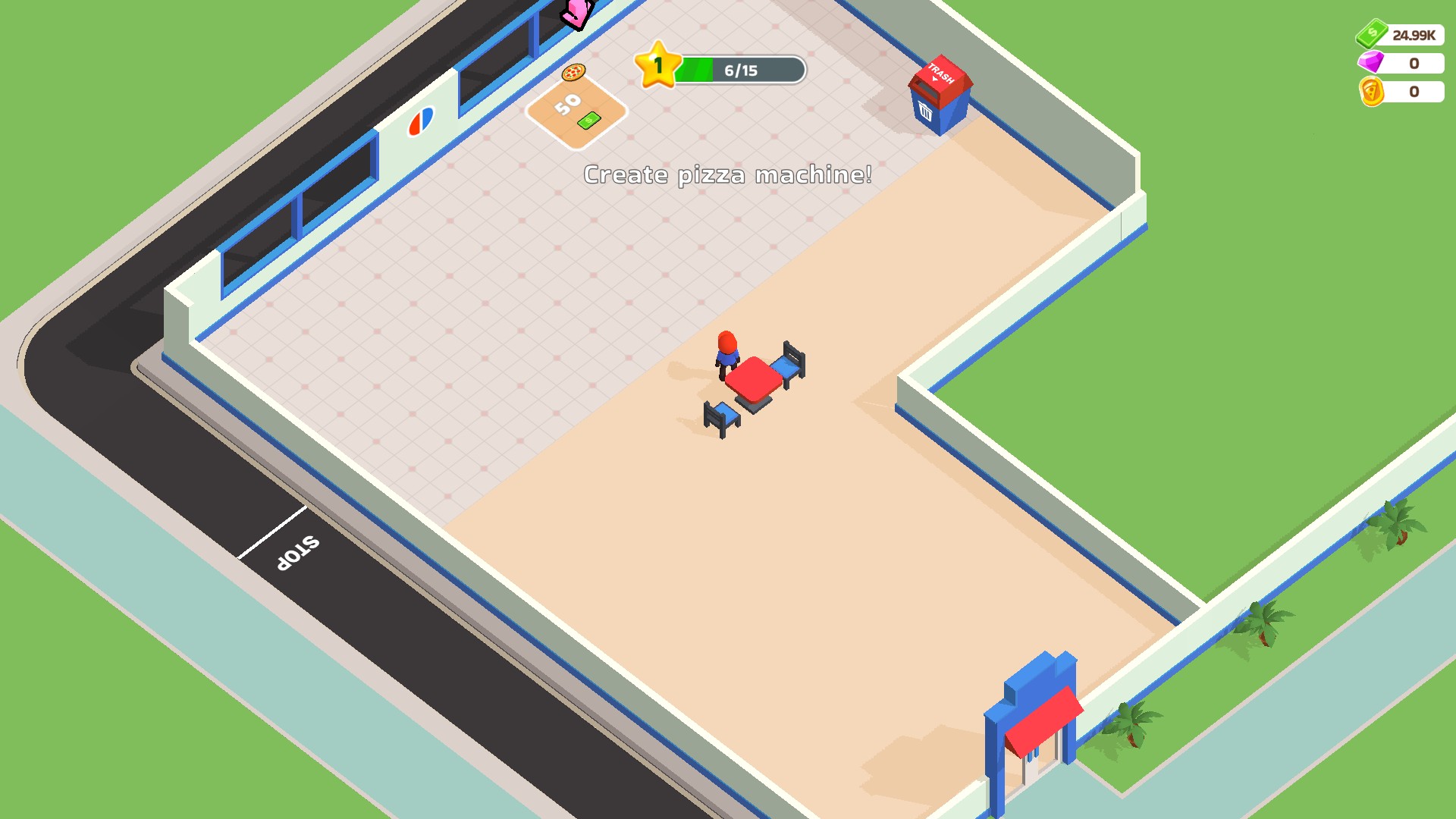
Cash for your next restaurant build
Build your restaurant at your own pace. This restaurant has a new table and 24.99K cash ready for its next addition.
GemsPremium
Set your gem balance to the amount you want.
Enter your desired gem total and apply it to update the counter.
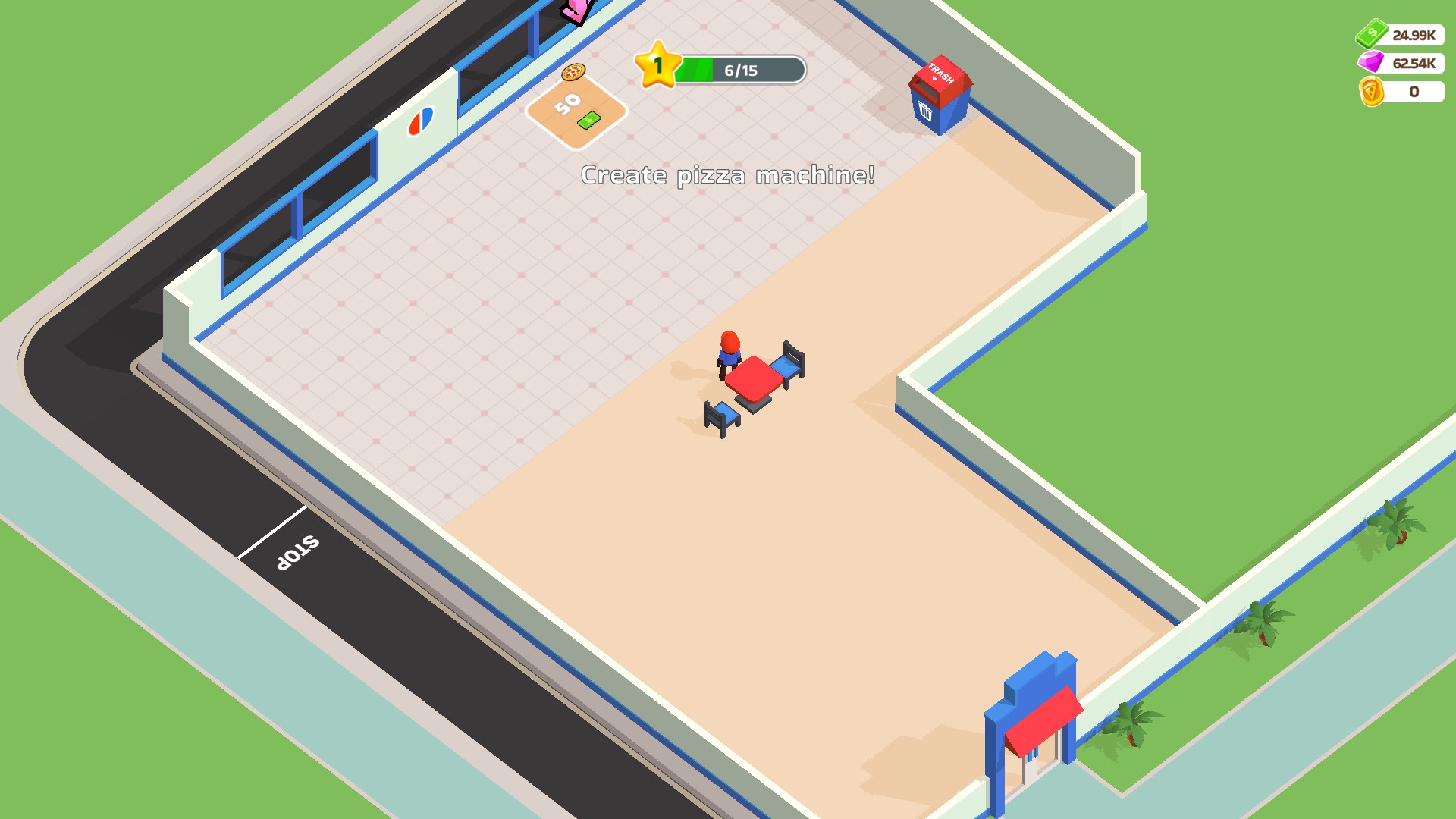
Your gem balance, your choice
Set your gem balance to suit your plans. Here, the restaurant has 62.54K gems.
TokensPremium
Choose your token balance independently of cash and gems.
Enter your desired token total and apply it to update the counter.
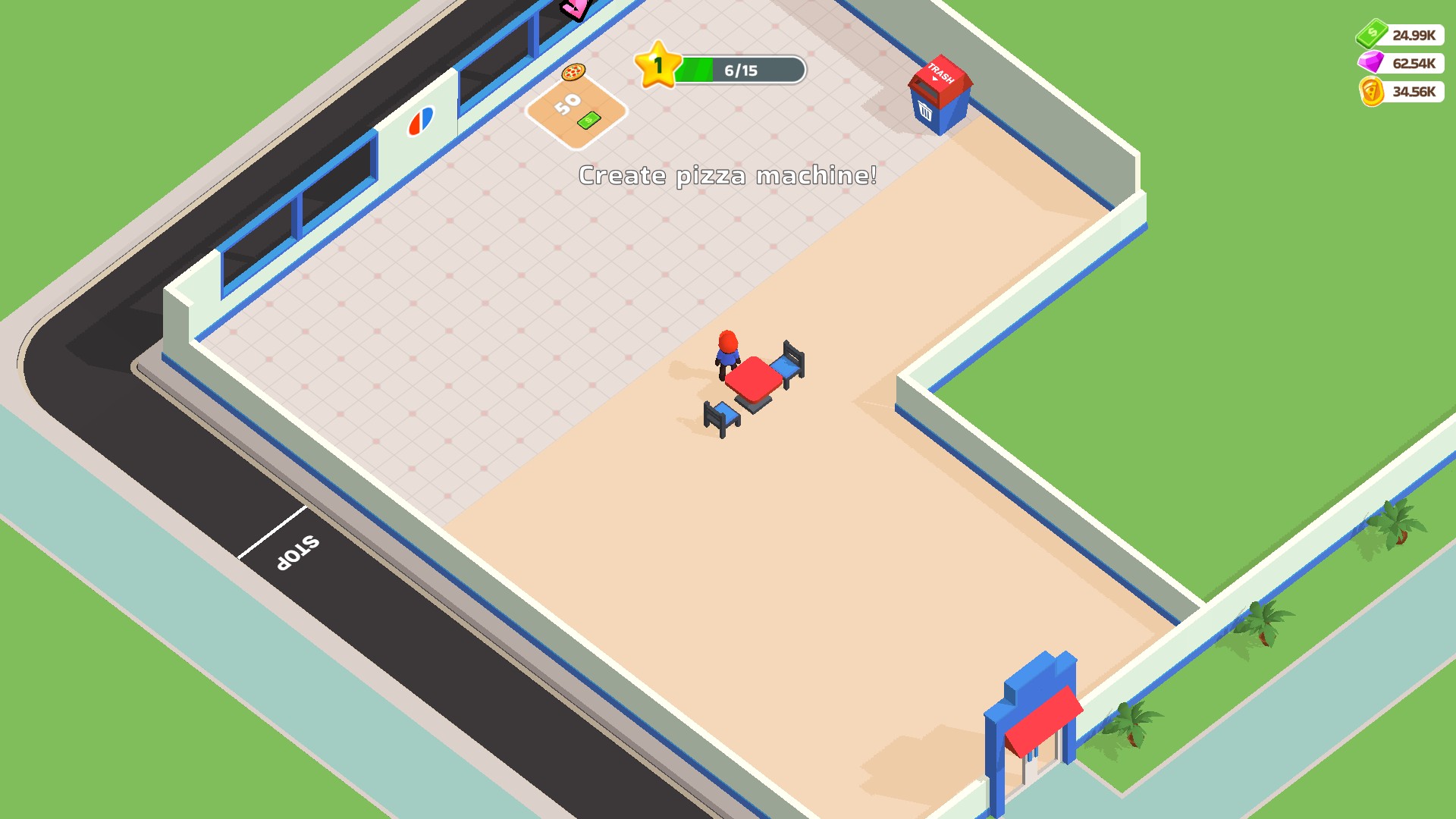
Set your token balance
Choose how many tokens you want. This restaurant has 34.56K tokens on hand.
More ways to customise Pizza Ready!
- Pizza Ready! ability modifiers
Ride a Segway with your usual movement controls.
Using these features
Choose the feature in the Windows app after connecting your game. Check its requirements before making a change.
Setup for Pizza Ready! →