
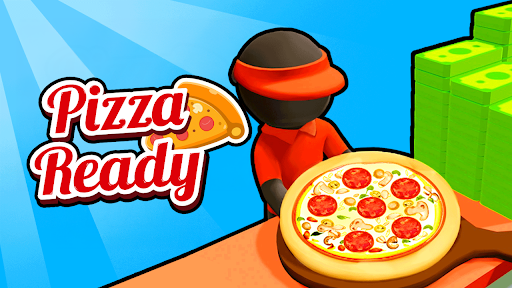
Resources
3 optionsSet cash, gems and tokens independently.
View resources →Choose Cash for your next restaurant build, set Gems and Tokens separately, or take the free Segway around your restaurant. Build the pizza shop through its normal construction spots and steer the Segway with the usual controls.
Requires the Windows app and the Bytonian Mods browser extension for Chrome or Edge. Browser setup guide
Start with free mods
Download Bytonian Mods for Windows and try these free features. Choose one to see how it works and any requirements.
Hop onto a Segway and ride around your restaurant.
Press Ride a segway, then steer with the usual movement controls.
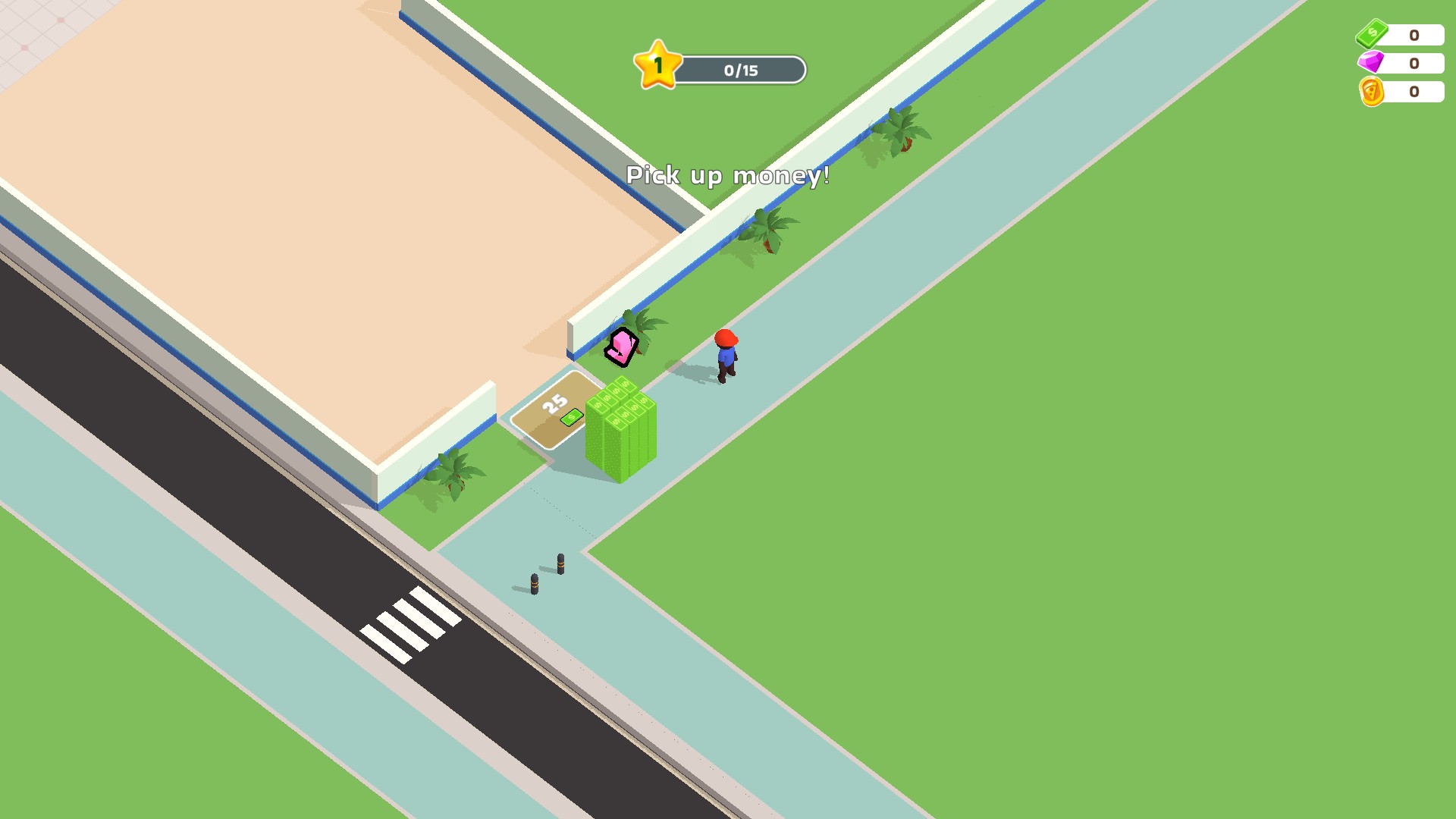
Start your restaurant in Pizza Ready!
Pick up your starting cash and begin turning an empty space into your own restaurant.
Currency controls let you set cash, gems and tokens individually. The free Segway action gives you another way to get around while keeping the usual movement controls.
Open Pizza Ready! through Bytonian Mods and let your restaurant load. Select the control you want, then enter a balance or press Ride a segway. Continue playing with your usual movement controls.
Set cash, gems and tokens independently.
View resources →Ride a Segway with your usual movement controls.
View ability modifiers →Download the Windows app and follow the setup prompts.
Set up the browser extension in Chrome or Edge, then open the supported YouTube Playable. Follow the connection guide if the game is already running.
Review the available options in the app and choose the ones that suit how you play.