
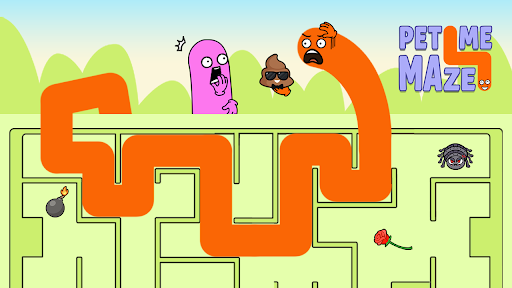
A nudge, a new puzzle or a fresh start
Choose a control to suit the moment: follow a helpful route, leave a puzzle for something new, or return to the beginning and rethink your path.
Requires the Windows app and the Bytonian Mods browser extension for Chrome or Edge. Browser setup guide

Keep your puzzle moving
Hints reveal a dotted route toward the target. Next puzzle takes you to a different challenge, while Restart brings the current puzzle back to its beginning.
Use one control at a time while a puzzle is open. For setup, see the game overview.
Available game actions
Next puzzlePremium
Move on to a fresh puzzle when you feel like a change.
Press Next puzzle while a puzzle is open. Tap the highlighted object if the new puzzle begins with an introduction.
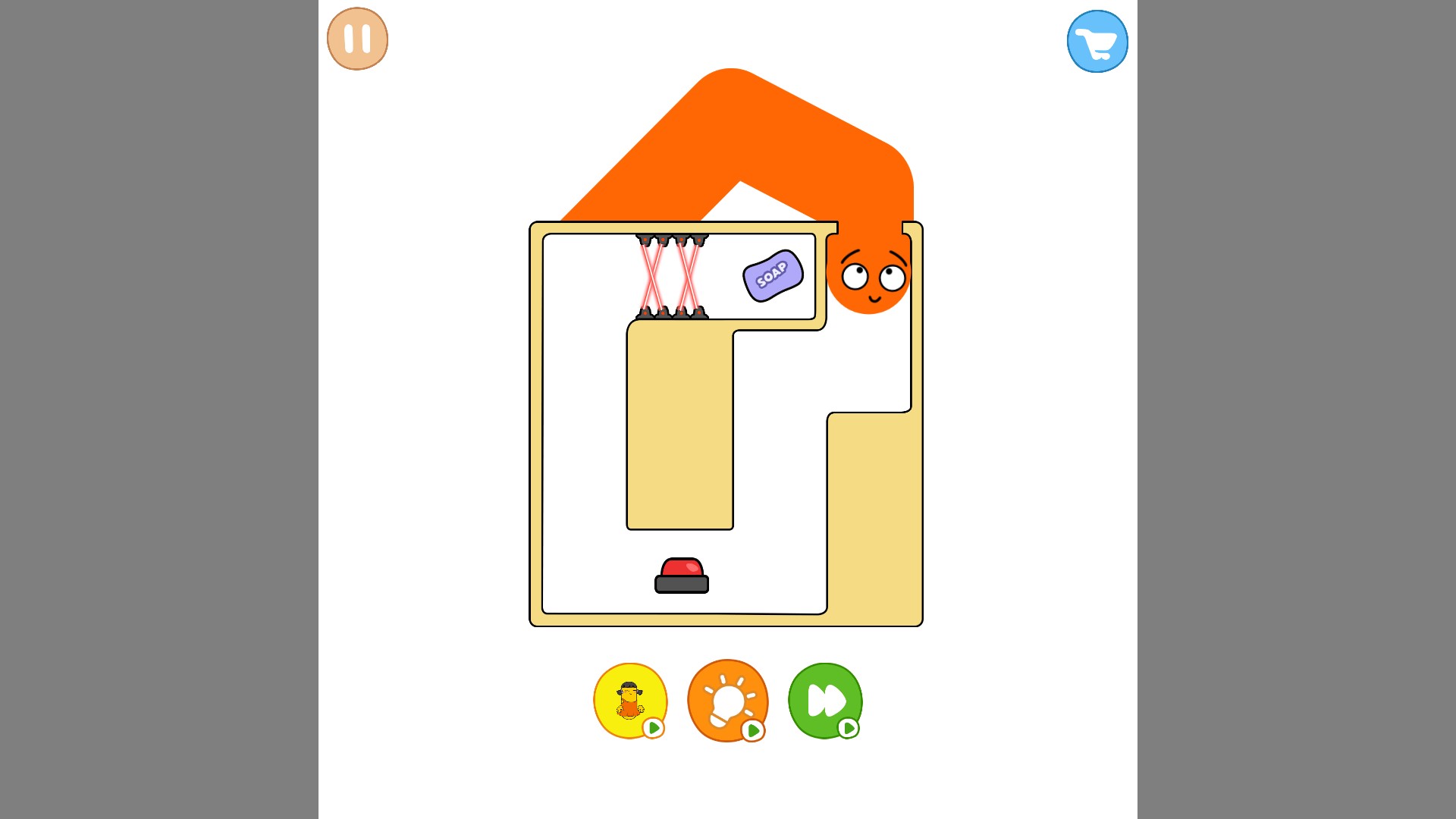
Try a fresh puzzle
Move on to a new challenge, like this maze with lasers and a bar of soap.
Restart puzzleFree
Start the current puzzle again and try a fresh route.
Press Restart puzzle to reset your attempt. Tap the highlighted object to enter the maze again after its introduction.
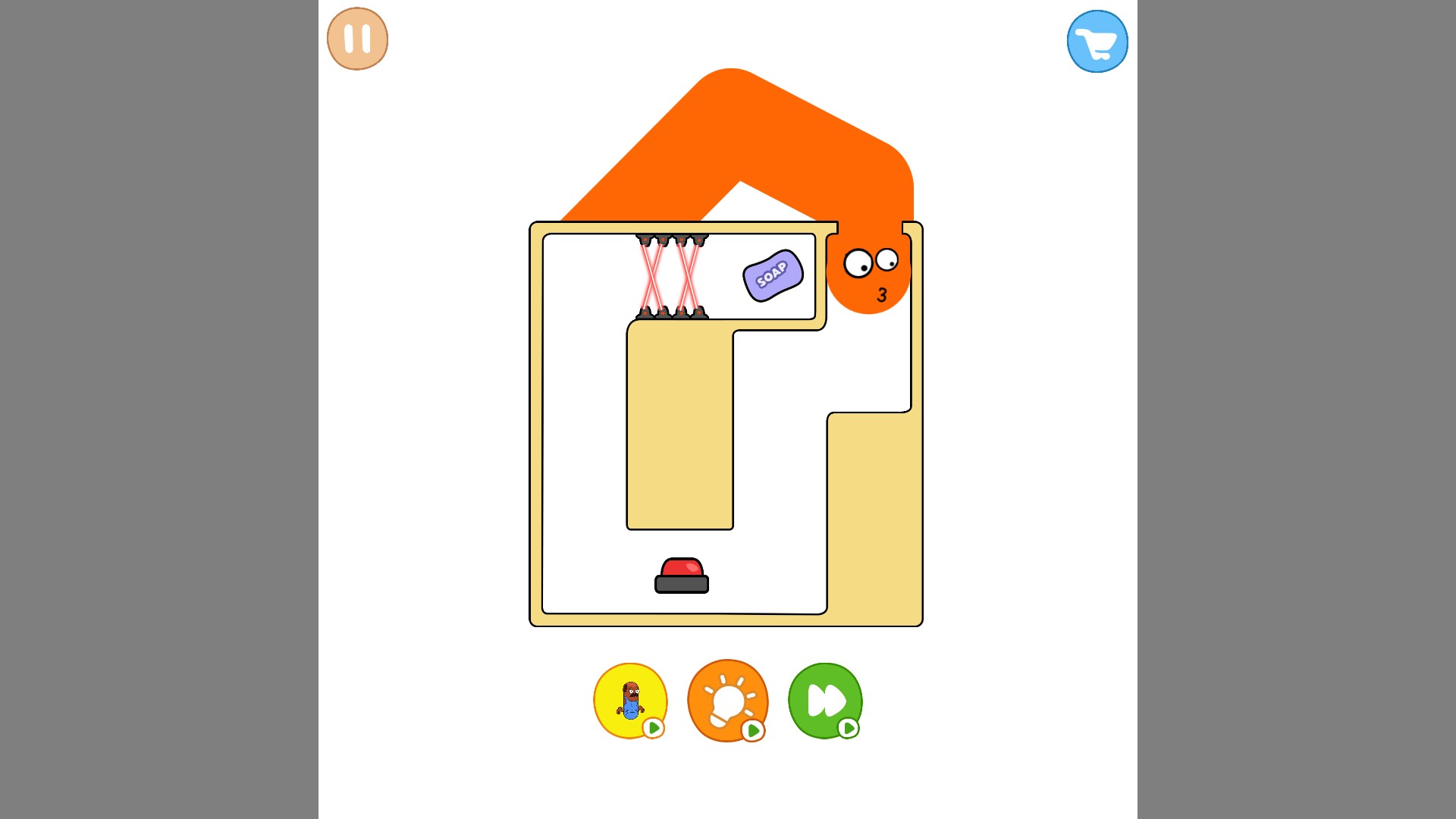
Take a fresh approach
Restart the puzzle and try a new route from the beginning.
Show a puzzle hintPremium
Reveal a dotted route through the maze when you need help finding the way.
Enter the maze, then press Show a puzzle hint.
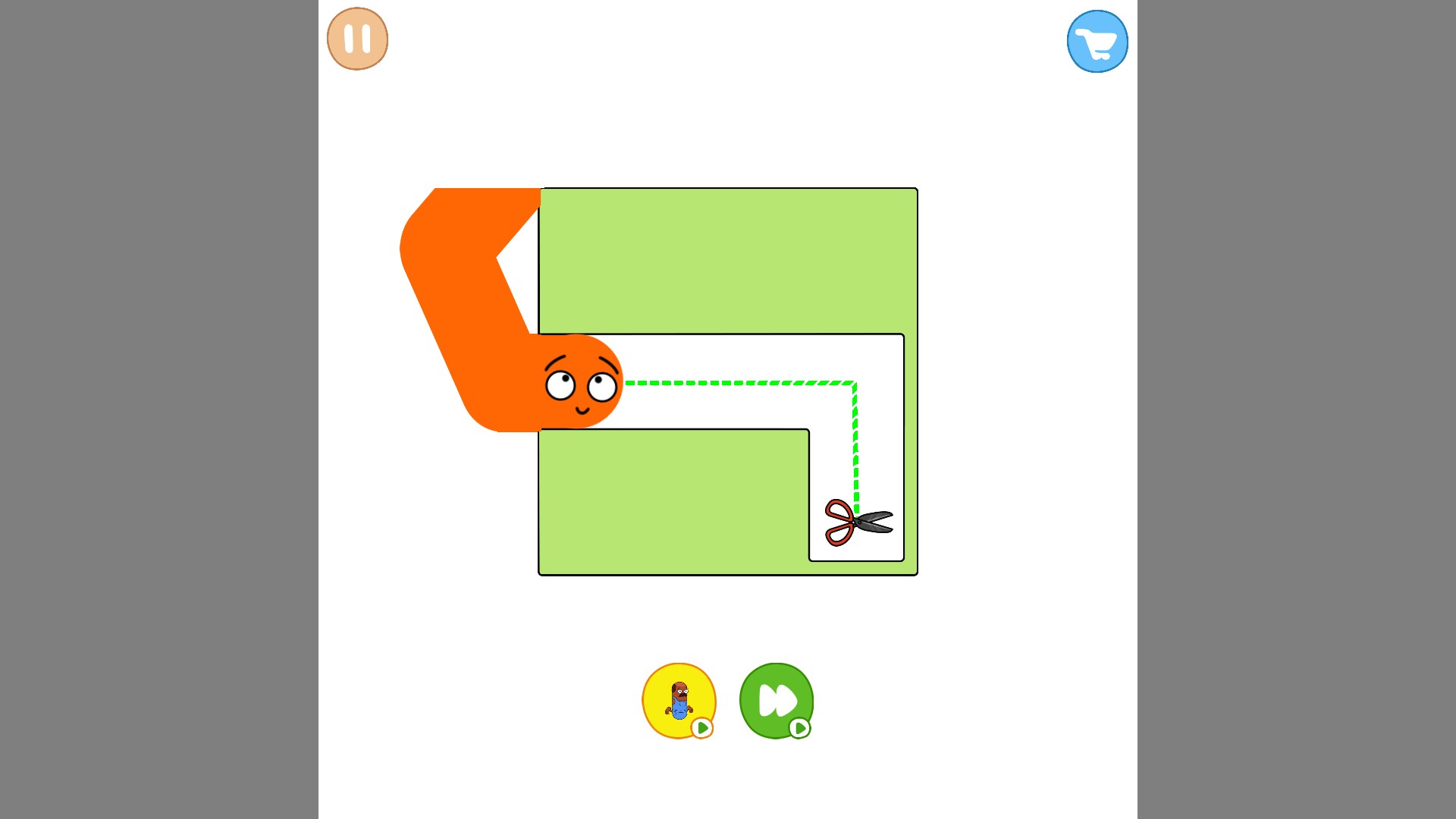
Find your way through the maze
Reveal a helpful route to the scissors when you need a nudge.
Using these features
Choose the feature in the Windows app after connecting your game. Check its requirements before making a change.
Setup for Pet Me Maze →