
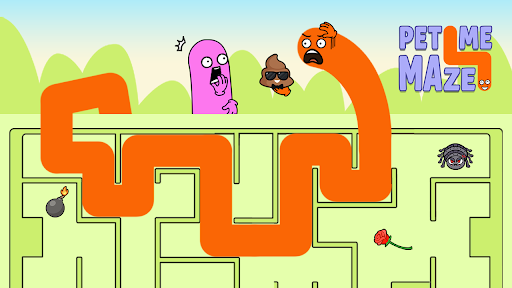
Game Actions
3 optionsThree simple ways to take charge of your next maze attempt.
View game actions →Reveal a dotted route when a target is hard to reach, move on to a new puzzle, or restart the current maze for another try. Stretch your character around walls and hazards to reach objects such as scissors and soap.
Requires the Windows app and the Bytonian Mods browser extension for Chrome or Edge. Browser setup guide

Start with free mods
Download Bytonian Mods for Windows and try these free features. Choose one to see how it works and any requirements.
Start the current puzzle again and try a fresh route.
Press Restart puzzle to reset your attempt. Tap the highlighted object to enter the maze again after its introduction.
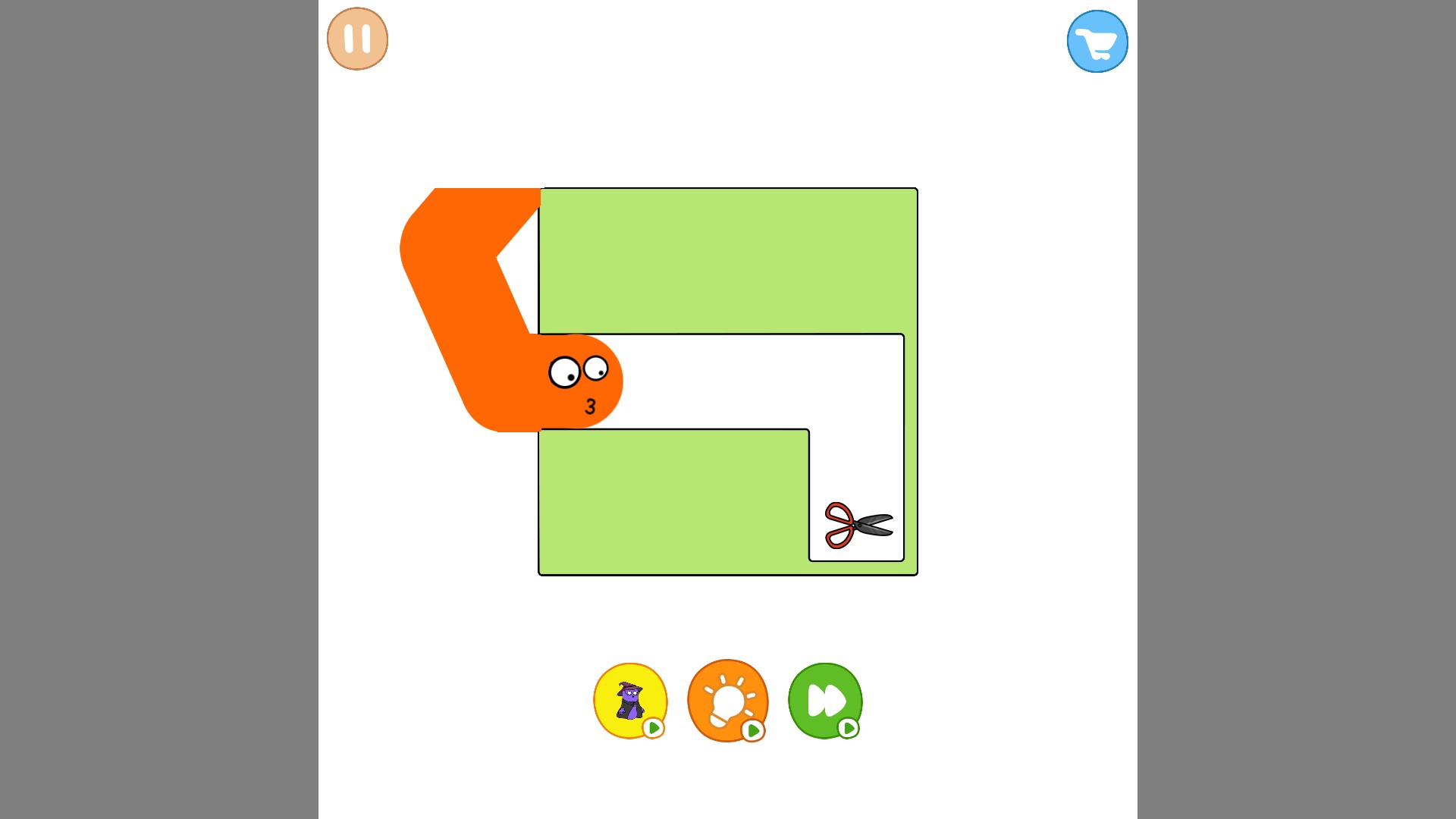
Stretch your way through Pet Me Maze
Guide the stretchy character through winding paths to reach the object at the end.
Keep working on a tricky maze with a route hint, move on when you want a change, or reset the puzzle to try another path. Restart is Free; hints and the next-puzzle control are Premium.
Open Pet Me Maze through Bytonian Mods and enter a puzzle before using its controls. If a puzzle begins with a short introduction, tap the highlighted object to enter the maze.
Three simple ways to take charge of your next maze attempt.
View game actions →Download the Windows app and follow the setup prompts.
Set up the browser extension in Chrome or Edge, then open the supported YouTube Playable. Follow the connection guide if the game is already running.
Review the available options in the app and choose the ones that suit how you play.