

Find your climbing and movement pace
Change the feel of normal climbing and movement without choosing a replacement travel style. Adjust each part separately to suit the route.
Climb and jump with your own settings
Choose normal wall-climbing pace, rope and chain pace, walking and sprinting force, or jump strength. Fly, Free Walk and Board keep their own Movement controls, so ordinary walking and jump settings yield while those styles are active.
Handle nearby supplies
Choose throw strength and charge duration for normal held items. Increase interaction reach to bring a nearby item into range, then use its usual prompt.
Sprint, jump and use equipment your way
Set sprint pace separately from walking, change normal gravity or reduce jetpack fuel use. These controls yield to Fly, Free Walk and Board, which retain their own Movement settings.
Choose a comfortable lantern brightness and reduce its flicker. Your lantern still needs to be lit and still uses fuel. Rope cannon adjustments retain normal ammo use and the game's rope segment limit.
Available stat modifiers
Climbing pacePremium
Speed up or slow down your normal wall climbing to suit the route.
GravityPremium
Change the gravity used by your normal character movement to alter the feel and airtime of jumps.
Choose a gravity percentage. Lower values give a gentler fall; higher values bring you down sooner. Movement styles keep their own controls.
This changes gravity rather than jump strength.
Interaction reachPremium
Reach nearby items and interaction prompts from farther away.
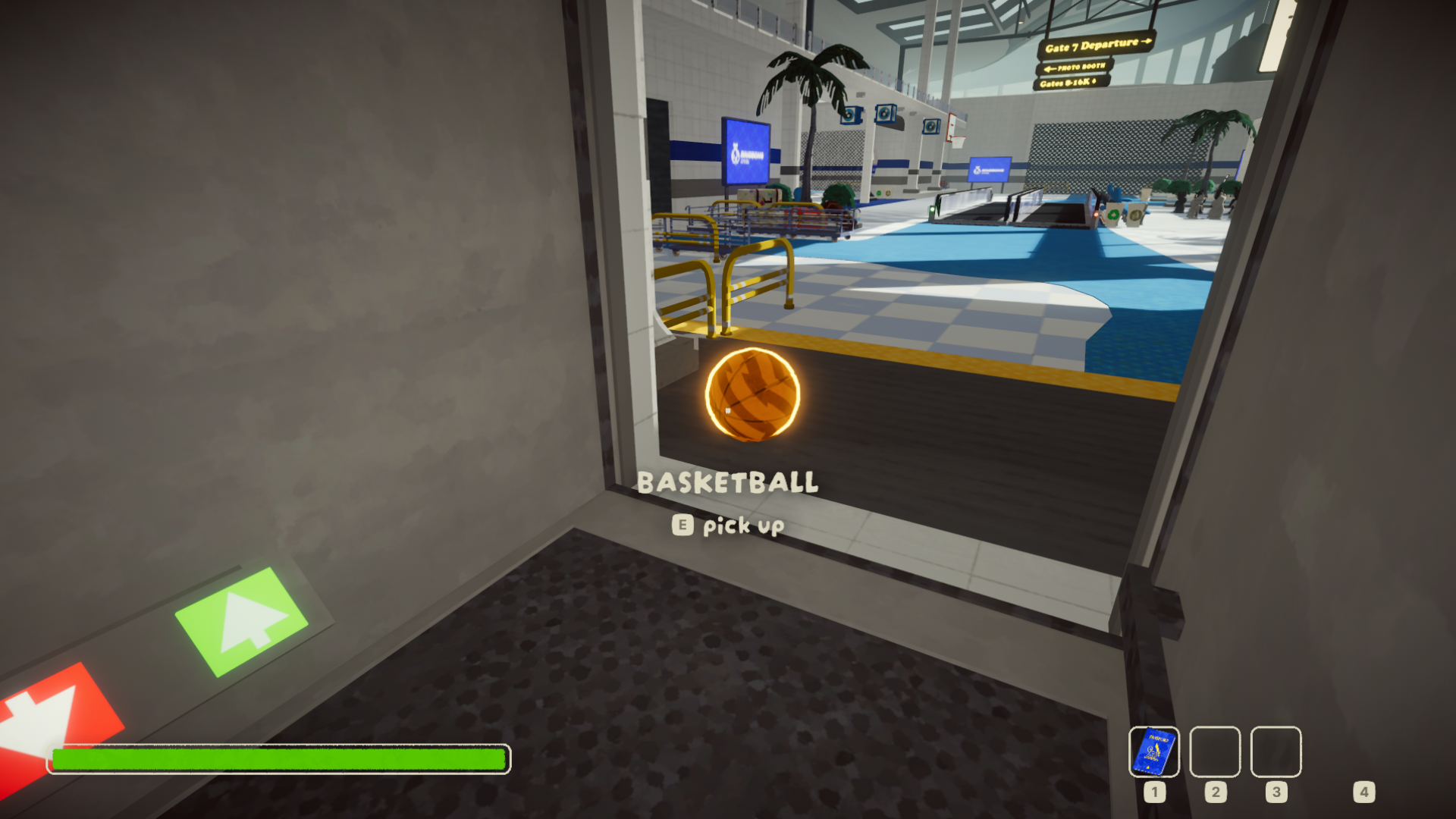
Reach supplies a little farther away
Adjust normal interaction reach to pick up nearby supplies from a more comfortable distance.
Item handlingPremium
Throw normal held items harder or more gently, and choose how long it takes to charge a throw.
Jetpack EfficiencyPremium
Make your equipped jetpack use fuel more slowly, or increase its fuel use for a tougher climb.
Wear a jetpack normally, set fuel use and use the normal jetpack control. 100% keeps normal consumption.
You still need a jetpack with fuel. Movement styles use their own movement controls.
Jump powerPremium
Give normal jumps more lift or lower their strength. Free Walk and Board use their own jump settings.
Lantern ComfortFree
Reduce flicker and choose a comfortable brightness for your held lantern.
Light the lantern normally, then adjust Flicker and Brightness while holding it. 0% Flicker gives steady light;100% keeps normal flicker.
Fuel use stays normal.
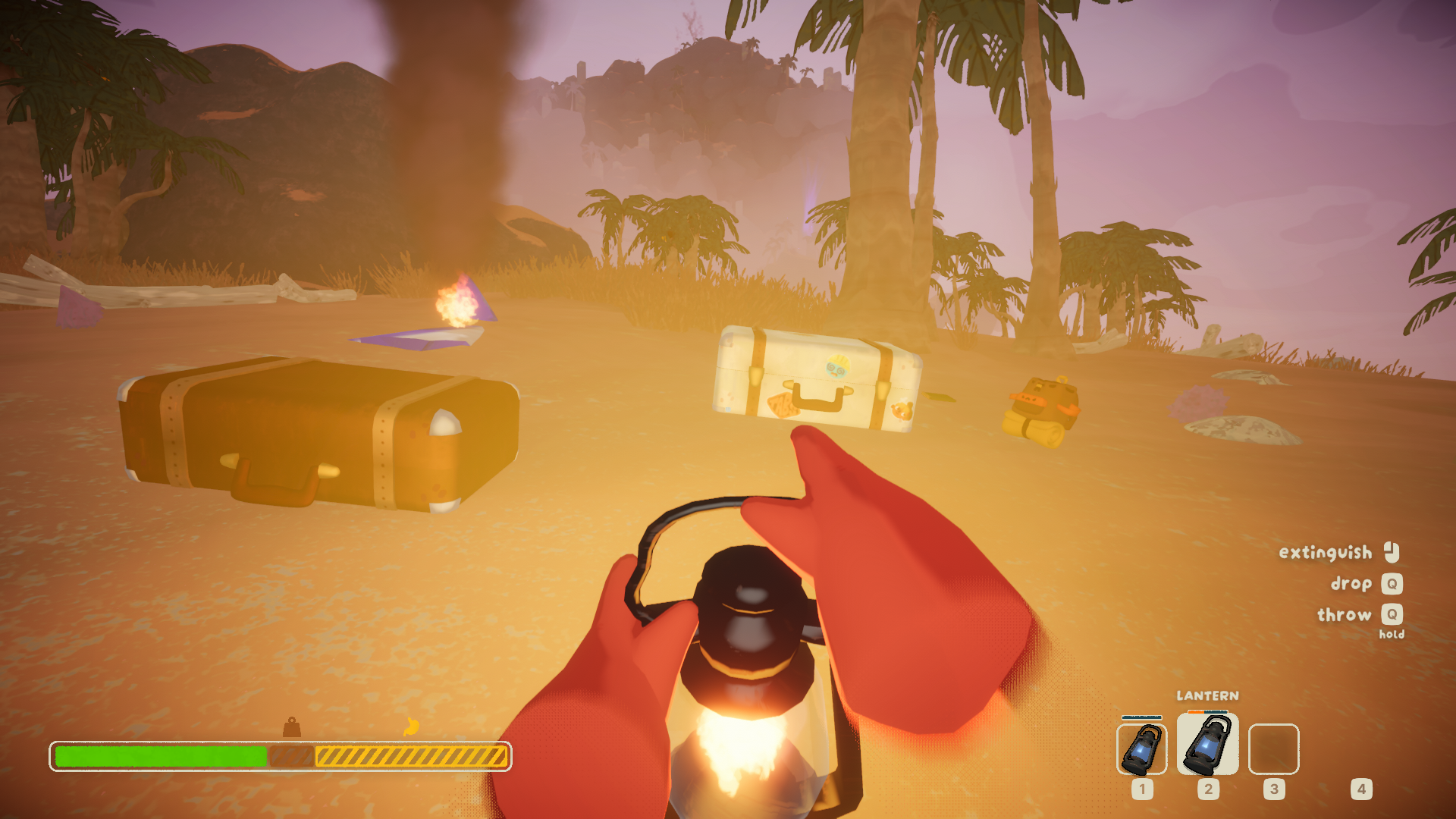
Adjust your lantern light
Reduce lantern flicker and adjust the brightness while exploring. Your lantern still uses fuel normally.
Recovery PacePremium
Recover from poison, drowsiness, heat and spores at your chosen pace, with a separate setting for each effect.
Set each recovery rate. 100% keeps normal recovery; 200% doubles the rate after recovery begins.
Normal recovery delays still apply. This does not instantly clear an effect or prevent a new one.
Rope and chain pacePremium
Change how quickly you climb ropes and climbable chains.
Rope ShooterPremium
Tune the held rope cannon's requested rope length and aiming reach in a private PC game you host.
Equip a rope cannon, choose the settings and fire it normally.
Ropes keep PEAK's normal segment limit and shots still use ammo. This control does not create unlimited ropes.
Sprint PacePremium
Adjust sprinting while using PEAK's normal movement controls. Choose a gentler pace or cover ground more quickly.
Set sprint pace, enable the control and sprint normally. Fly, Free Walk and Board use their own Movement settings.
Walking and sprint pacePremium
Adjust walking and sprinting while using the normal game controls. Fly, Free Walk and Board use their own Movement settings.
More ways to customise PEAK
- PEAK rule modifiers
Choose stamina costs, survival protections and cooking pace alongside the existing rules.
- PEAK ability modifiers
Choose Fly, Free Walk, or Board from one Movement control, with settings for the way each style handles.
- PEAK perspective modifiers
A comfortable view, nearby supply labels and a simple height-and-heading display.
- PEAK game actions
Free item spawning, custom gear, bonus stamina and status clearing.
Using these features
Choose the feature in the Windows app after connecting your game. Check its requirements before making a change.
Setup for PEAK →