

Choose supplies, tools and stamina actions
Prepare supplies for your route, equip an original tool, choose bonus stamina or clear the effects holding your character back.
Give your stamina bar room again
Hunger and other status effects can reduce the stamina you have available. Clear Status Effects removes the current effects from your character. New effects can build up again as you play.
Choose supplies from the Spawn tab
Browse 181 items across food, climbing equipment, mystical items and supplies. Select a quantity up to five and leave clear space in front of you. Spawn is available for solo play or a private PC game you host.
Put original tools to work
The Physics Gun lifts and repositions movable objects. The Tool Gun freezes props, creates fresh copies and undoes its own changes. Pocket Pulse and Ranger Rifle push loose items. The Portal Gun creates paired views so you can look through the other end.
Holster Gear before normal climbing. Use these tools in a private PC game you host. Aim the guns at objects. Use the Portal Gun’s linked views to look through the other end.
Set extra stamina
Choose your bonus amount and apply it to your own character. A zero bonus removes the extra stamina.
Available game actions
Bytonian GearFree
Equip the Physics Gun, the Tool Gun, Pocket Pulse, Ranger Rifle or the Portal Gun in a private PC game you host. Move loose props, make copies or experiment with linked views. Holster your tool before normal climbing.
Holster before climbing. Aim Pocket Pulse and Ranger Rifle at loose items to push them. Use the Portal Gun’s linked portals for viewing only.
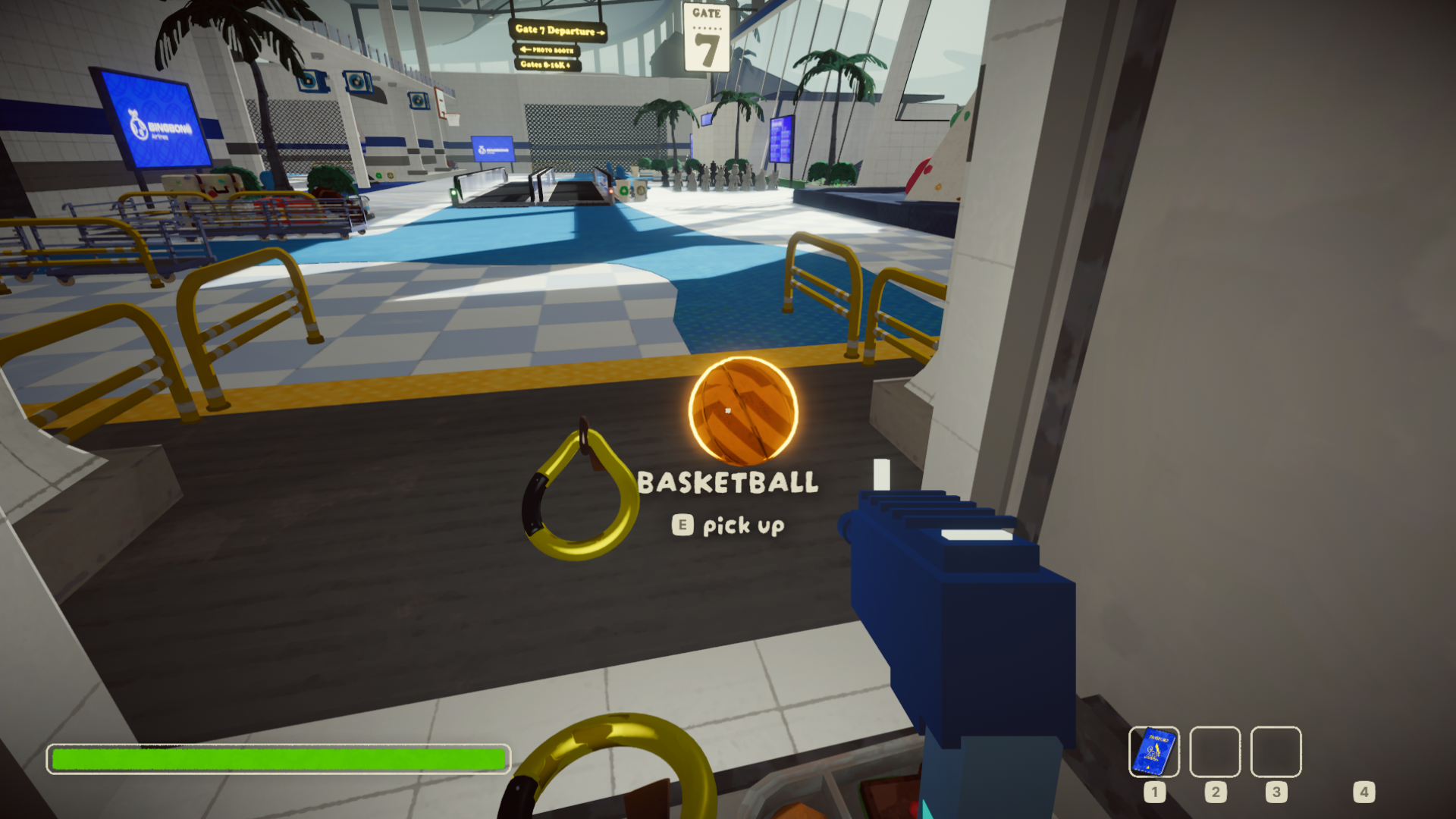
Original gear in PEAK
Equip original tools in solo play or a private PC game you host. Use Tether and Workshop with loose items, or try item-pushing shots and linked portal views.
Clear status effectsPremium
Clear the status effects on your own character in solo play or a private co-op session.
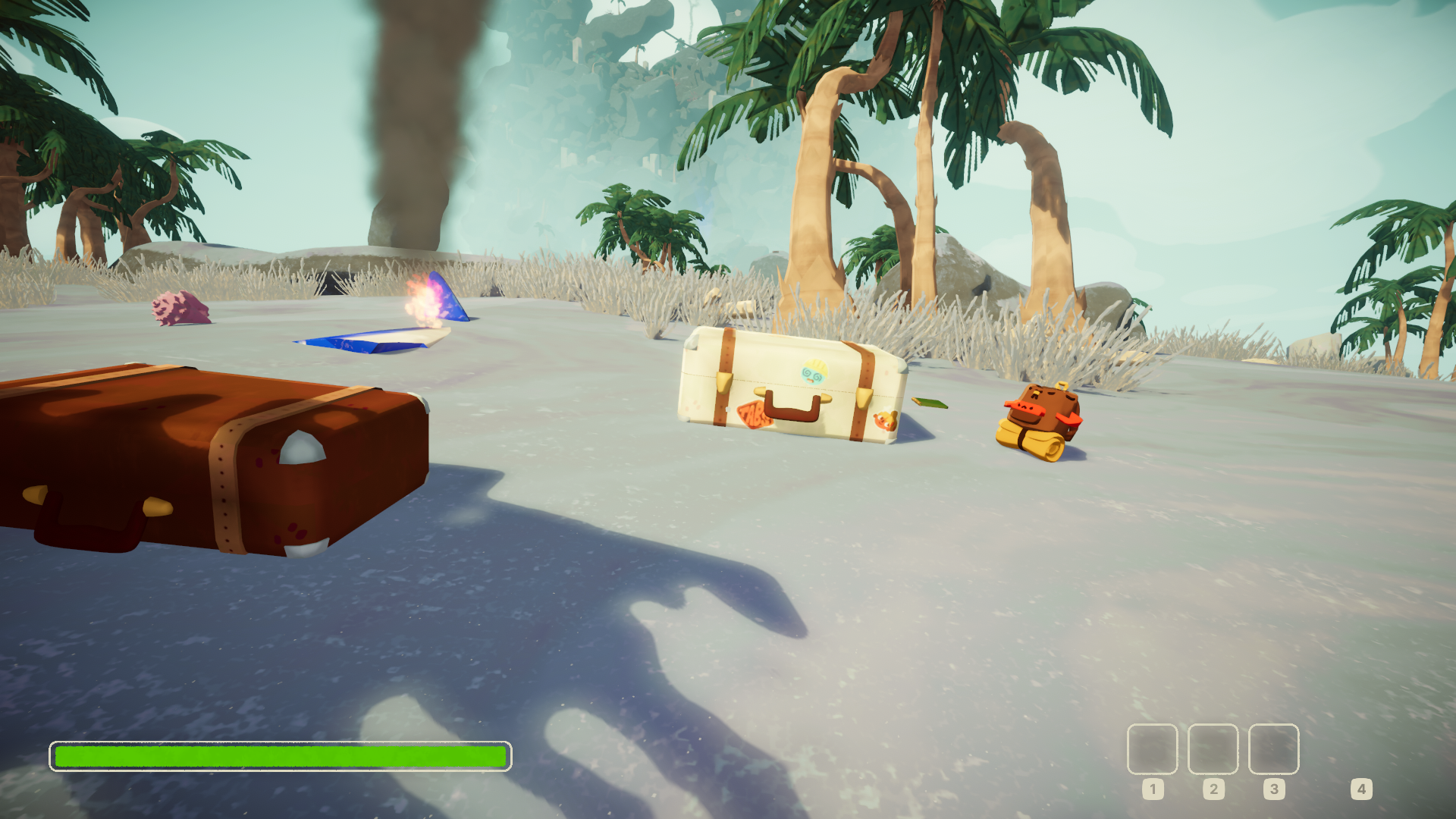
Clear your status effects
Clear the status effects on your own character and recover the space they used in your stamina bar.
Physics GunFree
Lift and reposition loose objects with the Physics Gun in a private PC game you host.
Equip the Physics Gun through Bytonian Gear. Holster it before normal climbing.
Pocket PulseFree
Use Pocket Pulse to push loose items in a private PC game you host.
Equip it through Bytonian Gear. Holster it before normal climbing; it does not target players.
Portal GunPremium
Place linked views with the Portal Gun in a private PC game you host and look through the other end.
Equip the Portal Gun through Bytonian Gear. Use the linked portals for viewing only, then holster it before normal climbing.
Ranger RifleFree
Use Ranger Rifle to push loose items in a private PC game you host.
Equip it through Bytonian Gear. Holster it before normal climbing; it does not target players.
Set bonus staminaFree
Choose extra stamina for your own character and press Apply. Set it to zero to remove the bonus.
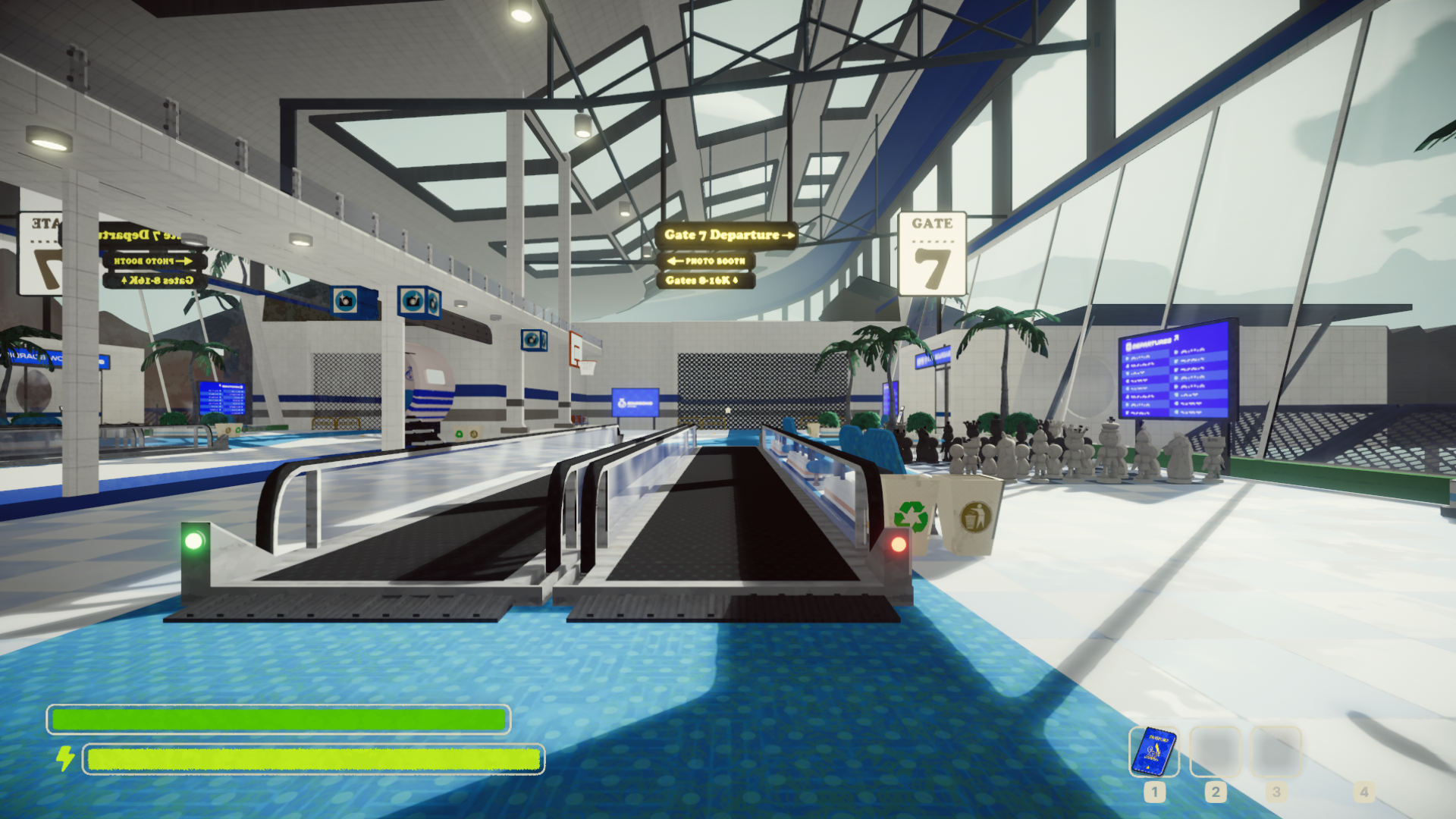
Set your bonus stamina
Choose how much extra stamina your character has, up to the game’s current limit.
SpawnFree
Browse and spawn food, climbing equipment, mystical items and supplies from the free Spawn tab. Choose an item and quantity for solo play or a private PC game you host.
What you can spawn
- Climbing equipment (3)
- Including PITON, ROPE CANNON, ROPE SPOOL.
- Food (49)
- Including AIRLINE FOOD, BIG EGG, BIG LOLLIPOP, BIG LOLLIPOP (Variant 2), BLACK CLUSTERBERRY.
- Mystical items (15)
- Including ANCIENT IDOL, ANTI-ROPE CANNON, ANTI-ROPE SPOOL, ANTI-ZOOKA, CURE-ALL.
- Supplies and tools (114)
- Including ALOE VERA, ANTIDOTE, AUTO-PARACHUTE, BACKPACK, BALLOON.
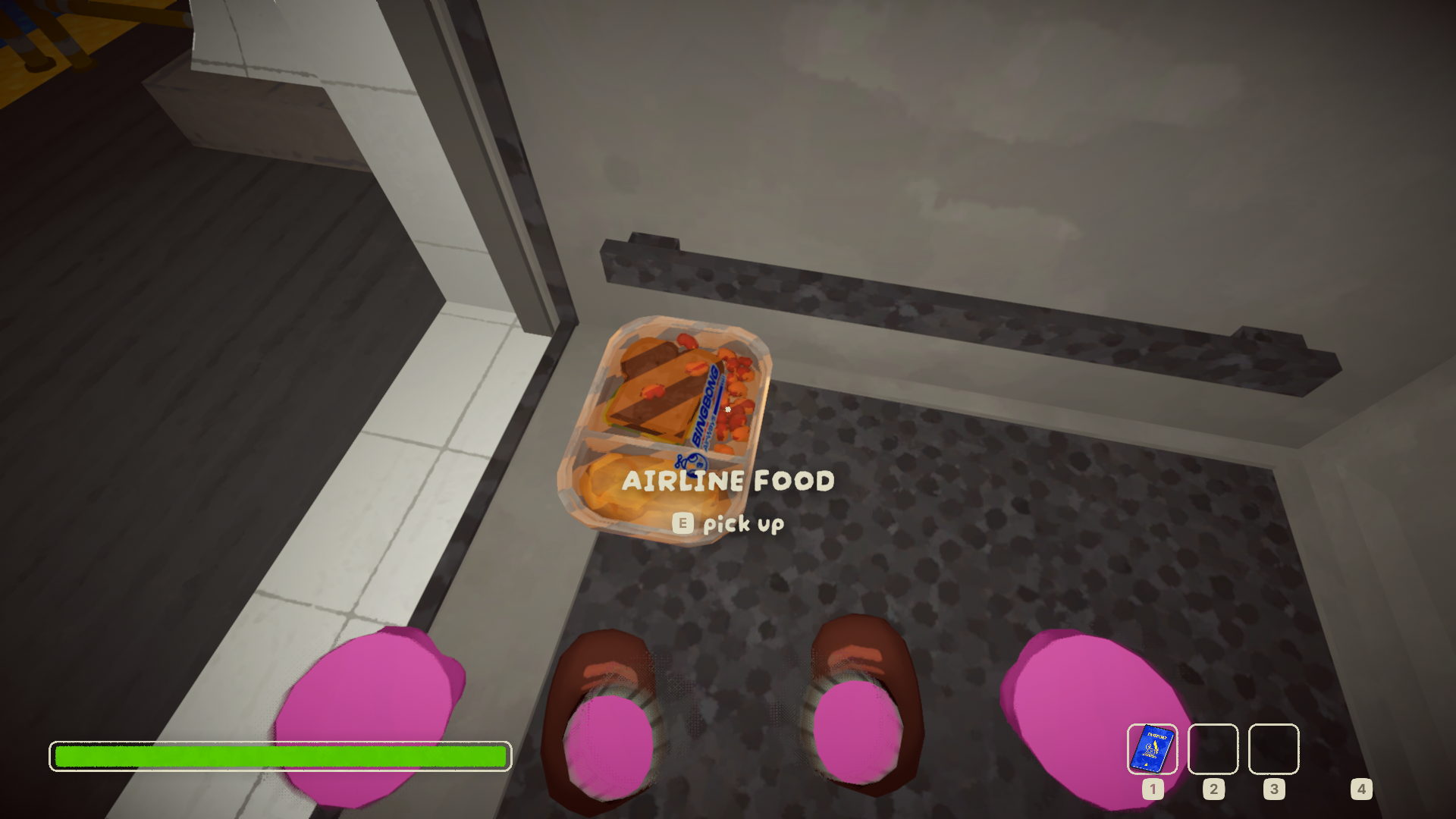
Spawn useful supplies
Spawn native supplies in solo play or a private PC game you host, then pick them up and use them normally.
Tool GunFree
Freeze loose props, make copies and undo your changes with the Tool Gun in a private PC game you host.
Equip the Tool Gun through Bytonian Gear. Holster it before normal climbing.
More ways to customise PEAK
- PEAK stat modifiers
Separate controls for climbing, walking, jumps, throws and reach.
- PEAK rule modifiers
Choose stamina costs, survival protections and cooking pace alongside the existing rules.
- PEAK ability modifiers
Choose Fly, Free Walk, or Board from one Movement control, with settings for the way each style handles.
- PEAK perspective modifiers
A comfortable view, nearby supply labels and a simple height-and-heading display.
Using these features
Choose the feature in the Windows app after connecting your game. Check its requirements before making a change.
Setup for PEAK →