

Read the route around you
Make your view comfortable and keep useful information close at hand. Choose a viewing angle, reveal nearby supply names or follow your climbing progress.
See more or narrow the view
Set the gameplay viewing angle to suit your display and preference. Turning it off returns to the normal view.
Find loose supplies
Display item names and distances within your chosen range. Reduce the range to cut clutter; items outside the screen do not get labels.
Follow your climb
Track height change and best height from the current reference, alongside your heading. Switch the tracker off and back on to begin a new reference. Pausing also starts a fresh reference when you return.
Spot campfires in view
Show a campfire's distance and height difference within your chosen range. Shorten the range when you want fewer labels.
Available perspective modifiers
Campfire MarkersFree
Show distance and height labels for campfires within view.
Enable Campfire Markers and choose the viewing range. Lower the range to reduce clutter.
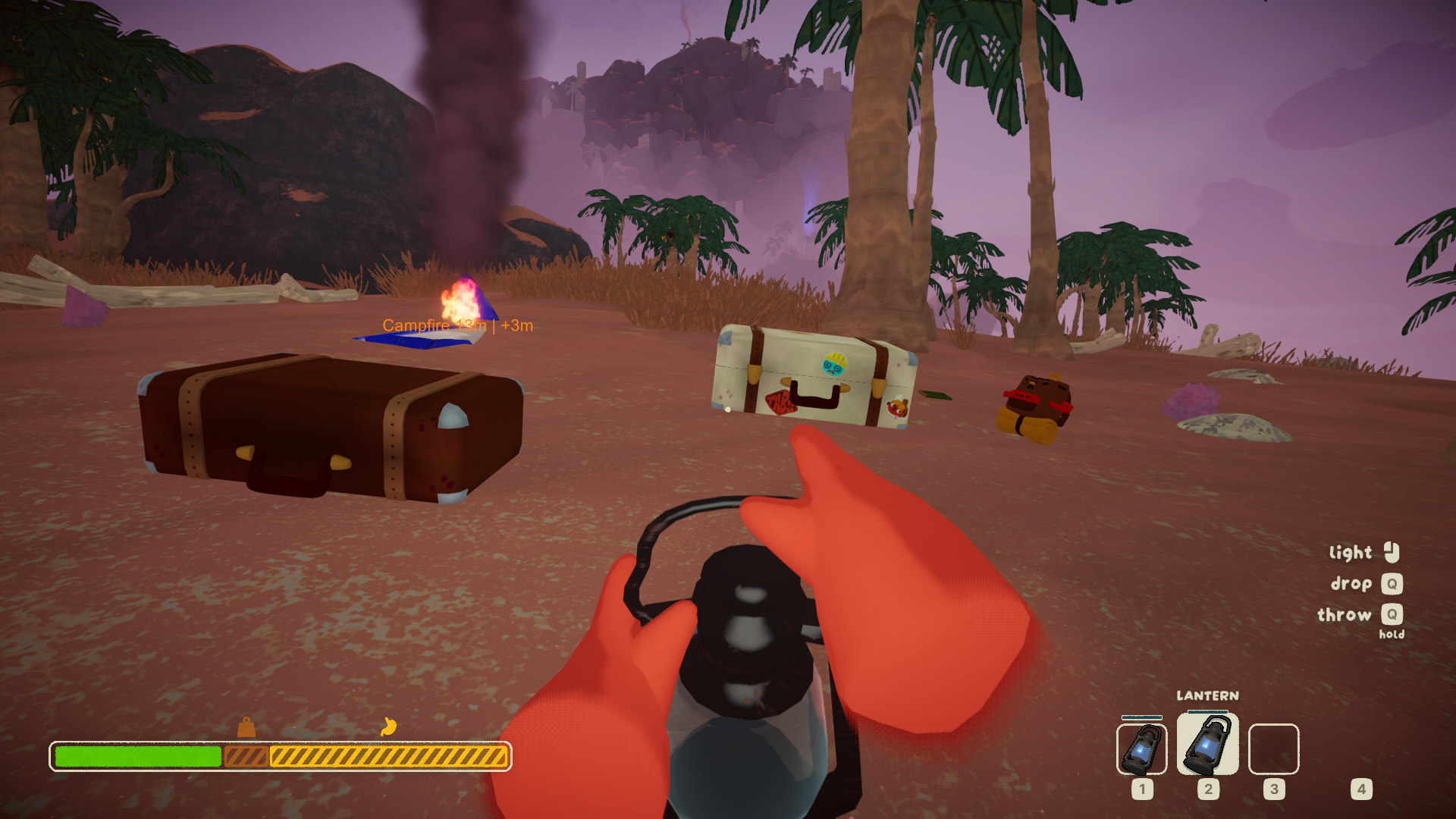
Find nearby campfires
Show campfire distance and height markers with an adjustable viewing range.
Climb trackerFree
See your height change, best height and heading while you explore. Turning the control off and on starts a new height reference.
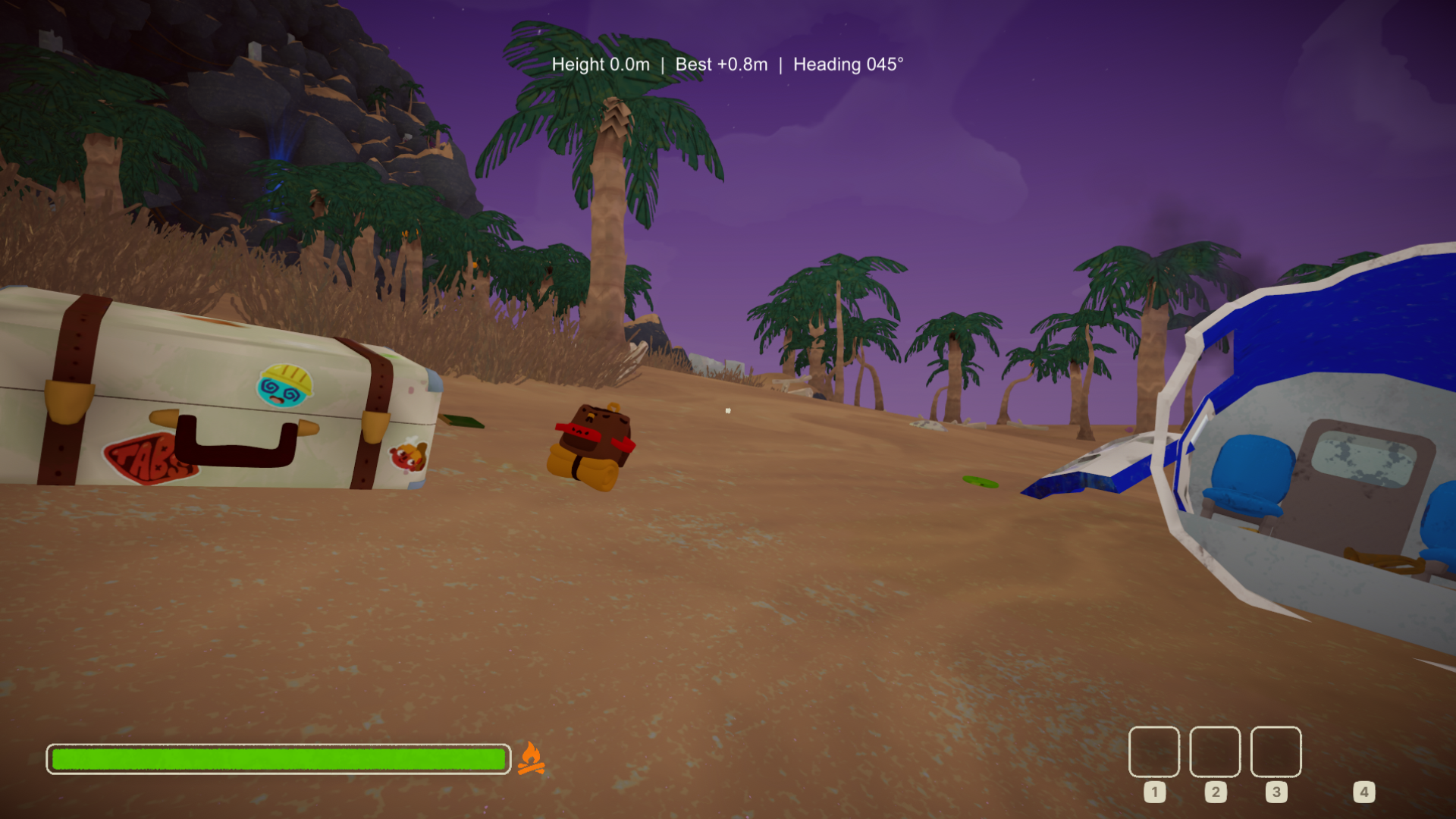
Keep track of your climb
See your height gained, best height and current heading while exploring the island.
Field of viewFree
Choose a wider view of your surroundings or a narrower angle that feels comfortable.
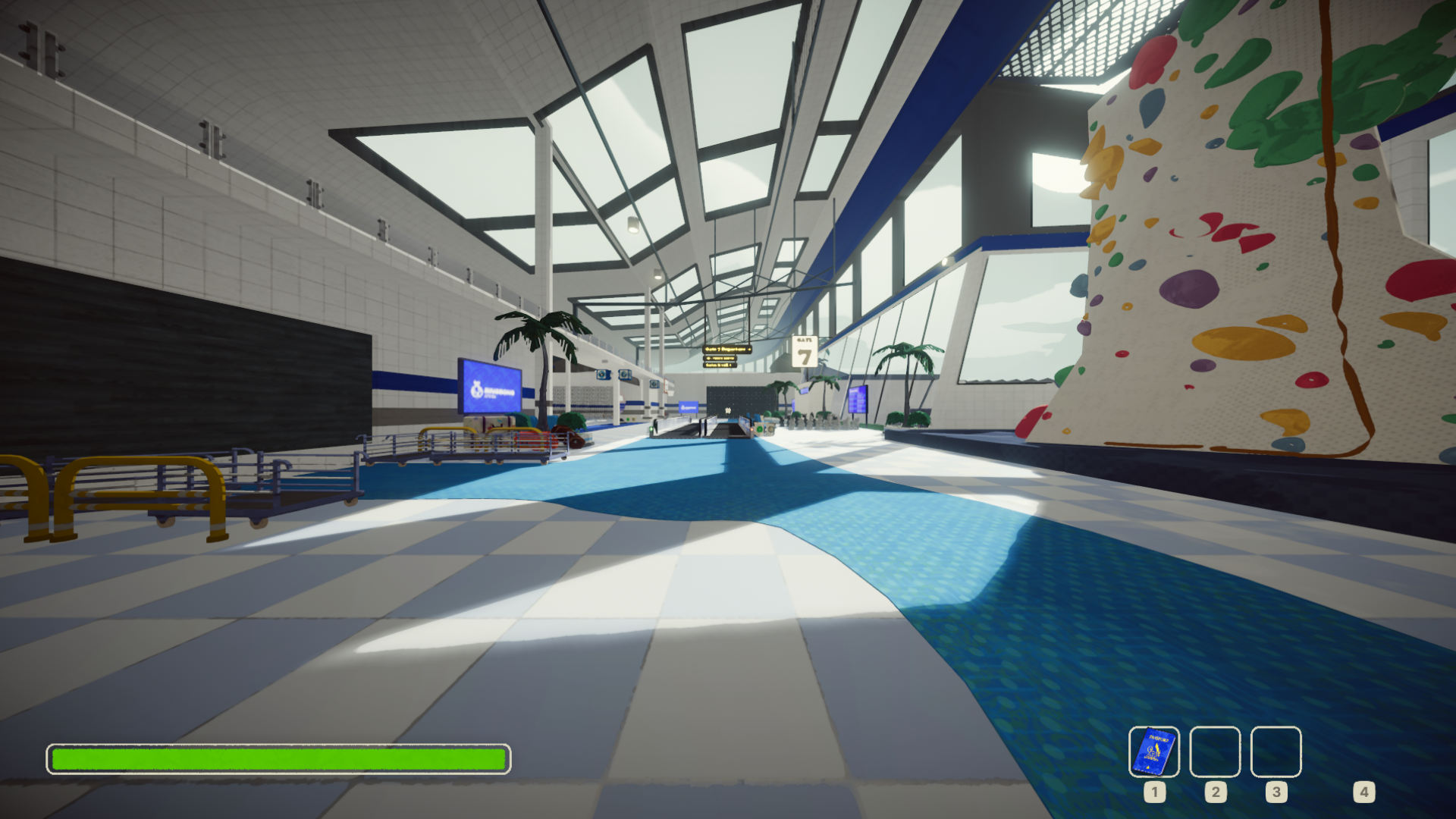
Choose a wider view
Adjust the gameplay field of view to suit your screen and preferred view of the climb.
Supply markersPremium
Show names and distances for loose supplies around you. Lower the range when you want fewer labels.
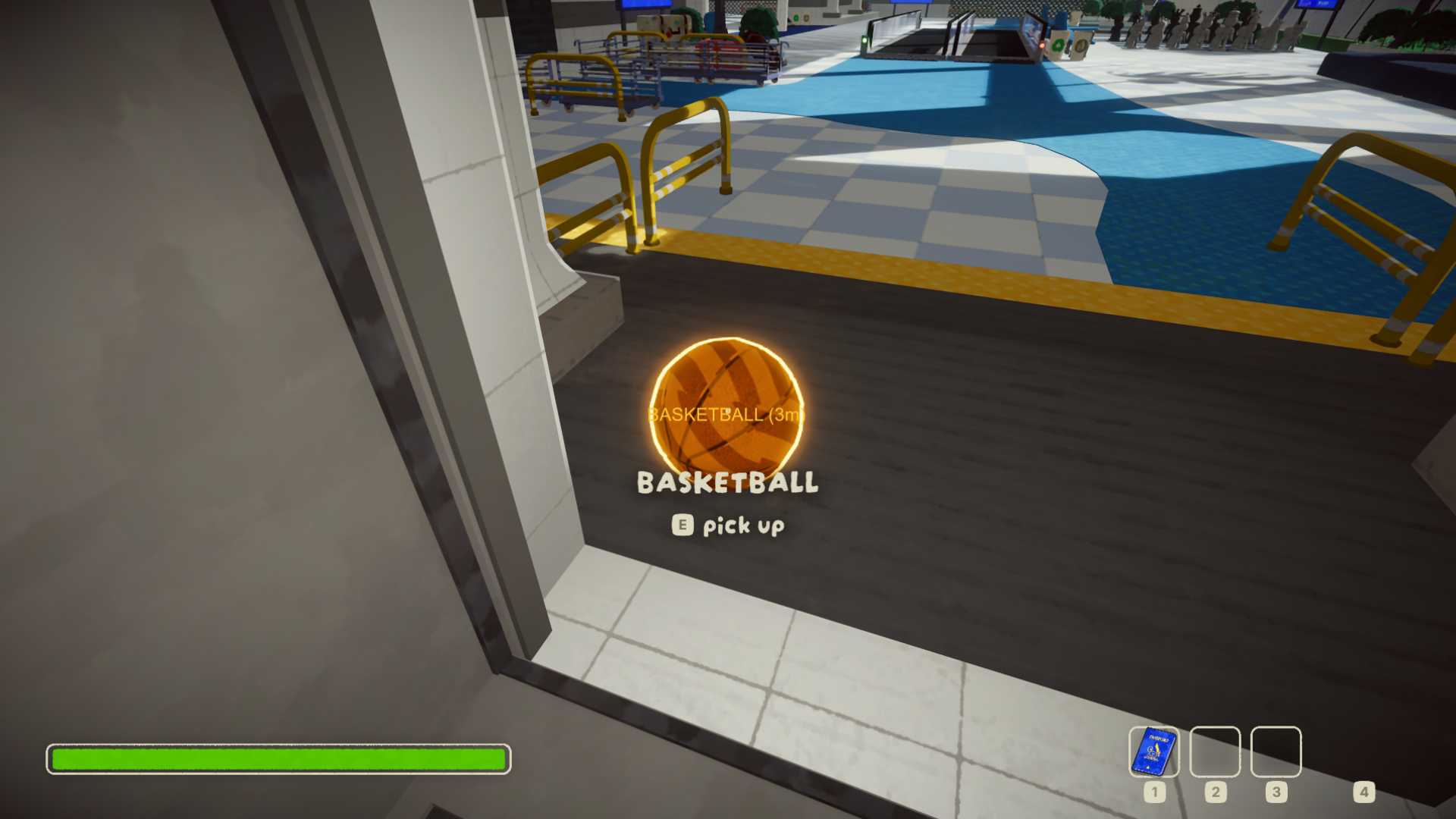
Spot nearby supplies
Show nearby loose items by name and distance, with an adjustable marker range.
More ways to customise PEAK
- PEAK stat modifiers
Separate controls for climbing, walking, jumps, throws and reach.
- PEAK rule modifiers
Choose stamina costs, survival protections and cooking pace alongside the existing rules.
- PEAK ability modifiers
Choose Fly, Free Walk, or Board from one Movement control, with settings for the way each style handles.
- PEAK game actions
Free item spawning, custom gear, bonus stamina and status clearing.
Using these features
Choose the feature in the Windows app after connecting your game. Check its requirements before making a change.
Setup for PEAK →