

Mycopunk HUD Mods
Give Mycopunk's environments more room on screen. Hide the gameplay overlays when you want to focus on the scene, then bring them back when you need the normal information.
Keep the world and weapon in view
The HUD toggle clears health, ammo and ability overlays. Your equipped weapon stays visible, including any display built into the weapon itself. Switch the control off to restore the normal overlays.
Available presentation modifiers
Hide gameplay HUDFree
Hide health, ammo and ability overlays for a cleaner view in your hosted game.
Turn Hide gameplay HUD on to clear the overlays. Turn it off to restore them.
Your weapon and its own display remain visible. Available for your local player in games you host.
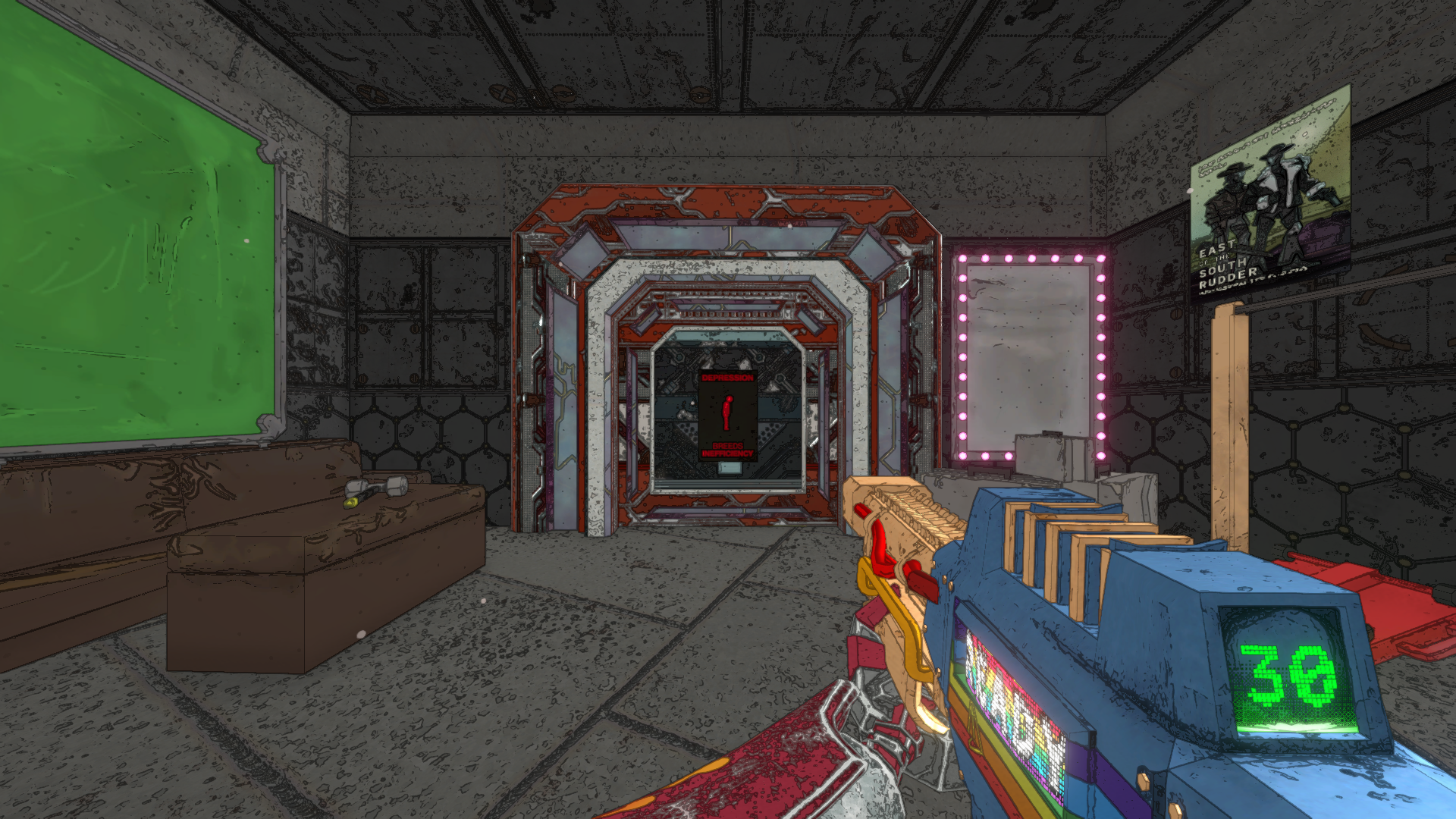
Clear the HUD for a cleaner view
Hide health, ammo and ability overlays while keeping the weapon and world in view.
More ways to customise Mycopunk
- Mycopunk rule modifiers
Keep the current ammo in your equipped gun’s magazine when you fire in a game you host.
- Mycopunk ability modifiers
Fly or boost through scenery to explore from new viewpoints in games you host.
Using these features
Choose the feature in the Windows app after connecting your game. Check its requirements before making a change.
Setup for Mycopunk →