

Rule Modifiers
1 optionKeep the current ammo in your equipped gun’s magazine when you fire in a game you host.
View rule modifiers →Mycopunk sends a crew of misfit robots into missions against a spreading fungal threat. Shape your own approach to exploration, combat and the view on screen while keeping the game's weapon-building choices at the centre.
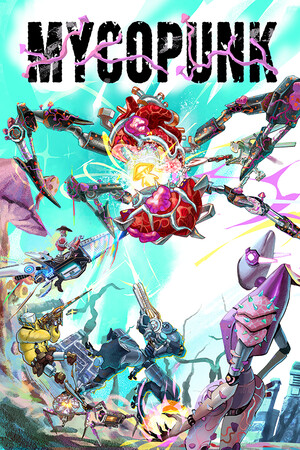
Start with free mods
Download Bytonian Mods for Windows and try these free features. Choose one to see how it works and any requirements.
Fly through scenery in your hosted game to reach a new viewpoint or explore beyond your normal route.
Turn Movement on and choose Fly. Use WASD to move, Space to rise, Ctrl to descend and Shift to boost. Adjust normal and boost speeds in Settings. V toggles Movement on or off.
Works for your local player in games you host. Fly passes through scenery; switch it off to restore normal movement and collision.
Hide health, ammo and ability overlays for a cleaner view in your hosted game.
Turn Hide gameplay HUD on to clear the overlays. Turn it off to restore them.
Your weapon and its own display remain visible. Available for your local player in games you host.
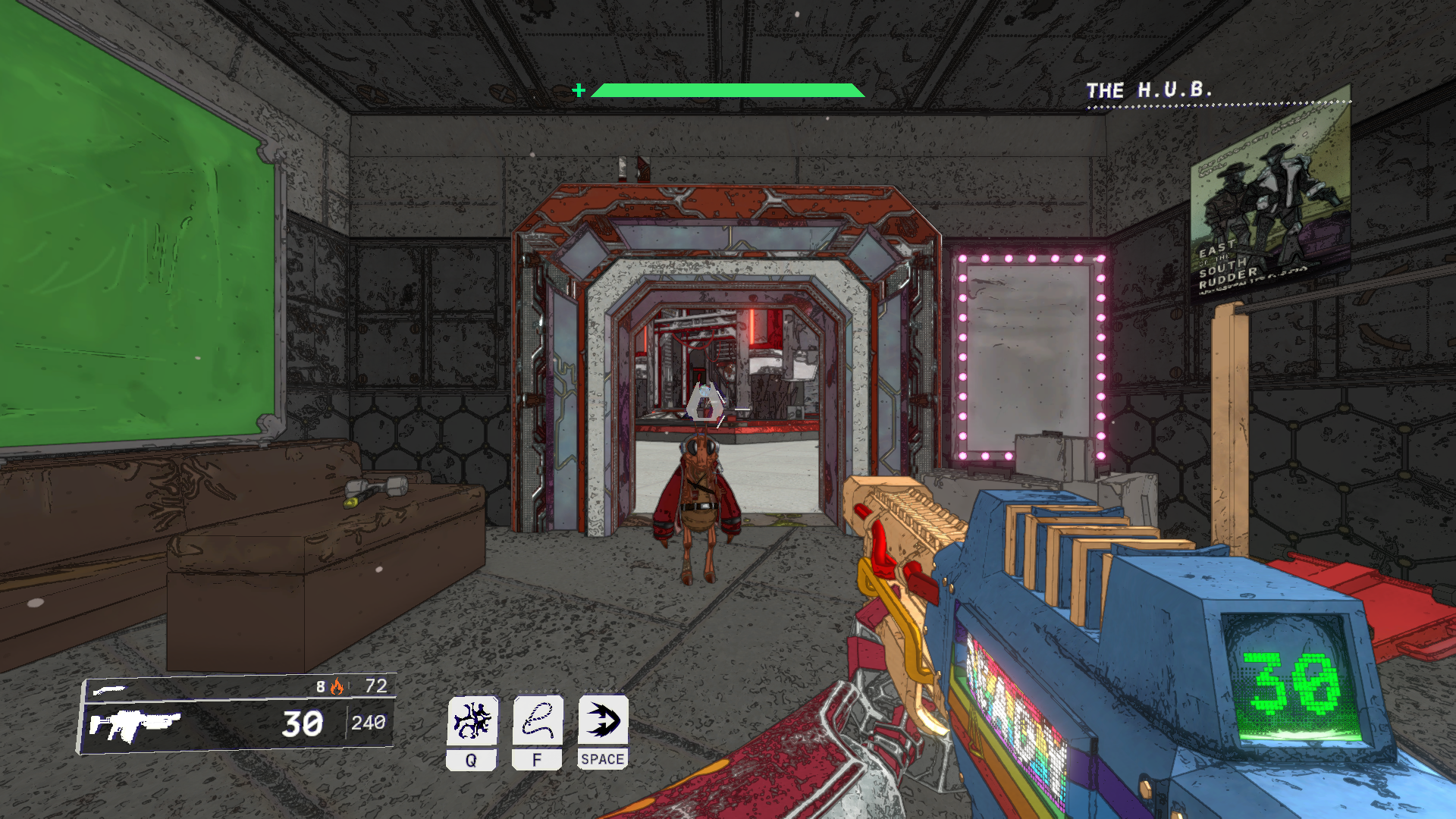
Inside Mycopunk's H.U.B.
A first-person view of Mycopunk's H.U.B. with the normal gameplay HUD.
Movement controls offer a different perspective on the environment. Presentation controls clear overlays from the view, while combat rules adjust how your equipped weapon uses ammo. Open a control to see its settings and practical limits.
Install the Bytonian Mods Windows app, open Mycopunk in your library and launch with mods. Start a game you host, then turn on the controls you want. Switch a control off whenever you want its normal behaviour back.
Keep the current ammo in your equipped gun’s magazine when you fire in a game you host.
View rule modifiers →Fly or boost through scenery to explore from new viewpoints in games you host.
View ability modifiers →Hide the gameplay HUD for a clearer view while keeping your weapon display visible.
View presentation modifiers →Browse the Steam achievement names and descriptions for Mycopunk. Choose and unlock achievements for free with Bytonian Mods in the Windows app.
View all achievements →Download the Windows app and follow the setup prompts.
Open Mycopunk and select it in Bytonian Mods. Follow the app’s connection prompts.
Review the available options in the app and choose the ones that suit how you play.