

Mycopunk Movement Mods
Take a different route through Mycopunk's spaces with Fly. Rise above corridors or pass through scenery to find a new viewpoint, with separate speeds for ordinary flight and a faster boost.
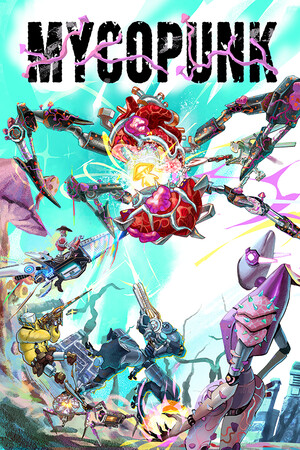
Set your flight pace
Use the normal flight speed for careful positioning and the boost speed for longer moves. Fly follows your view, so you can look toward where you want to go. Turn Movement off to return to normal movement and collision.
Available ability modifiers
MovementFree
Fly through scenery in your hosted game to reach a new viewpoint or explore beyond your normal route.
Turn Movement on and choose Fly. Use WASD to move, Space to rise, Ctrl to descend and Shift to boost. Adjust normal and boost speeds in Settings. V toggles Movement on or off.
Works for your local player in games you host. Fly passes through scenery; switch it off to restore normal movement and collision.
Supported movement styles: Fly
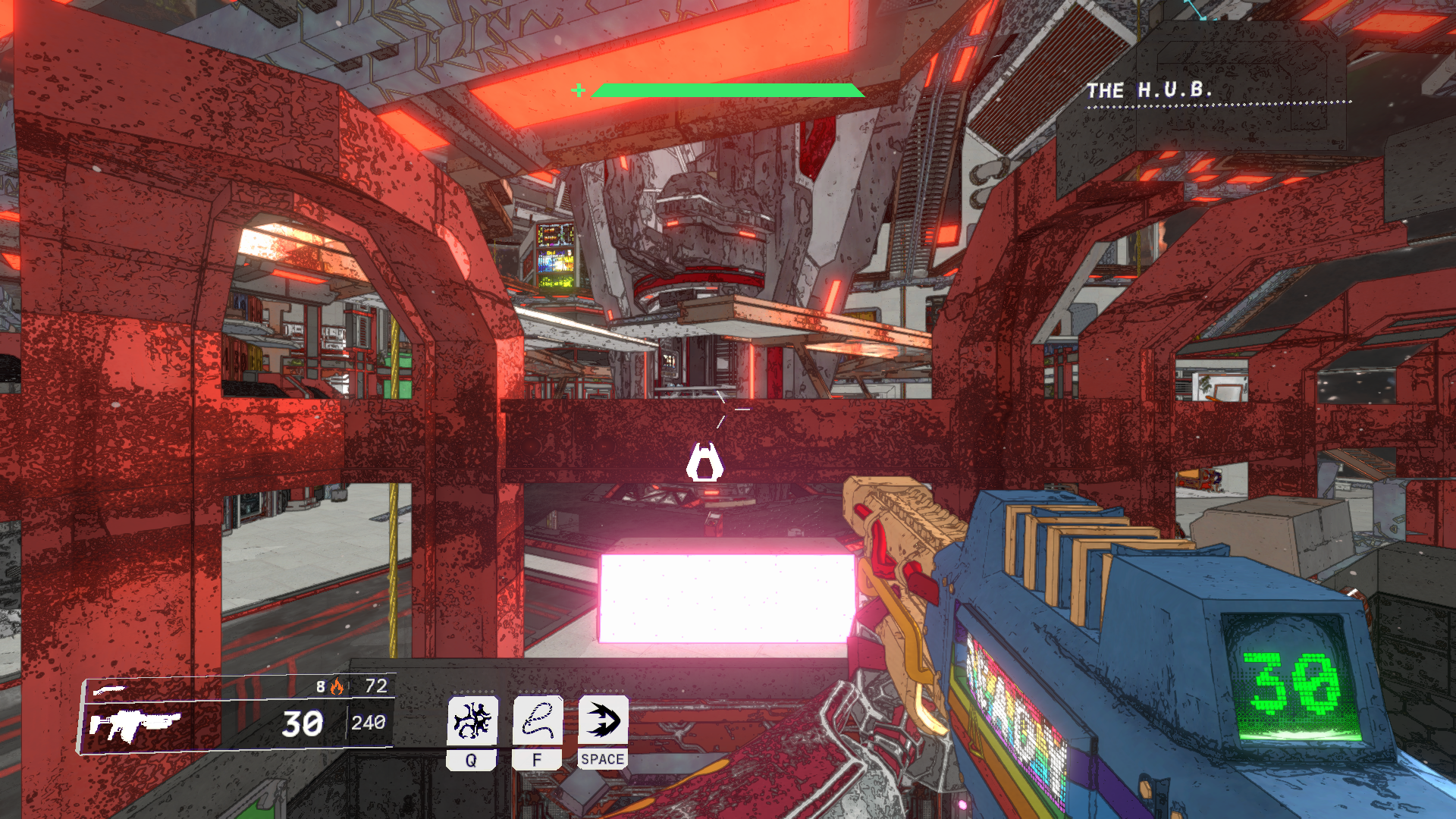
Fly above the H.U.B.
Rise above the hub's corridors and explore freely with Fly movement.
More ways to customise Mycopunk
- Mycopunk rule modifiers
Keep the current ammo in your equipped gun’s magazine when you fire in a game you host.
- Mycopunk presentation modifiers
Hide the gameplay HUD for a clearer view while keeping your weapon display visible.
Using these features
Choose the feature in the Windows app after connecting your game. Check its requirements before making a change.
Setup for Mycopunk →