

Take more time around your workshop
Hold the clock during normal play so you can move around without the displayed game time advancing. Turn the control off to let the clock run again.

Keep pauses separate
Menus and story events keep their own pauses. Hold clock controls the clock during normal gameplay.
Available rule modifiers
Hold clockPremium
Hold the in-game clock while you move around and work at your own pace.
Turn on Hold clock during normal gameplay. Turn it off when you want the clock to advance.
Menus and story events keep their own pauses.
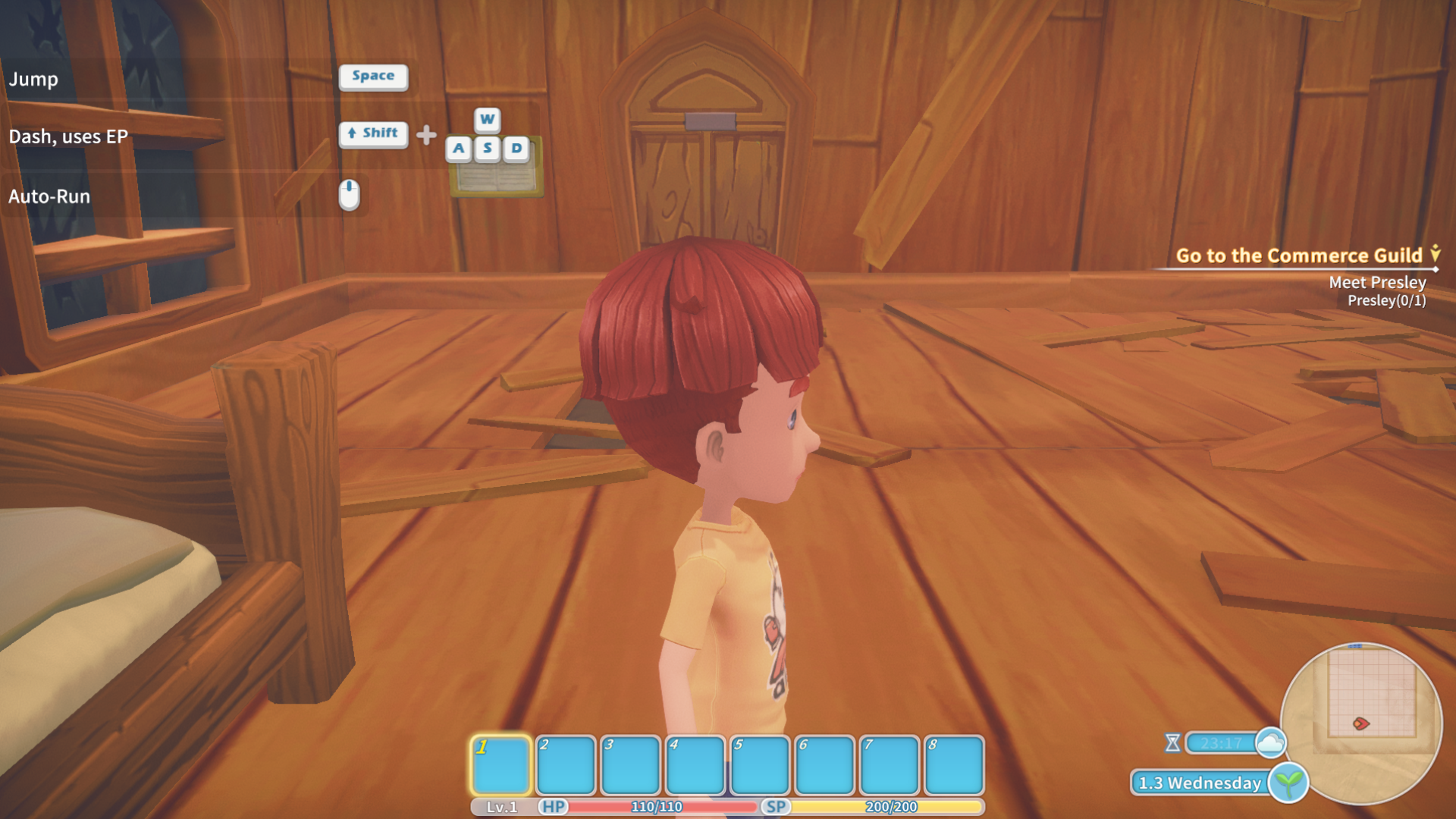
Hold the in-game clock
Keep the game clock steady during normal play.
More ways to customise My Time at Portia
- My Time at Portia resources
Set or add to your current Gols, health and stamina.
- My Time at Portia ability modifiers
Choose Fly, Free Walk or Board and adjust your movement settings.
- My Time at Portia game actions
Browse inventory categories and add selected items to your bag.
Using these features
Choose the feature in the Windows app after connecting your game. Check its requirements before making a change.
Setup for My Time at Portia →