

Choose your current resources
Set a Gols balance, refill stamina or adjust your living character's health. Each control starts with a refreshed value so you can choose the amount you want.

Refresh, then choose an amount
Use Refresh during normal gameplay, then set a target value or add to the current amount. Health and stamina stay within your character's existing maximums.
Available resources
GolsFree
Choose your current Gols balance for the workshop routine you want to play.
Enter your game, use Refresh, then set a balance or add an amount.
This changes your current balance once. Supported balances range from 0 to 100,000,000.
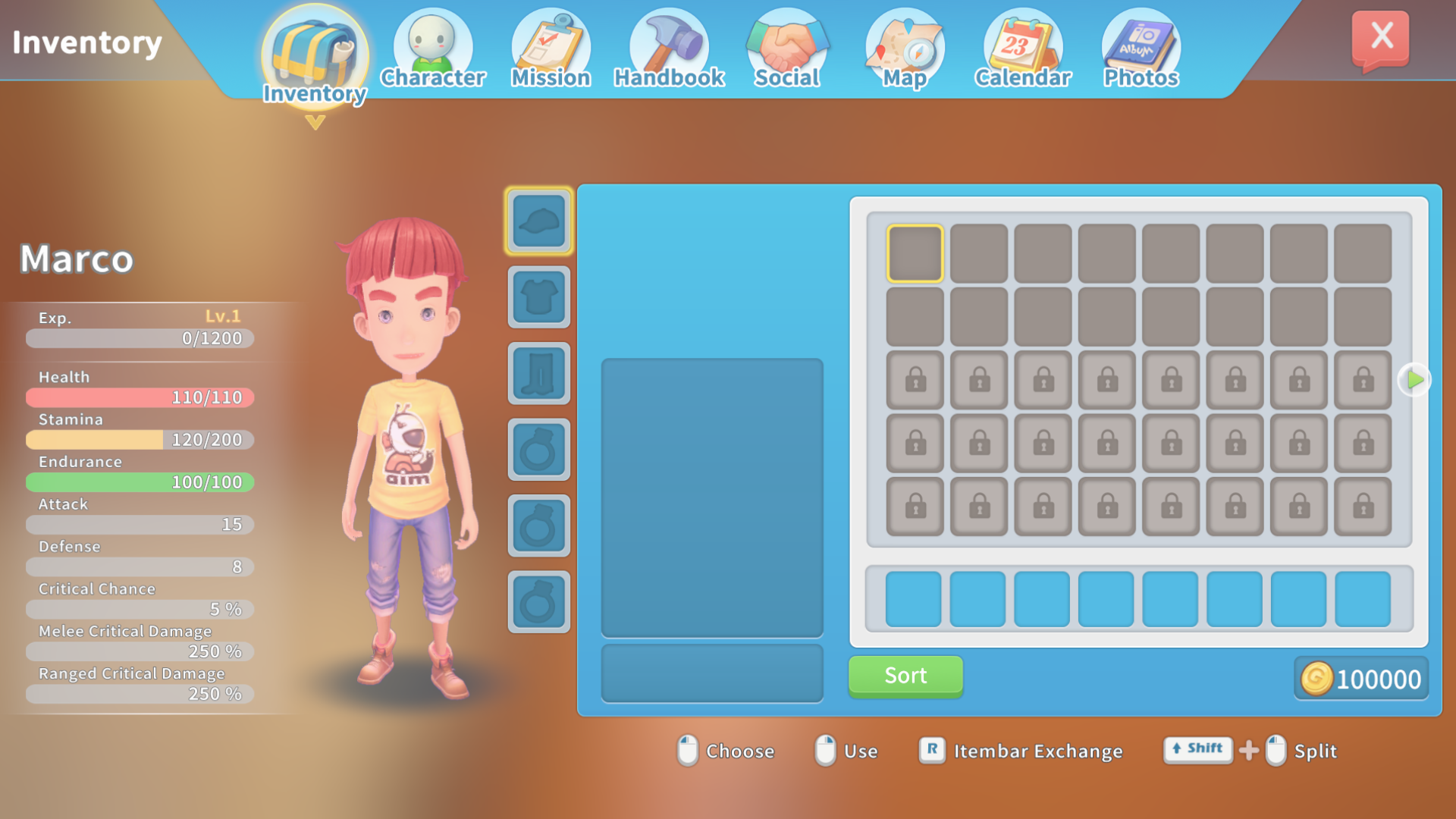
Set your Gols balance
Choose the Gols balance you want, then see it in your inventory.
HealthPremium
Refill your current health or choose a smaller amount for your living character.
Use Refresh during normal gameplay, then set health or add to the current amount.
Health stays between 1 and your character's current maximum. This does not provide invincibility or revive a defeated character.
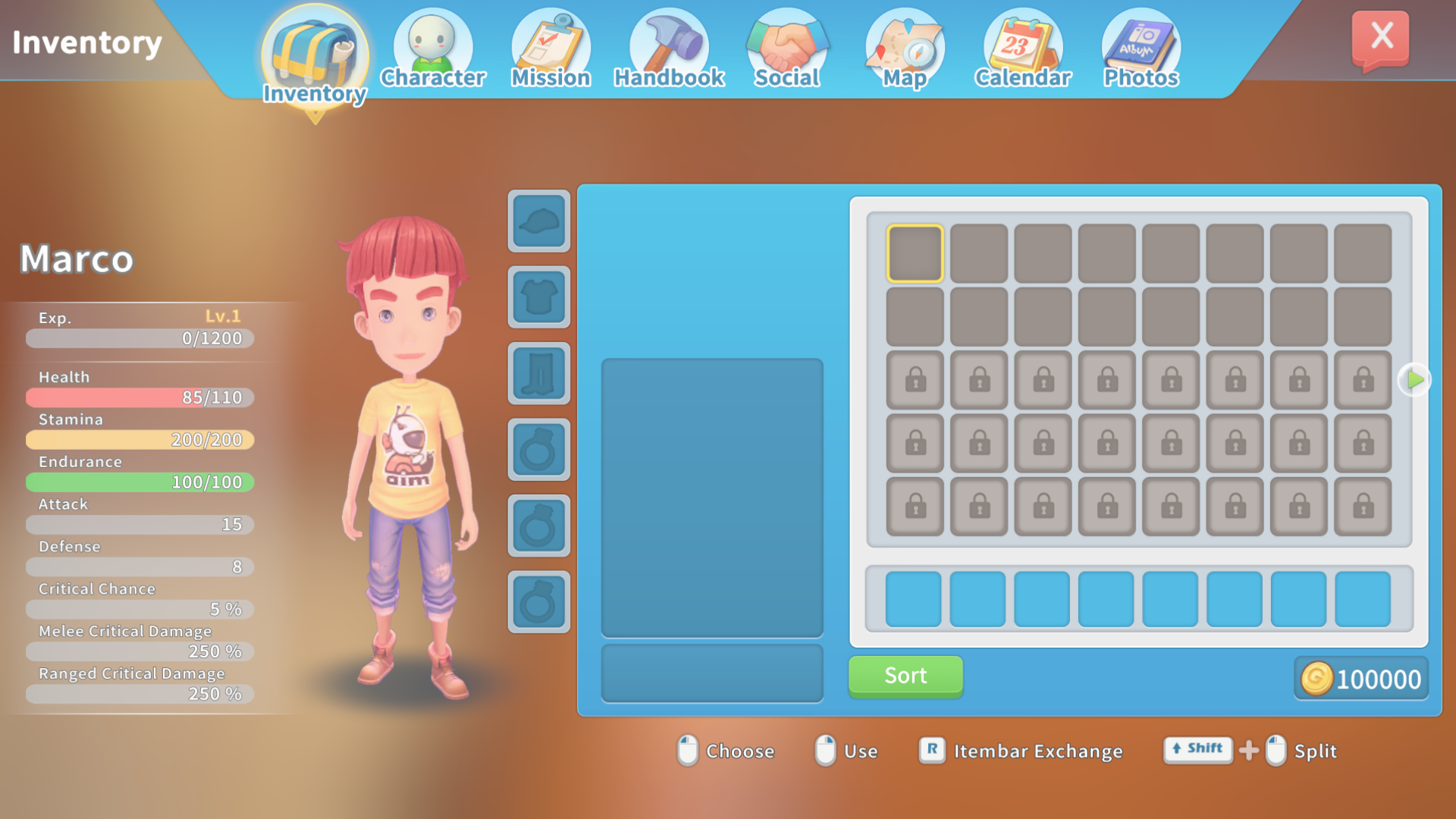
Choose your health amount
Set a health amount or add to your current health without changing your character's maximum.
StaminaPremium
Refill your current stamina or choose an amount up to your character's maximum.
Use Refresh during normal gameplay, then set stamina or add to the current amount.
This changes current stamina without raising its maximum or preventing later stamina use.
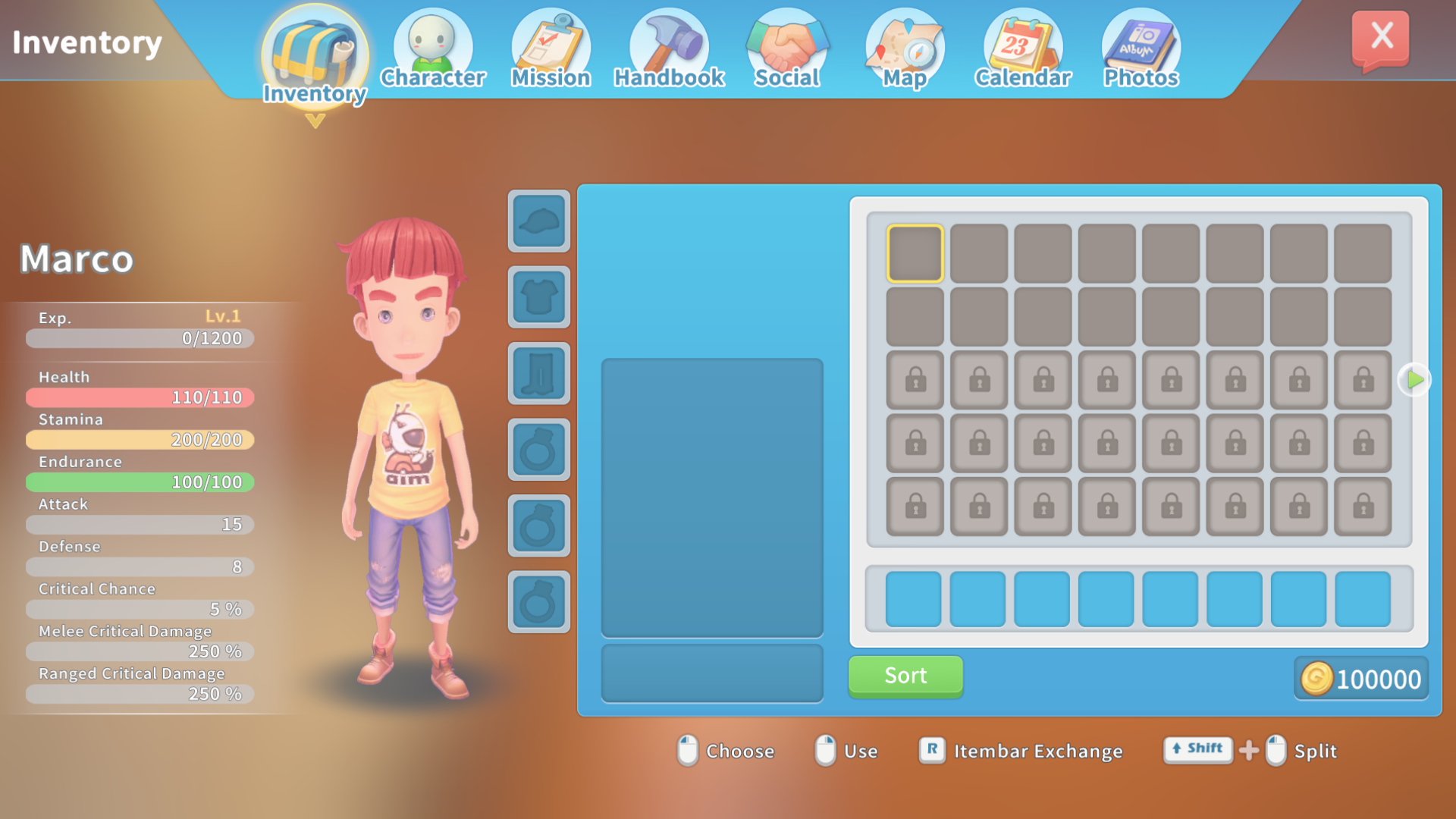
Refill your stamina
Set or add stamina up to your character's current maximum.
More ways to customise My Time at Portia
- My Time at Portia rule modifiers
Hold the in-game clock while normal play continues.
- My Time at Portia ability modifiers
Choose Fly, Free Walk or Board and adjust your movement settings.
- My Time at Portia game actions
Browse inventory categories and add selected items to your bag.
Questions about resources
- Will refilling health make me invincible?
- No. It changes your current health once; it does not stop later damage.
Using these features
Choose the feature in the Windows app after connecting your game. Check its requirements before making a change.
Setup for My Time at Portia →