

Explore Portia on foot, on a board or in the air
See the workshop yard from above with Fly, choose Free Walk for movement with world collisions, or coast along on a board. The styles share one Movement control.

Choose a style for your route
Fly can cross world obstacles. Free Walk and Board keep world collisions, giving you different ways to travel through the same surroundings. Turn Movement off to return to normal movement.
Available ability modifiers
MovementFree
Fly over the workshop yard, walk with world collisions or coast around Portia on a board.
Enable Movement, choose Fly, Free Walk or Board, and adjust the movement settings to suit you. Turn Movement off to return to normal movement.
Fly passes through world obstacles. Free Walk and Board keep world collisions.
Supported movement styles: Fly, Free Walk, Board
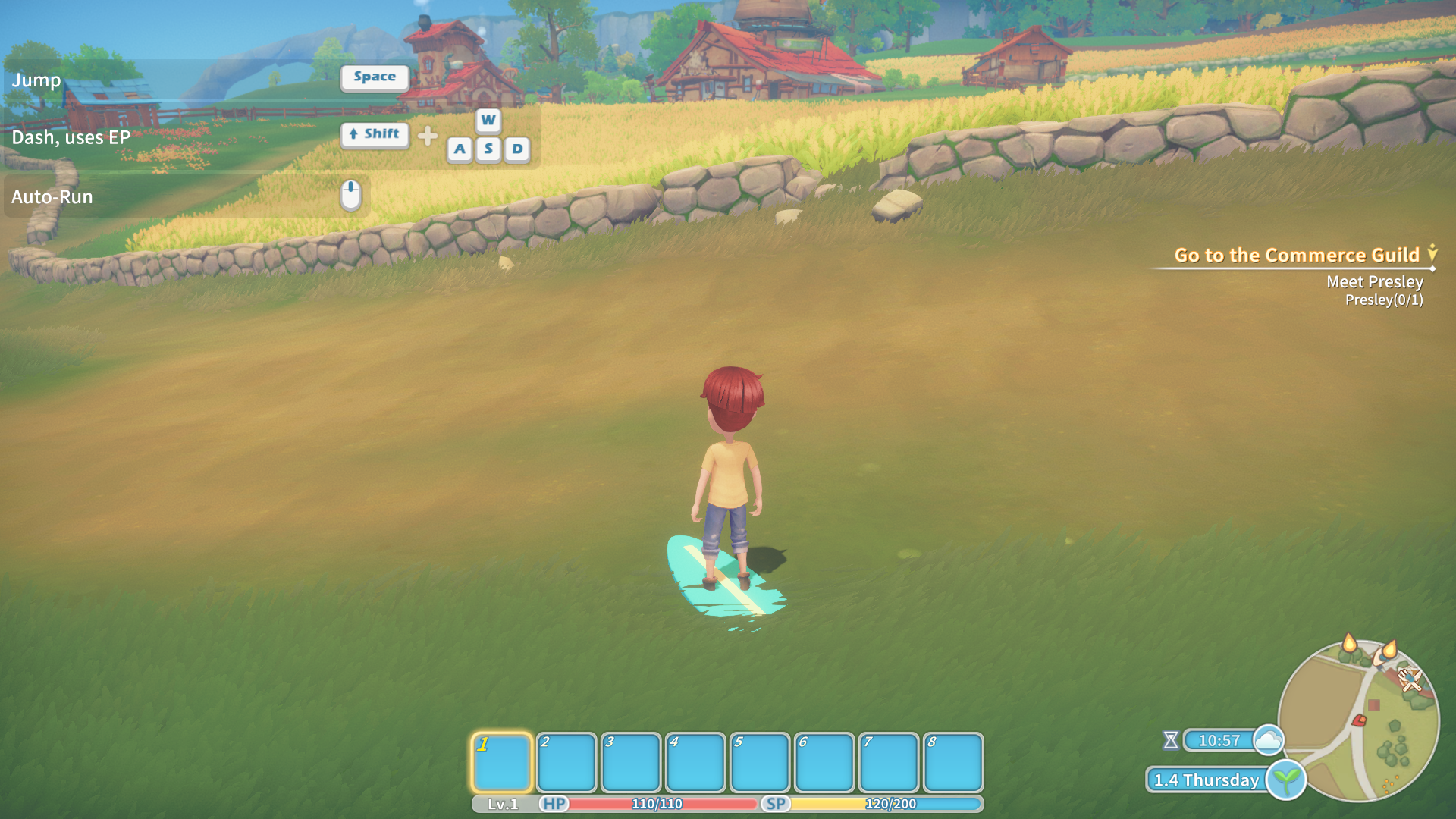
Explore Portia on the Classic board
Board style adds a turquoise deck beneath your character for coasting through the countryside.
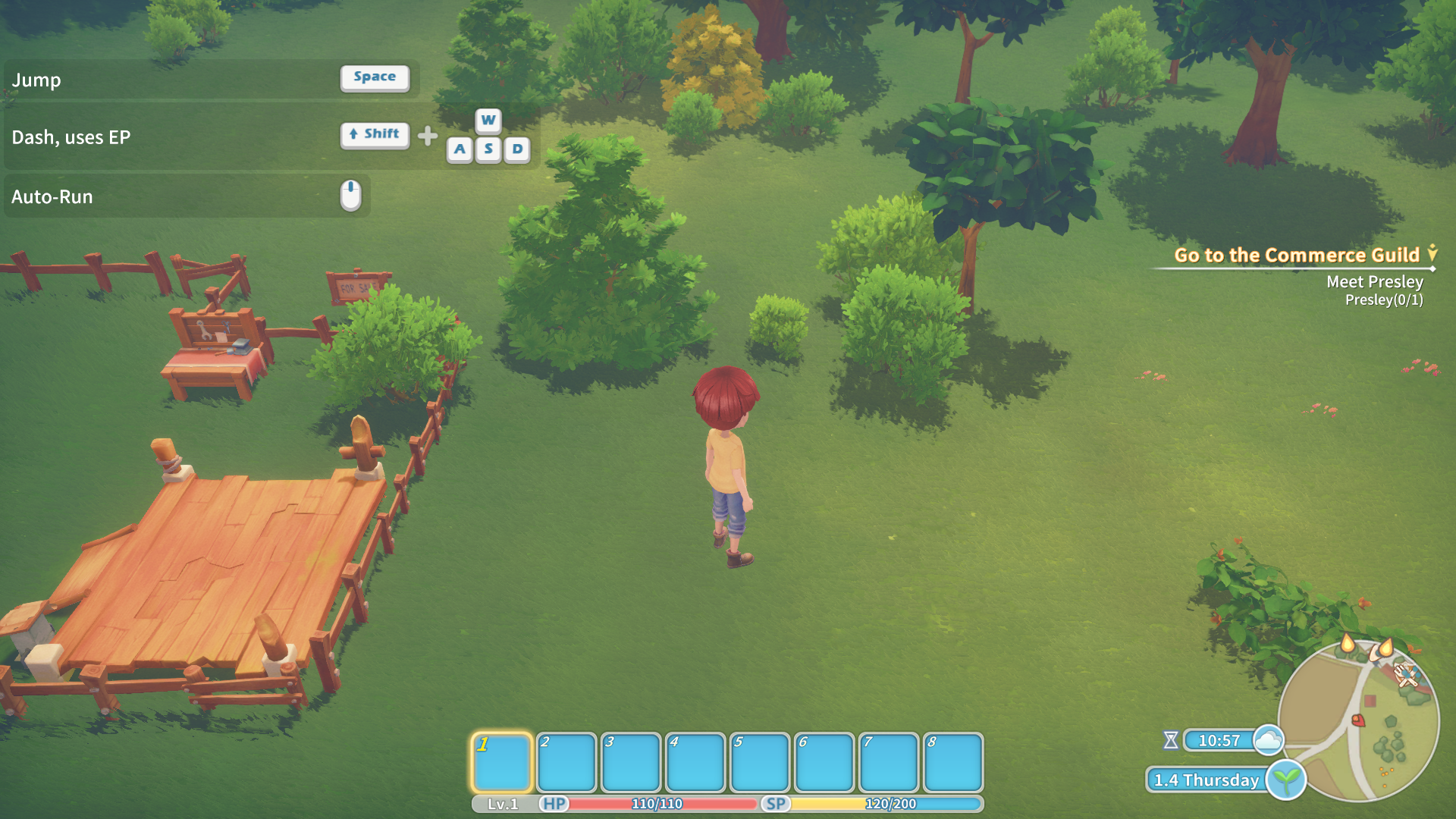
Fly above the workshop yard
Rise above your workshop with Fly and explore Portia from the air.
1 / 2
More ways to customise My Time at Portia
- My Time at Portia resources
Set or add to your current Gols, health and stamina.
- My Time at Portia rule modifiers
Hold the in-game clock while normal play continues.
- My Time at Portia game actions
Browse inventory categories and add selected items to your bag.
Using these features
Choose the feature in the Windows app after connecting your game. Check its requirements before making a change.
Setup for My Time at Portia →