
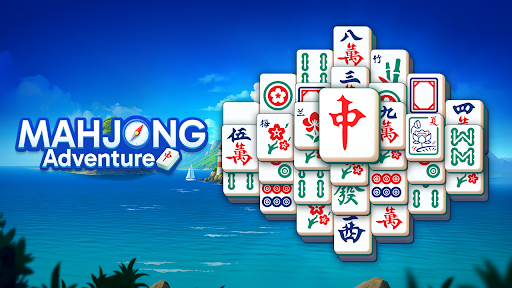
Customise
1 optionOne free selector offers three tile styles.
View customisation options →Choose Classic, Simple or Flower tile artwork before your next Mahjong Adventure puzzle. Match pairs to uncover the tiles beneath them using the design you prefer.
Requires the Windows app and the Bytonian Mods browser extension for Chrome or Edge. Browser setup guide

Start with free mods
Download Bytonian Mods for Windows and try these free features. Choose one to see how it works and any requirements.
Choose Classic, Simple or Flower artwork for the tiles.
Select a style, apply the change and return to the game.
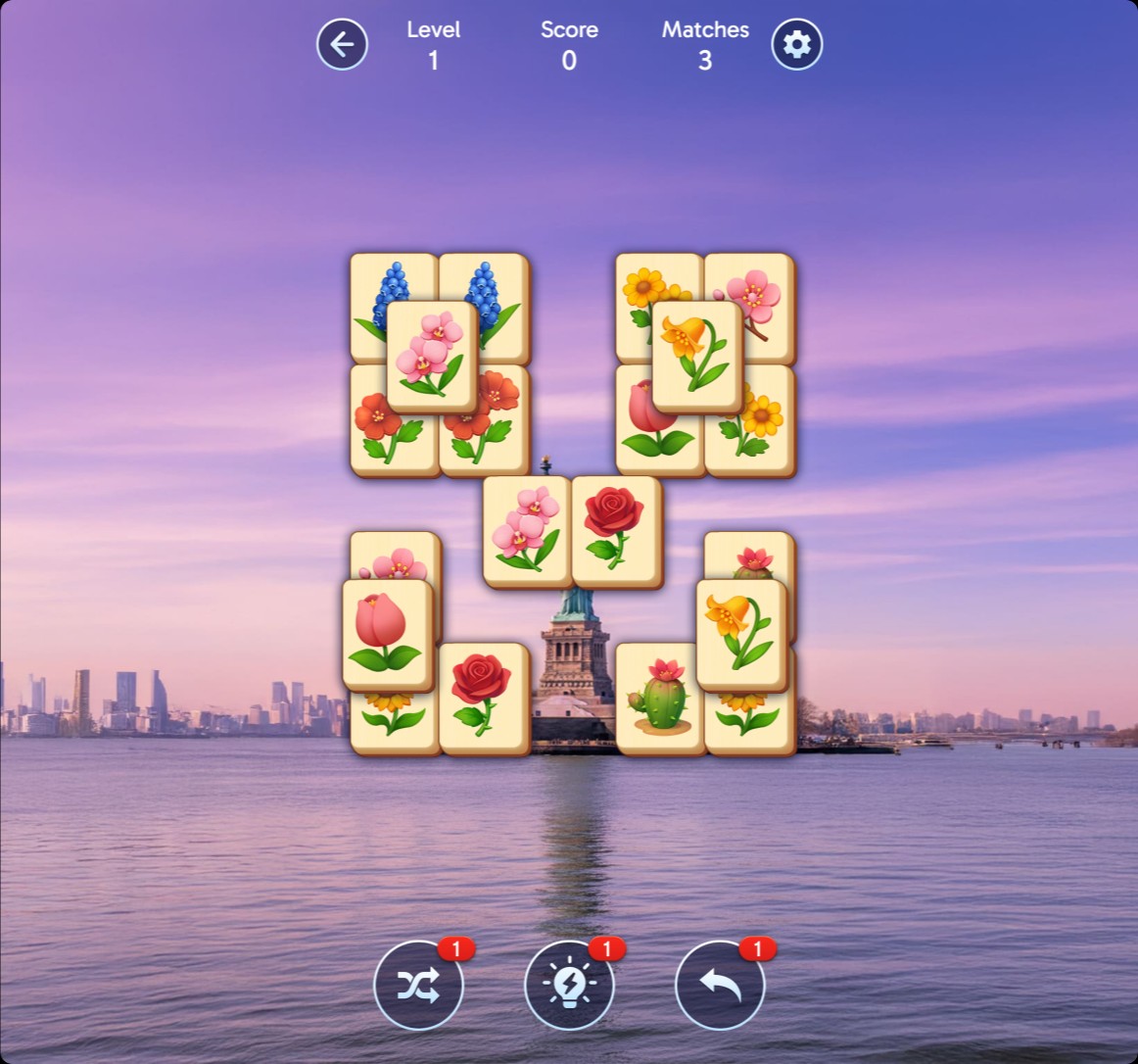
Mahjong Adventure with Flower Tiles
Match pairs across a layered board with Flower artwork selected. Choose a tile style that suits you from Classic, Simple and Flower.
Keep traditional symbols with Classic, try the cleaner Simple style or switch to colourful Flower artwork. The theme changes the tile designs while you continue matching pairs across the layered board.
One free selector offers three tile styles.
View customisation options →Download the Windows app and follow the setup prompts.
Set up the browser extension in Chrome or Edge, then open the supported YouTube Playable. Follow the connection guide if the game is already running.
Open Customise in Bytonian Mods, choose an option and follow its instructions. Check the available values and any limits before making your change.