
Gems and remaining shots
Adjust the resources you want to play with. Choose your gem balance or give yourself a larger shot allowance when a puzzle needs a few more attempts.
Requires the Windows app and the Bytonian Mods browser extension for Chrome or Edge. Browser setup guide

More attempts at the current puzzle
The Remaining shots control changes the allowance for your active level. Firing still uses a shot, so you can keep playing with the larger allowance you chose.
Choose your gem balance
Use the free Gems control to choose the balance shown in your game. It is separate from your remaining shots, so you can adjust either one.
Available resources
GemsFree
Choose the gem balance you want shown in your game.
Let the level finish loading, then set or add to your gem balance.
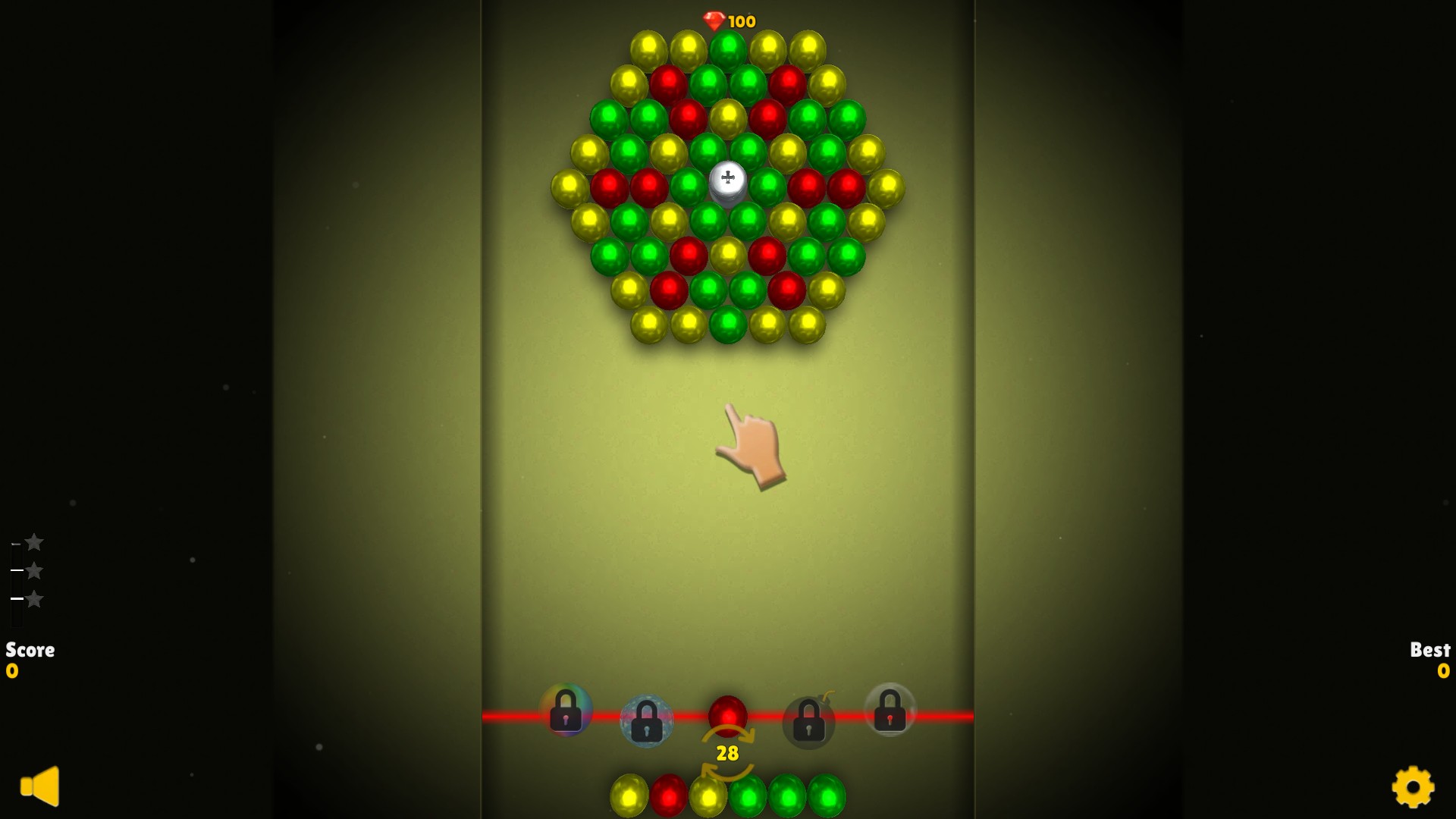
Choose your gem balance
Set your gem balance while playing Magnet Balls.
Remaining shotsPremium
Give yourself more shots to work through the current puzzle.
Start a level and choose your remaining shot allowance.
Shots are used normally as you fire. Apply the allowance to the level you are playing.
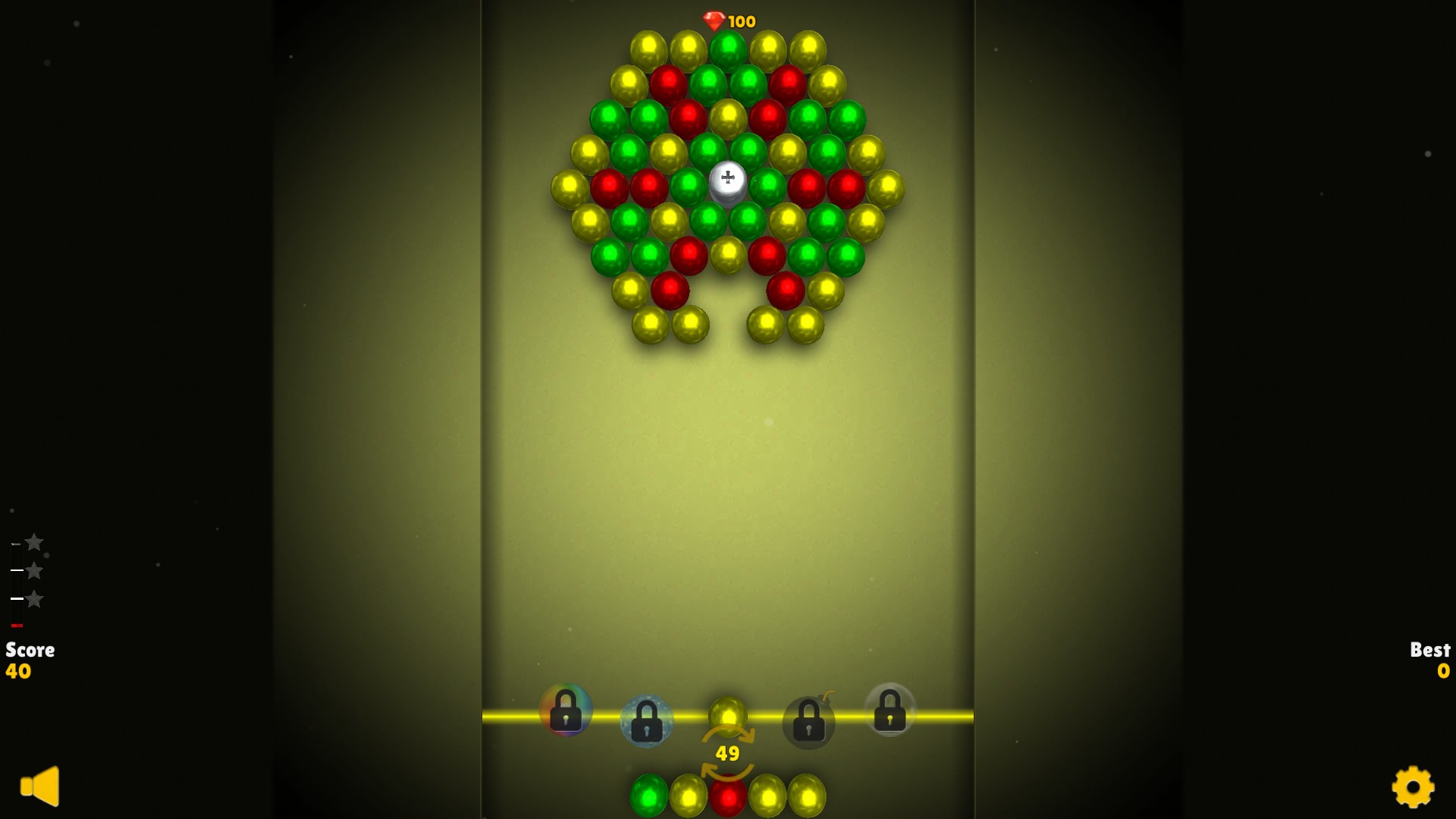
More shots for your level
Keep working on the puzzle with a larger shot allowance. Here, one shot has been used from an allowance of50.
More ways to customise Magnet Balls: Addictive 🧲
- Magnet Balls: Addictive 🧲 unlocks
Open special-ball choices while keeping their normal gem prices.
Using these features
Choose the feature in the Windows app after connecting your game. Check its requirements before making a change.
Setup for Magnet Balls: Addictive 🧲 →