
Resources
2 optionsSet your gem balance or add more shots to the current level.
View resources →Choose your gem balance, add shots to the current puzzle or open the special-ball choices. Line up your shots and match coloured balls to make room for the next move.
Requires the Windows app and the Bytonian Mods browser extension for Chrome or Edge. Browser setup guide

Start with free mods
Download Bytonian Mods for Windows and try these free features. Choose one to see how it works and any requirements.
Choose the gem balance you want shown in your game.
Let the level finish loading, then set or add to your gem balance.
Gems is free. Remaining shots and Special-ball access are Premium controls. Use extra shots when you want more chances to work through a tricky cluster, or open the special-ball choices to try a different approach.
Open Magnet Balls: Addictive on YouTube Playables and select the game in Bytonian Mods. Start a level, then choose the control you want to use. Special balls keep their normal gem prices.
More chances to clear the puzzle
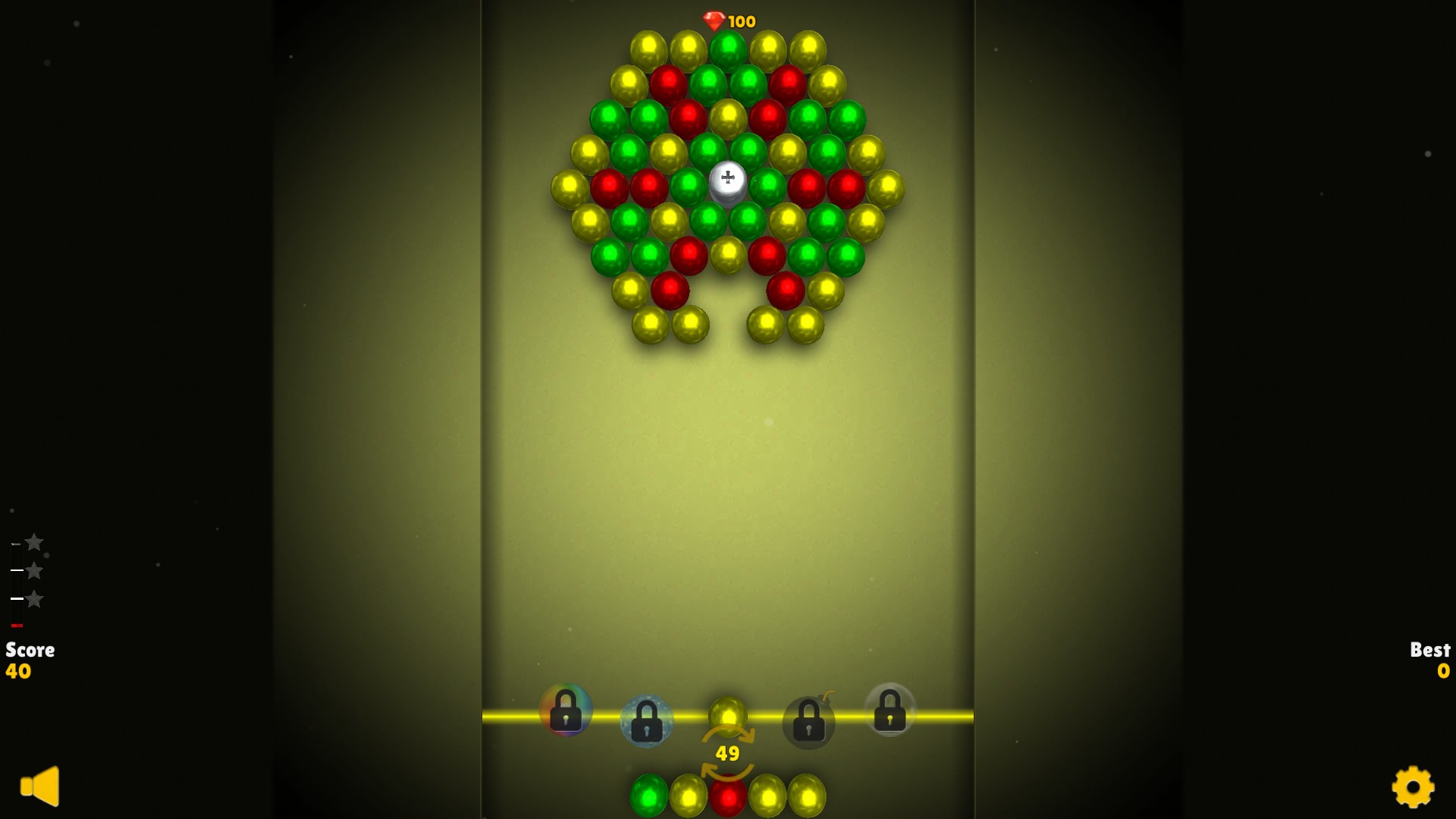
Choose a larger shot allowance while matching the colored balls. This level has49 shots remaining after a normal shot.
Set your gem balance or add more shots to the current level.
View resources →Open special-ball choices while keeping their normal gem prices.
View unlocks →Download the Windows app and follow the setup prompts.
Set up the browser extension in Chrome or Edge, then open the supported YouTube Playable. Follow the connection guide if the game is already running.
Review the available options in the app and choose the ones that suit how you play.