
Customise
2 optionsControl the introduction and displayed profile level.
View customisation options →Skip the first-song introduction to reach the full song menu, or choose a different profile badge level before tapping through Magic Tiles 3. The introduction bypass is free; the separate badge control lets you set a displayed level from 1 to 10.
Requires the Windows app and the Bytonian Mods browser extension for Chrome or Edge. Browser setup guide

Start with free mods
Download Bytonian Mods for Windows and try these free features. Choose one to see how it works and any requirements.
Go straight to the full song menu instead of the first-song introduction.
Turn on the bypass and apply your choice. The game reloads.
Does not complete songs or grant rewards.
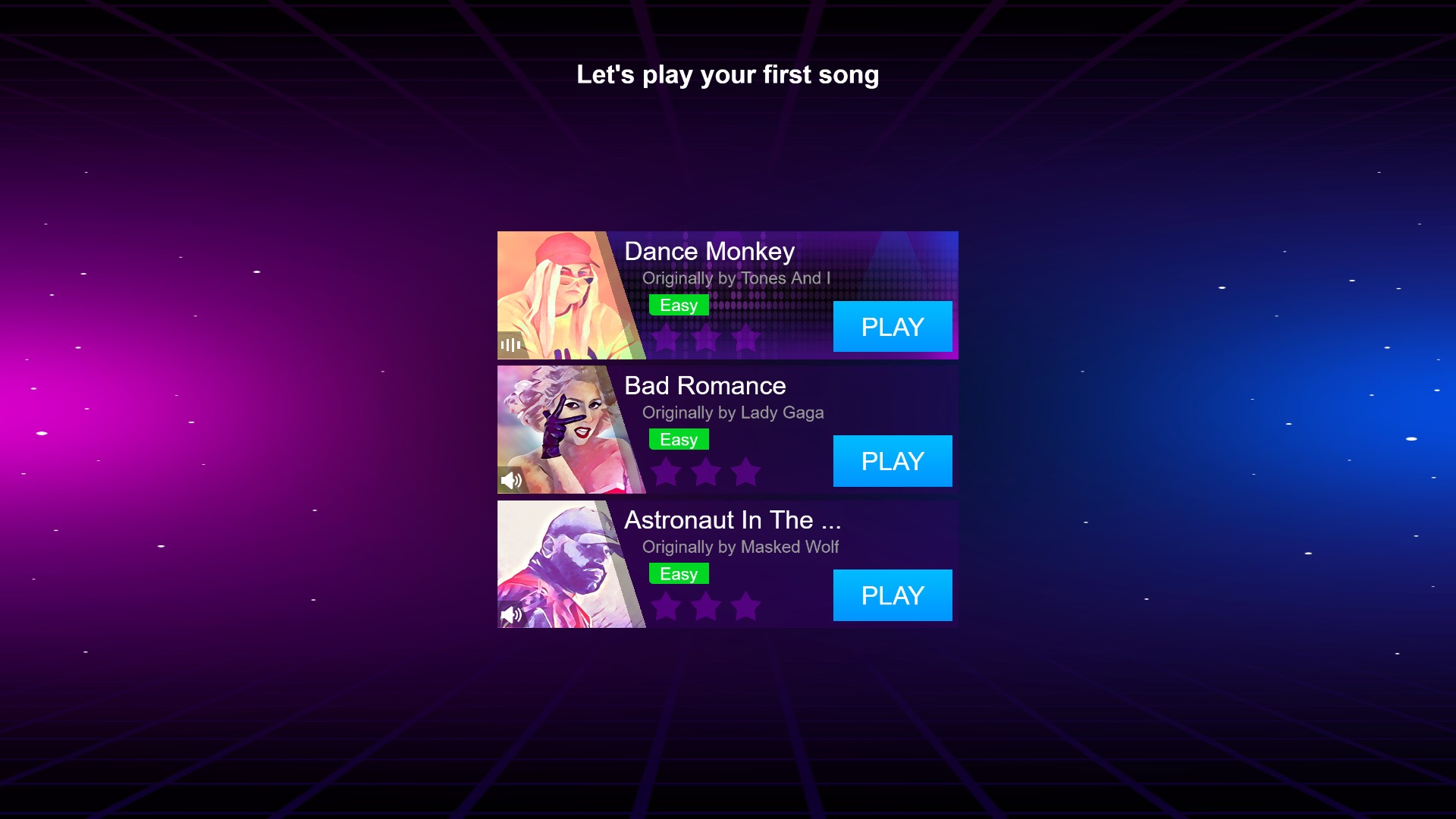
Choose your first song
The first-song introduction offers three songs to start playing Magic Tiles 3.
Use the free introduction bypass to reach the full song menu. Premium members can also choose a displayed profile level from 1 to 10.
Open Magic Tiles 3 through Bytonian Mods, choose Customize, select the values you want and apply them. The game reloads when you apply changes.
Control the introduction and displayed profile level.
View customisation options →Download the Windows app and follow the setup prompts.
Set up the browser extension in Chrome or Edge, then open the supported YouTube Playable. Follow the connection guide if the game is already running.
Open Customise in Bytonian Mods, choose an option and follow its instructions. Check the available values and any limits before making your change.