
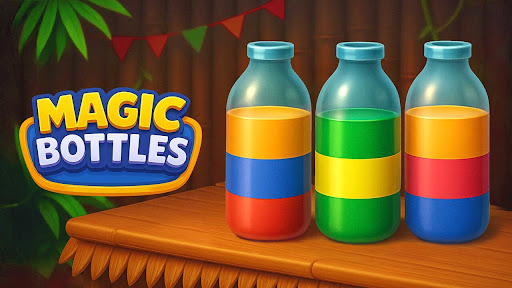
Choose coins, boosters and puzzles
Choose the coins or booster stock you want before entering a puzzle. To revisit an early arrangement, select one of the first six positions in your current episode.
Requires the Windows app and the Bytonian Mods browser extension for Chrome or Edge. Browser setup guide

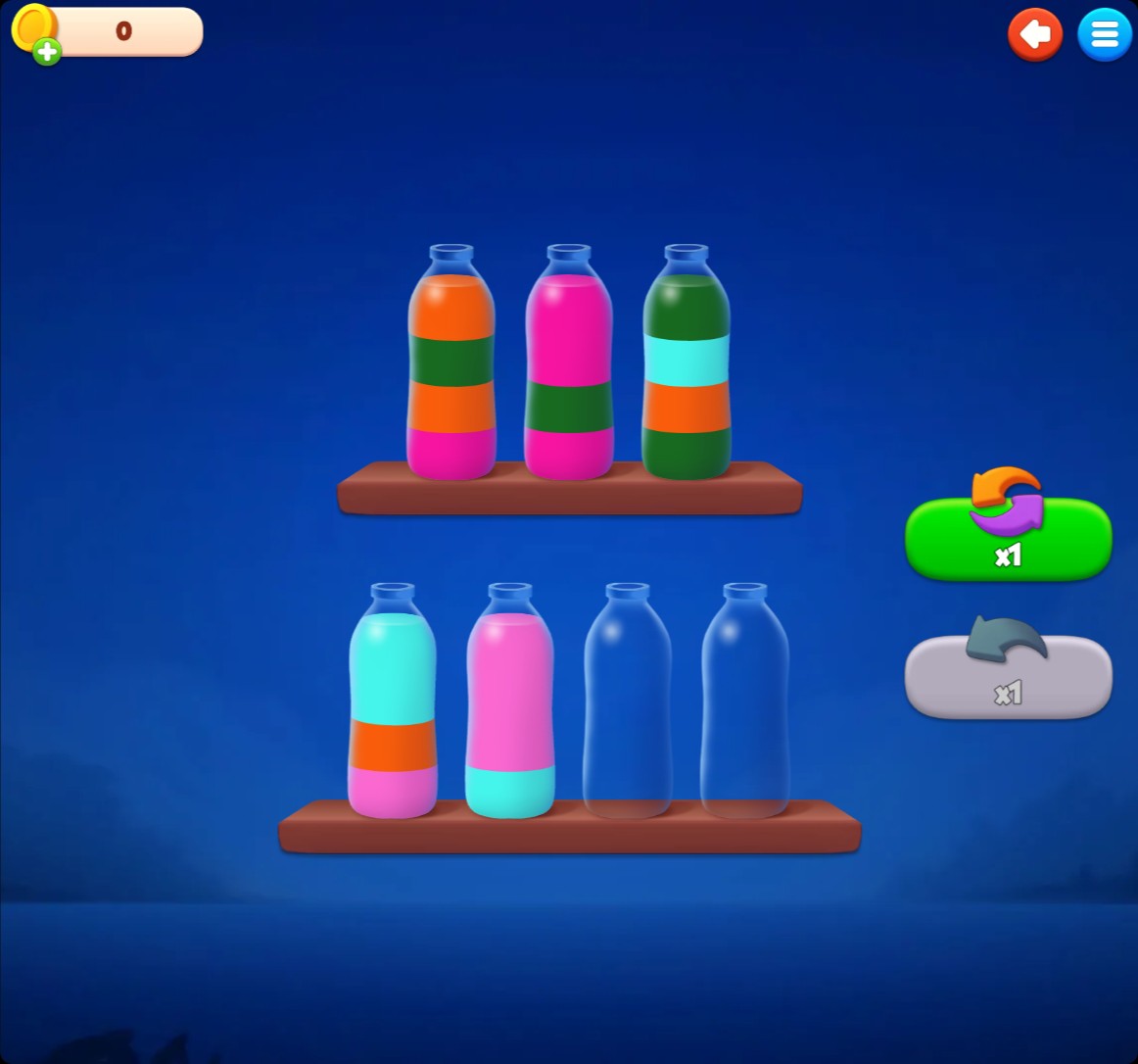
Choose an early puzzle
Choose one of the first six puzzle positions in your current episode.

Coins for normal shop purchases
Choose coins to spend in the normal shop, including life packs.
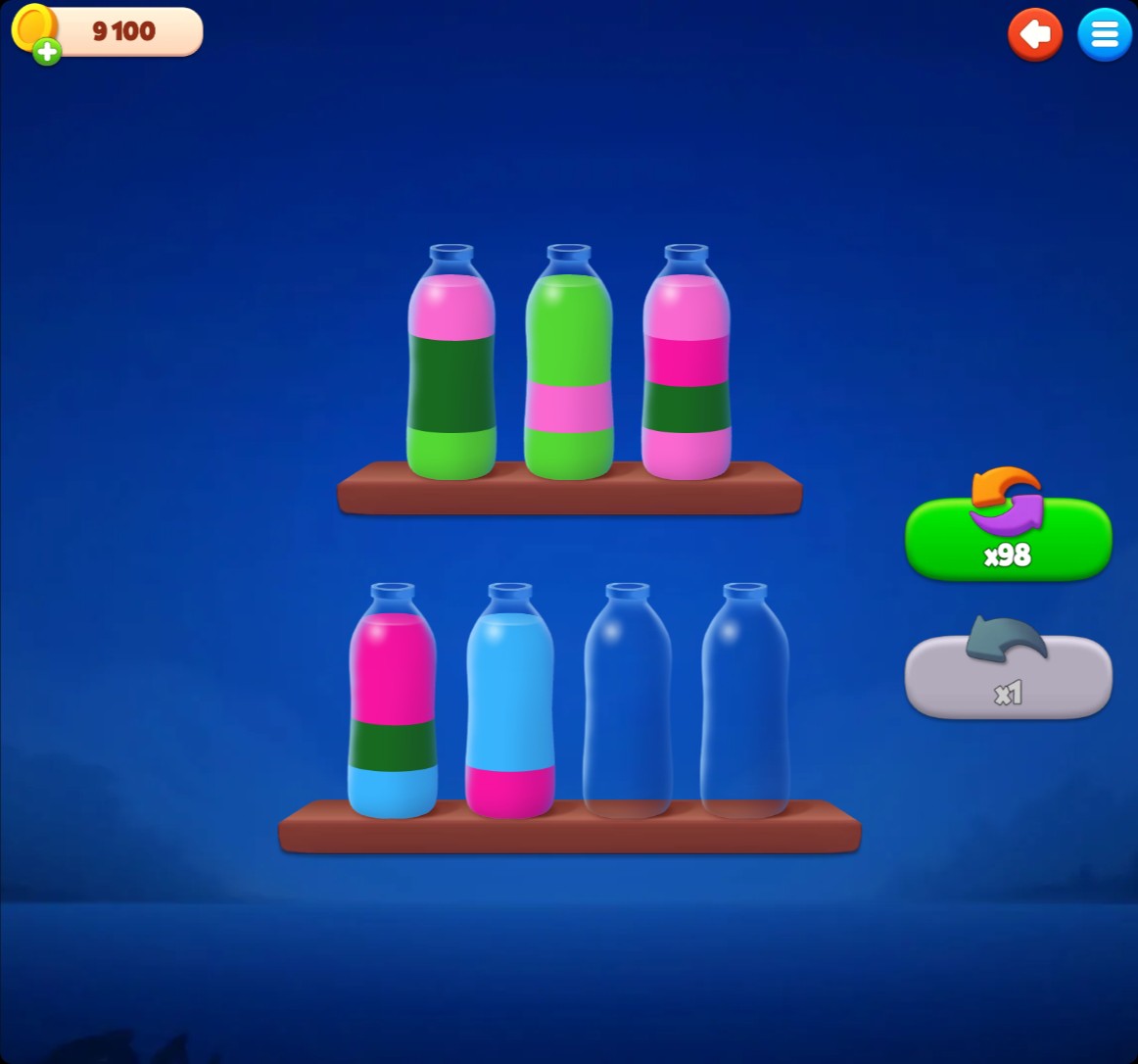
Swap the top two colors
Choose your Swap stock, then select a bottle to swap its top two colors.
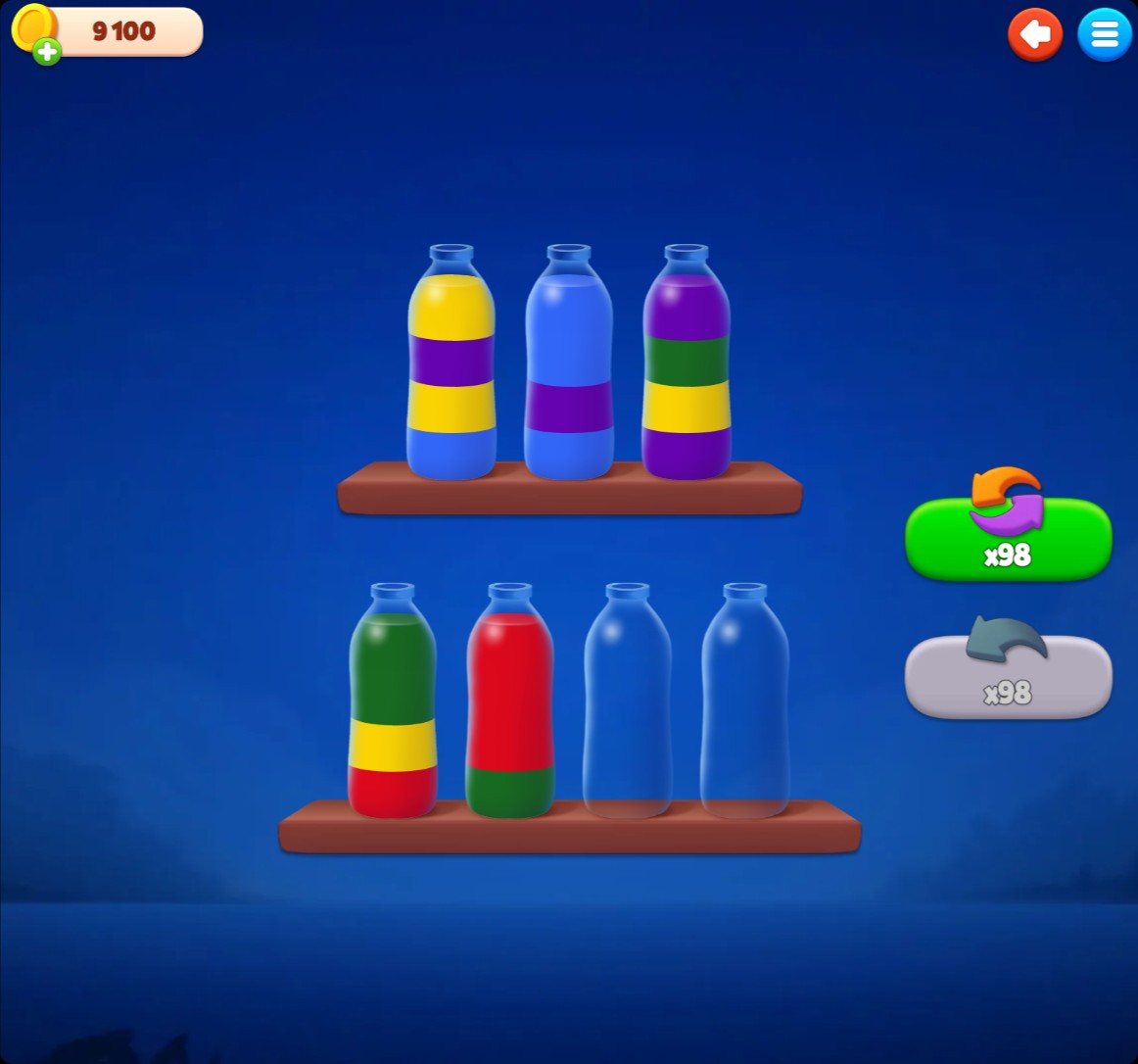
Take back a move
Choose your Undo stock, make a move, then use Undo to take it back.
Swap a bottle's top colors
Swap becomes available from Level 4. Press Swap inside a puzzle, then select a bottle to exchange its top two colors. Set your stock from 0 to 999.
Take back a pour
Undo becomes available from Level 6. Make a move first, then press Undo to restore the previous arrangement. The Undo stock control is free and supports values from 0 to 999.
Coins and early puzzle choice
Set coins from 0 to 1,000,000 and spend them through the normal shop. Puzzle choice covers the first six positions in your current episode, so the displayed level number also depends on your episode.
Available customisation options
Early level in episodePremium
Choose one of the first six puzzle positions within your current episode.
Choose a position from 1 to 6 from the menu, apply, then press Play normally.
CoinsPremium
Choose coins for normal shop purchases, including life packs.
Set a balance from 0 to 1,000,000 from the menu, apply, then use the normal shop.
Swap boostersPremium
Choose your stock for swapping the top two colors in a bottle.
Set a count from 0 to 999. From Level 4, press Swap in a puzzle, then select a bottle.
Undo boostersFree
Choose your stock for taking back a move. This control is free.
Set a count from 0 to 999. From Level 6, make a move first, then press Undo.
Using these features
Connect your game, then open Customise in the Windows app. Choose an option, check its available values and follow its instructions. Each option lists its own requirements and limits.
Setup for Magic Bottles →