
Customise
4 optionsSet coins, Swap or Undo separately, or choose a puzzle position from 1 to 6 within your current episode.
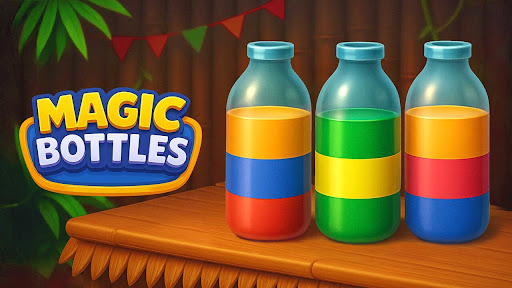
View all customisation options →Stock up on Swap or Undo, set coins for shop purchases or choose an early puzzle in your current episode. Pour matching colours until each one has its own bottle.
Requires the Windows app and the Bytonian Mods browser extension for Chrome or Edge. Browser setup guide

Start with free mods
Download Bytonian Mods for Windows and try these free features. Choose one to see how it works and any requirements.
Choose your stock for taking back a move. This control is free.
Set a count from 0 to 999. From Level 6, make a move first, then press Undo.
Swap exchanges a bottle's top two colors, giving you another arrangement to work with. Undo takes back a move when you want to try a different pour. Choose the booster stock you need, then use its normal puzzle button.
Choose coins for normal shop purchases, including life packs. The early-level control selects one of the first six puzzle positions within your current episode.
Set coins, Swap or Undo separately, or choose a puzzle position from 1 to 6 within your current episode.
View all customisation options →Download the Windows app and follow the setup prompts.
Set up the browser extension in Chrome or Edge, then open the supported YouTube Playable. Follow the connection guide if the game is already running.
Open Customise in Bytonian Mods, choose an option and follow its instructions. Check the available values and any limits before making your change.