

Choose your packing puzzle
Return to either of the first two lunch-box arrangements while keeping completed customer and day progress.
Requires the Windows app and the Bytonian Mods browser extension for Chrome or Edge. Browser setup guide

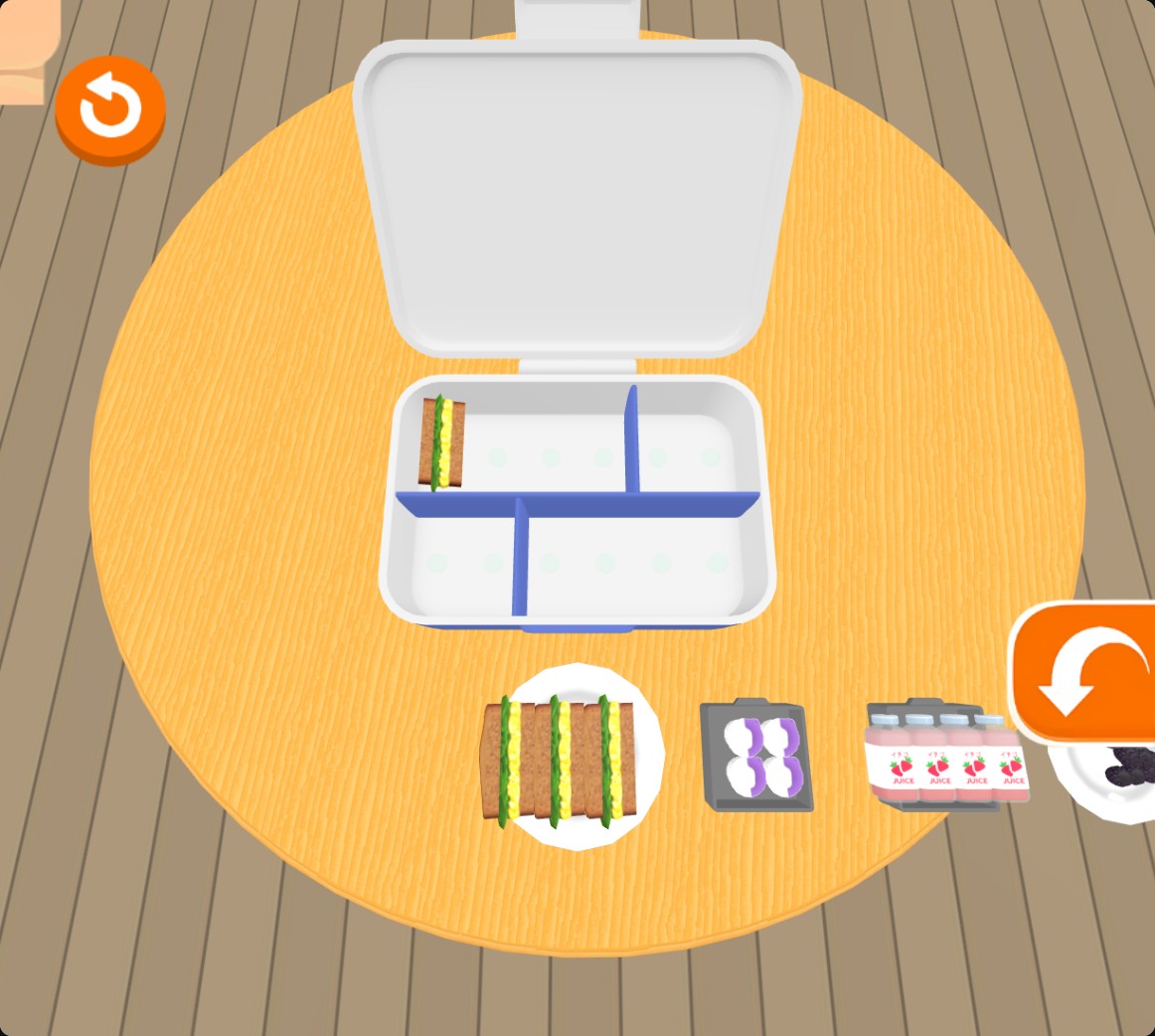
Return to an early packing puzzle
Choose packing puzzle 1 or 2, then arrange the food using the game's normal controls.
Start the selected arrangement
Choose a puzzle, apply the selection and press Play. Use the food trays and lunch-box compartments to pack the meal. Completed customer and day progress stays in place.
Available customisation options
Packing puzzlePremium
Replay packing puzzle 1 or 2 while keeping completed customer and day progress.
Choose 1 or 2, apply the selection and press Play.
Covers packing puzzles 1–2.
Questions about customisation options
- Does choosing a puzzle reset my day progress?
- The selection changes the packing puzzle while preserving completed customer and day progress.
Using these features
Connect your game, then open Customise in the Windows app. Choose an option, check its available values and follow its instructions. Each option lists its own requirements and limits.
Setup for Lunch Box Ready →