
Customise
1 optionPick puzzle 1 or 2 and apply your choice before pressing Play.
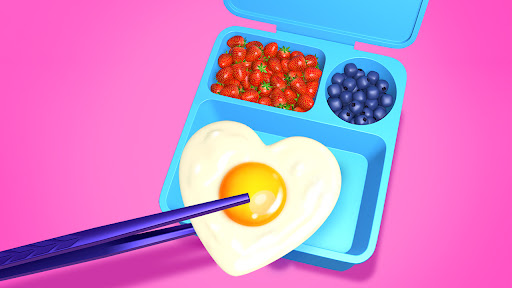
View customisation options →Choose packing puzzle 1 or 2 to revisit an early lunch-box arrangement while keeping completed customer and day progress. Place sandwiches, desserts, juice and berries into the compartments using the game's normal controls.
Requires the Windows app and the Bytonian Mods browser extension for Chrome or Edge. Browser setup guide

Switch between packing puzzles 1 and 2. Start the selected puzzle and place the food into the available spaces.
Pick puzzle 1 or 2 and apply your choice before pressing Play.
View customisation options →Download the Windows app and follow the setup prompts.
Set up the browser extension in Chrome or Edge, then open the supported YouTube Playable. Follow the connection guide if the game is already running.
Open Customise in Bytonian Mods, choose an option and follow its instructions. Check the available values and any limits before making your change.