
Choose where to continue
Set Level to the puzzle you want to start next. It is a simple way to change your place in the picture collection without working through every puzzle in between.
Requires the Windows app and the Bytonian Mods browser extension for Chrome or Edge. Browser setup guide

Start your selected level
Choose a level and apply your changes. The game restarts with your selection, then the level button opens that puzzle.
Available customisation options
LevelPremium
Choose the level you want to play next.
Set Level, apply your changes, then press the game's level button to start your selected puzzle.
Applying your changes restarts the game.
More ways to customise Jigsaw Blocks
- Jigsaw Blocks game actions
Finish the open level and carry on with Continue.
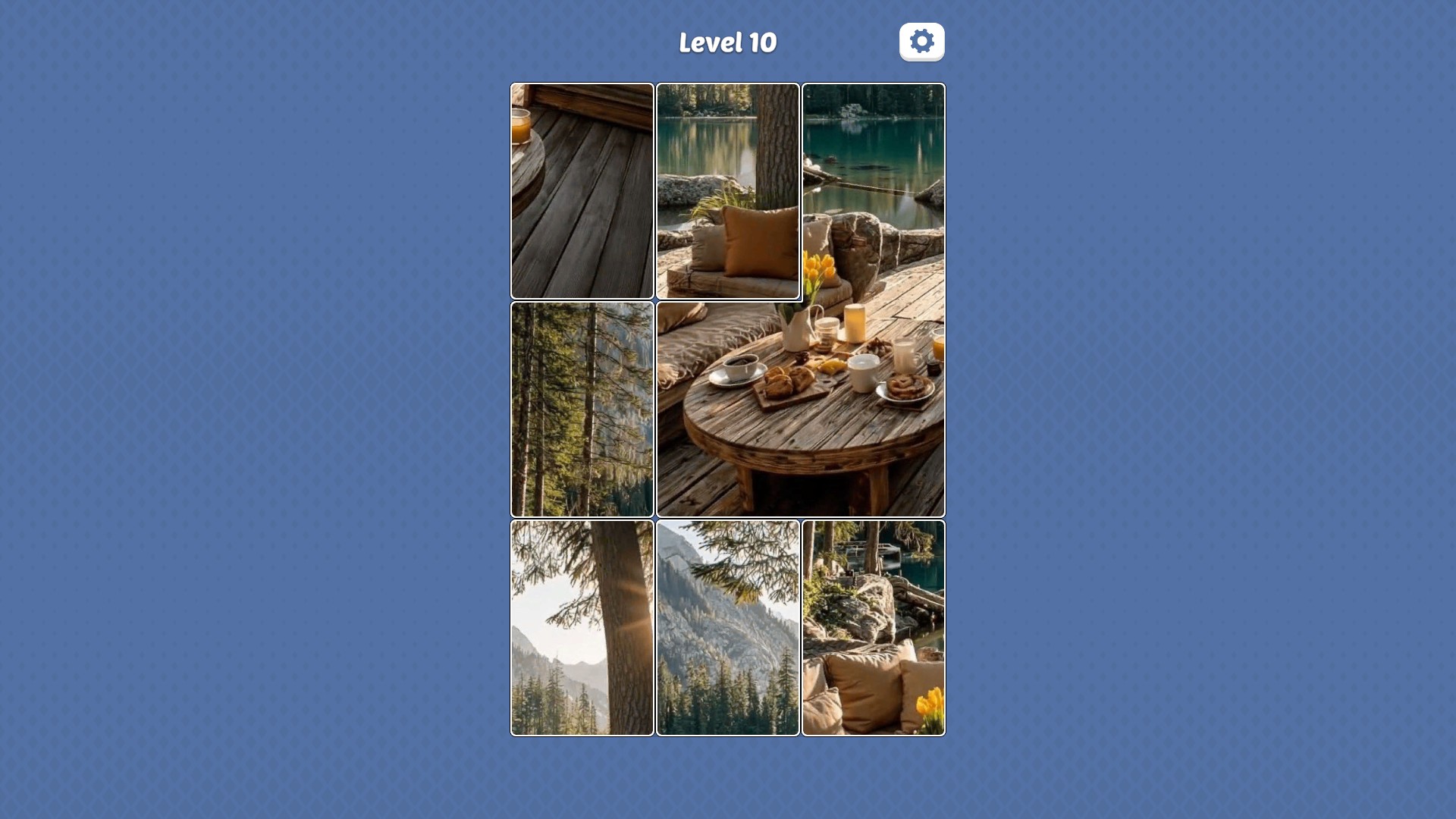
Choose your next puzzle
Set your level, then start the picture you want to play.
Using these features
Connect your game, then open Customise in the Windows app. Choose an option, check its available values and follow its instructions. Each option lists its own requirements and limits.
Setup for Jigsaw Blocks →