
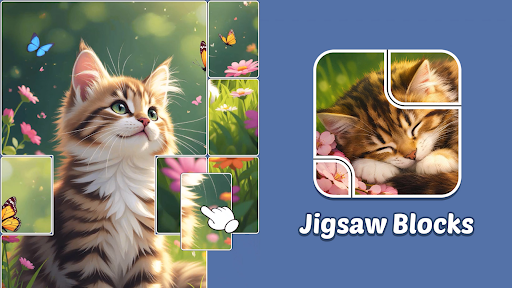
Customise
1 optionSet your level and start a different picture.
View customisation options →Finish the open puzzle or choose the level you want to play next in Jigsaw Blocks. Pick up a different picture when you want a change, then slide and join pieces as usual.
Requires the Windows app and the Bytonian Mods browser extension for Chrome or Edge. Browser setup guide

Start with free mods
Download Bytonian Mods for Windows and try these free features. Choose one to see how it works and any requirements.
Move past a tricky puzzle and carry on to the next level.
Open an unfinished puzzle, choose Complete puzzle, then press Continue.
The level finishes with its tiles in their current positions.
Game Actions helps you finish the level you have open and move on with Continue. Level customization lets you choose the puzzle to start after applying your changes.
Open Jigsaw Blocks through Bytonian Mods. Use Complete puzzle while a puzzle is open, or set Level before starting the picture you want to play.
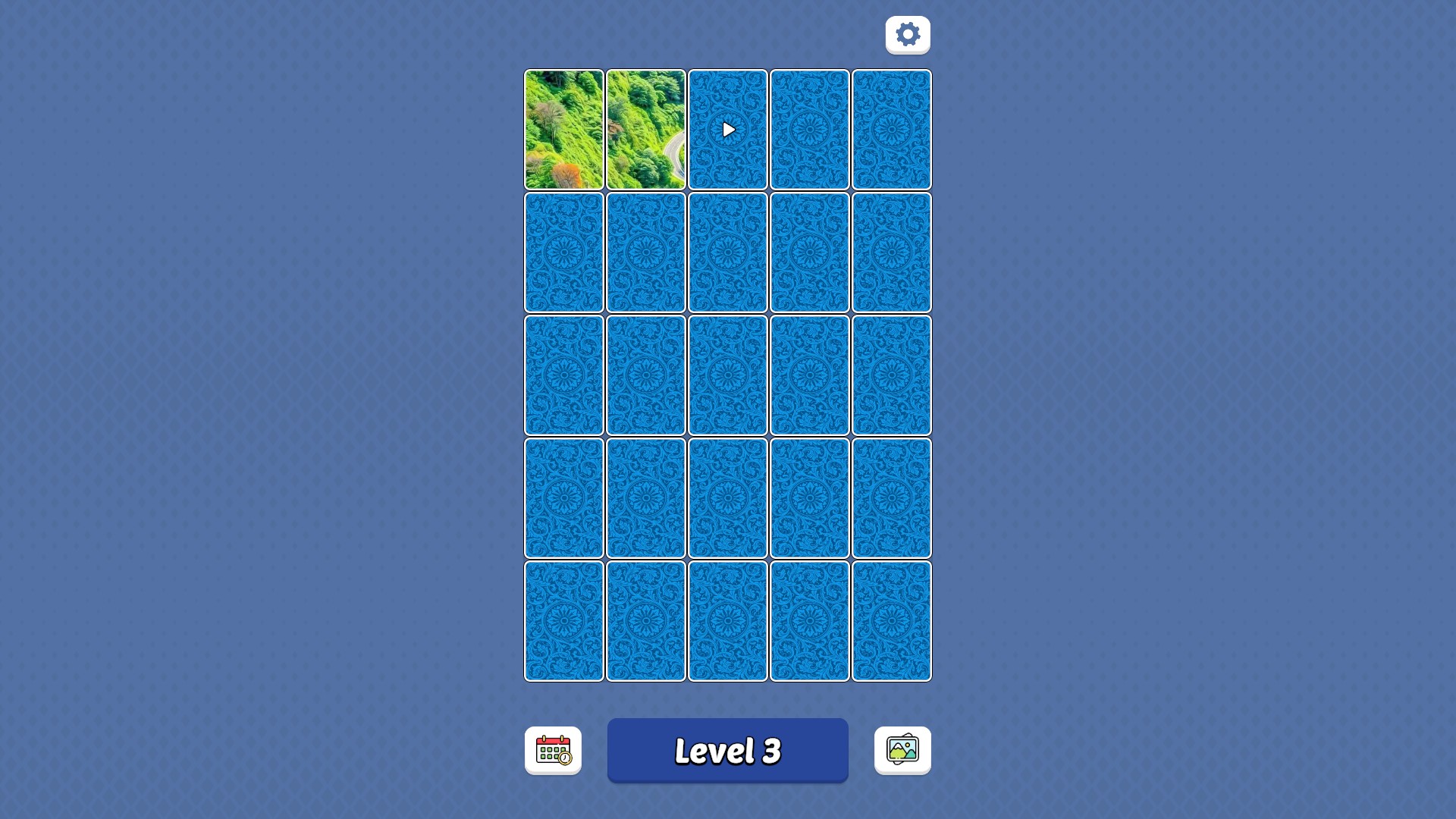
Your next picture awaits
Return to the picture pack and start your next Jigsaw Blocks puzzle.
Set your level and start a different picture.
View customisation options →Finish the open level and carry on with Continue.
View game actions →Download the Windows app and follow the setup prompts.
Set up the browser extension in Chrome or Edge, then open the supported YouTube Playable. Follow the connection guide if the game is already running.
Review the available options in the app and choose the ones that suit how you play.