
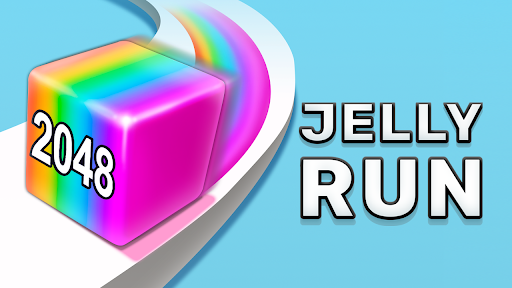
Choose your Jelly Run 2048 gem balance
Set Gems to a whole-number balance you choose. Apply the value while the game is open and check the gem counter to see the updated total.
Requires the Windows app and the Bytonian Mods browser extension for Chrome or Edge. Browser setup guide

Apply the amount you want
Enter a value within the control's displayed range and apply it once. The current balance updates to that amount, so you can make a small adjustment or choose a larger total. Use the visible gem counter to check the result.
Available resources
GemsPremium
Set your current gem balance to the amount you choose.
Enter a whole-number balance within the displayed range, apply it once and check the gem counter.
Changes your gem balance separately from course selection.
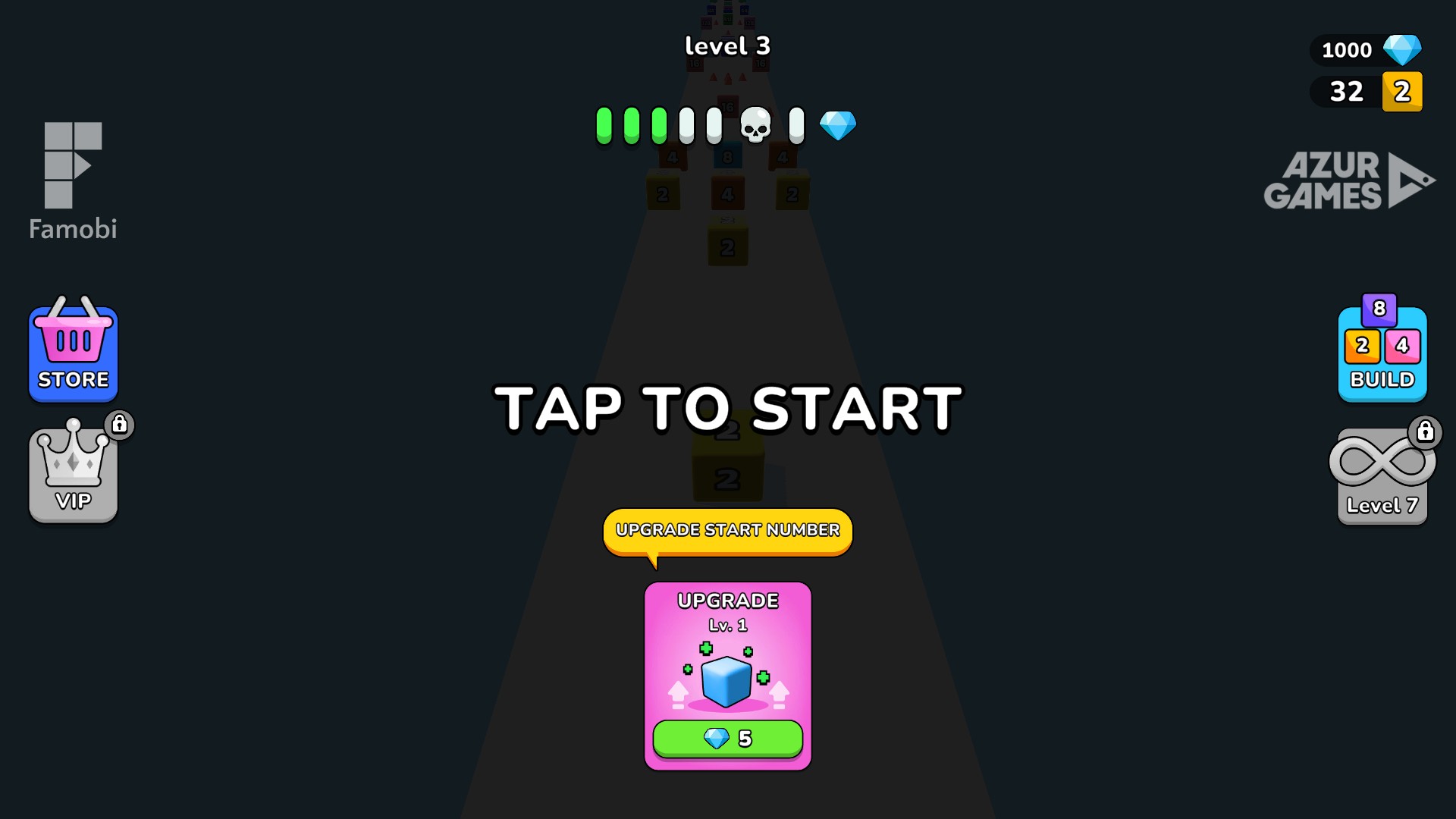
Ready for Level 3 with 1,000 gems
A Level 3 ready screen after setting the gem balance to 1,000 and advancing from Level 2 with Skip Course.
More ways to customise Jelly Run 2048
- Jelly Run 2048 game actions
Skip one course for free or open the hard challenge.
Questions about resources
- Where can I check the gem total?
- The ready screen displays the gem total beside the blue gem icon near the top-right corner.
- Does Gems keep the total fixed?
- Gems applies your chosen balance once. Normal play can change the total afterward; apply another amount when you want a different balance.
Using these features
Choose the feature in the Windows app after connecting your game. Check its requirements before making a change.
Setup for Jelly Run 2048 →