
Finish the mini-game you are playing
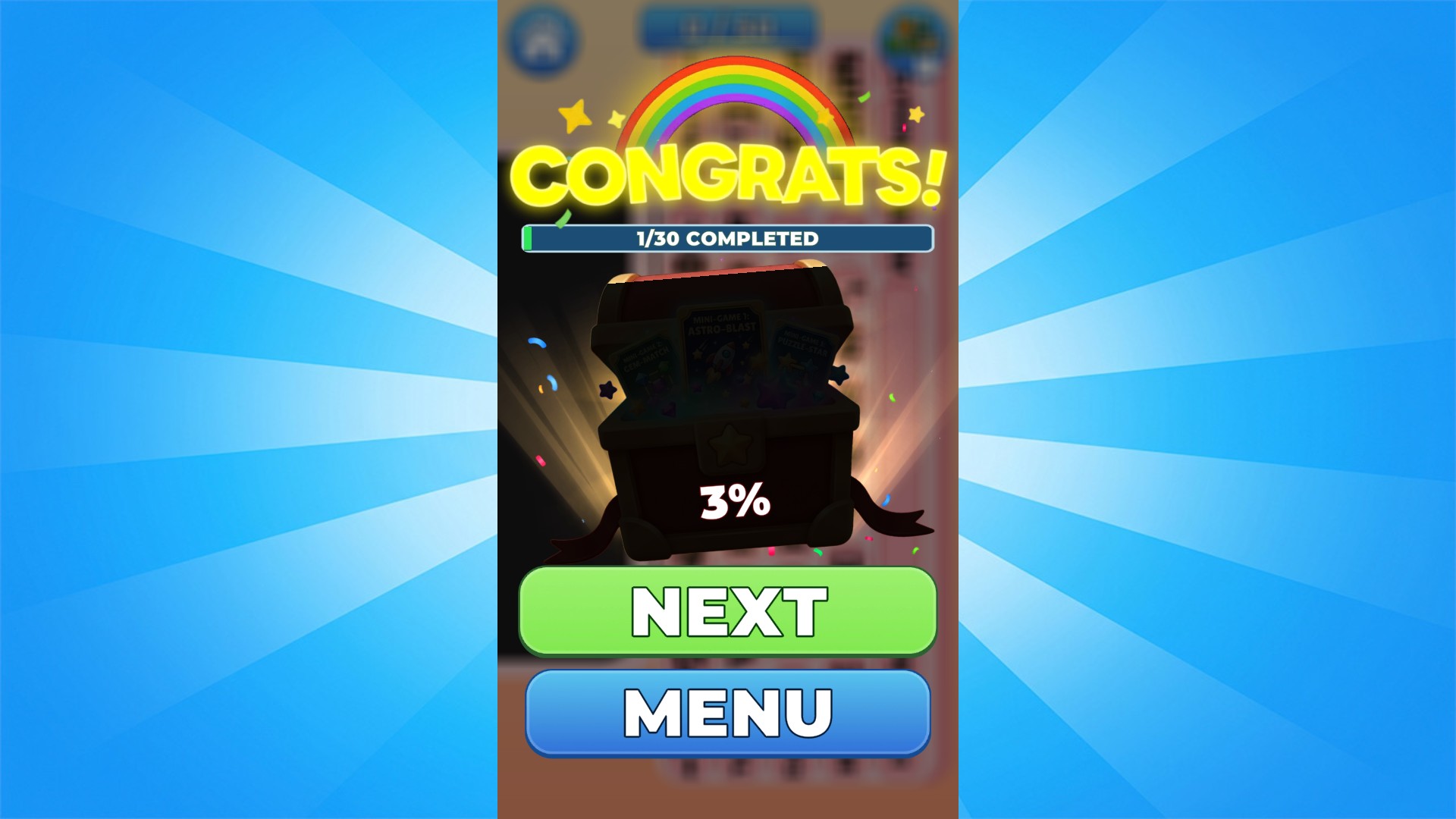
Ready for another challenge? Complete mini-game takes the active mini-game to its win screen and adds it to your completed total. Choose Next to carry on, or Menu to browse the collection.
Requires the Windows app and the Bytonian Mods browser extension for Chrome or Edge. Browser setup guide
Use it during a challenge
Open a mini-game from the collection menu, then press Complete mini-game. On the win screen, choose Next or Menu.
See your collection progress
The completion bar shows your progress through the collection. Returning to the menu keeps that total in view while you choose another mini-game.
Available game actions
Complete mini-gameFree
Finish the current mini-game and add it to your completed total.
Enter a mini-game, press Complete mini-game, then choose Next or Menu on the win screen.
Enter a mini-game before using this action.
One challenge down
Finish the current mini-game and choose what to play next.
Questions about game actions
- When should I use Complete mini-game?
- Enter a mini-game first, then use the action when you want to finish that challenge and move on.
- What happens after I use it?
- The win screen appears with Next and Menu buttons, and the mini-game is added to your completed total.
Using these features
Choose the feature in the Windows app after connecting your game. Check its requirements before making a change.
Setup for Italian Brainrot Mini Games →