
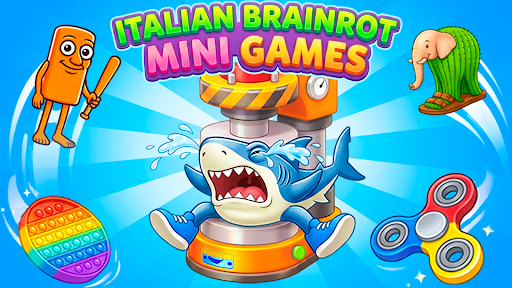
Game Actions
1 optionA quick finish for the active challenge, with your next choice still in your hands.
View game actions →Finish the current challenge and open its win screen in Italian Brainrot Mini Games. Choose Next to keep going or browse the 30-game collection, from ASMR Typing to Hit the Mosquito and Tower.
Requires the Windows app and the Bytonian Mods browser extension for Chrome or Edge. Browser setup guide
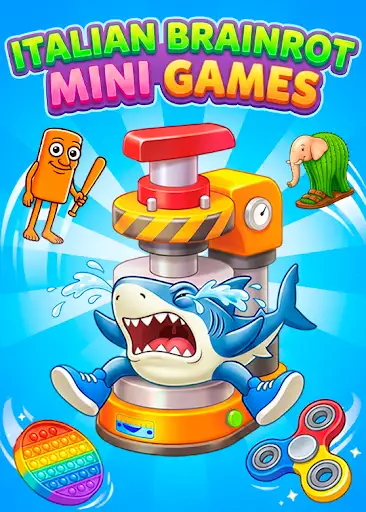
Start with free mods
Download Bytonian Mods for Windows and try these free features. Choose one to see how it works and any requirements.
Finish the current mini-game and add it to your completed total.
Enter a mini-game, press Complete mini-game, then choose Next or Menu on the win screen.
Enter a mini-game before using this action.
Use Complete mini-game during an active challenge to reach its win screen. Your completion count moves forward, and you can choose Next or return to the menu.
Return to the collection menu to browse the mini-games. Choose a challenge that suits your mood, then use the completion action whenever you are ready to move on.
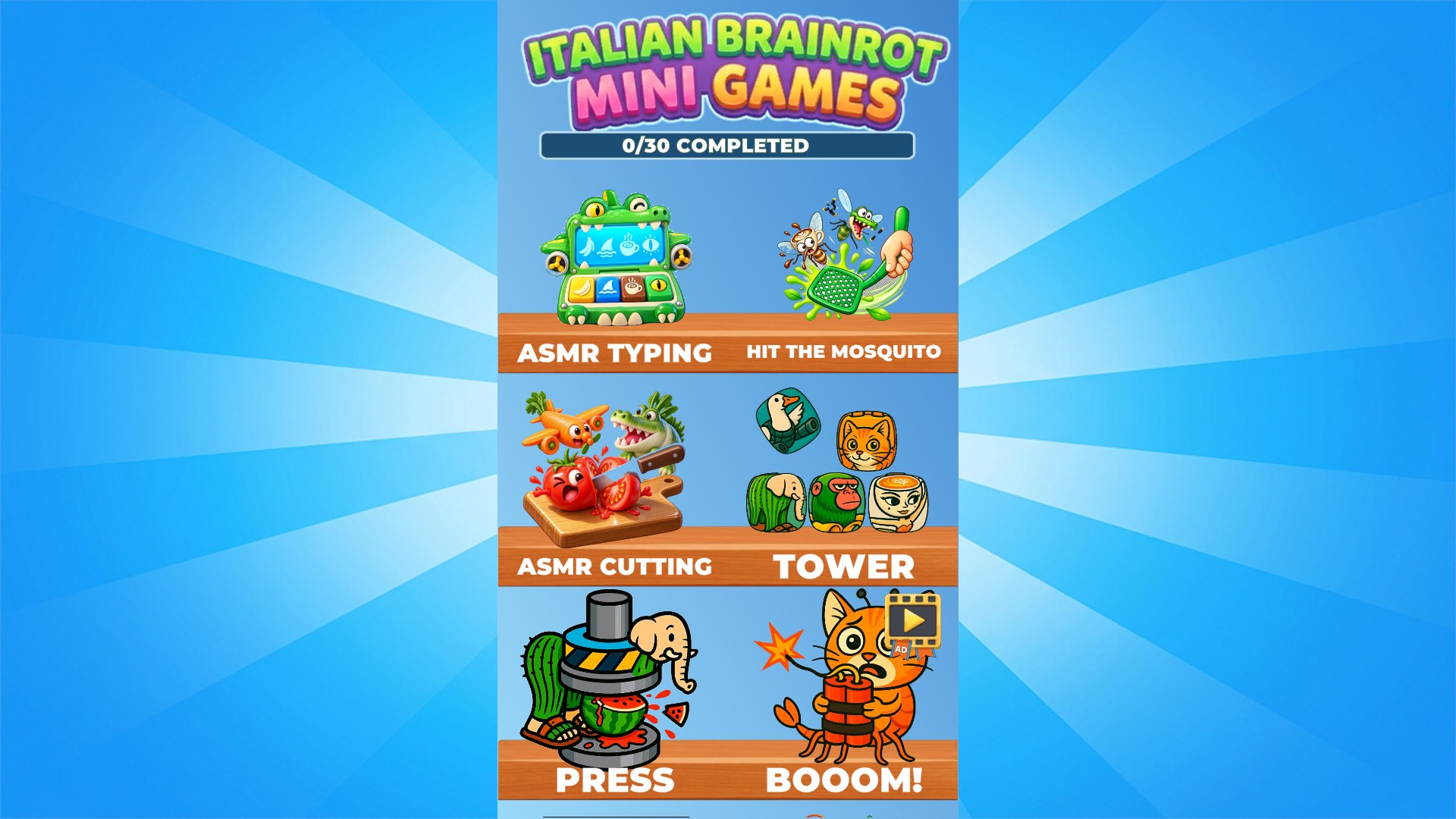
Pick your next mini-game
Browse a collection of quick challenges, from ASMR typing to tower stacking.
A quick finish for the active challenge, with your next choice still in your hands.
View game actions →Download the Windows app and follow the setup prompts.
Set up the browser extension in Chrome or Edge, then open the supported YouTube Playable. Follow the connection guide if the game is already running.
Review the available options in the app and choose the ones that suit how you play.