
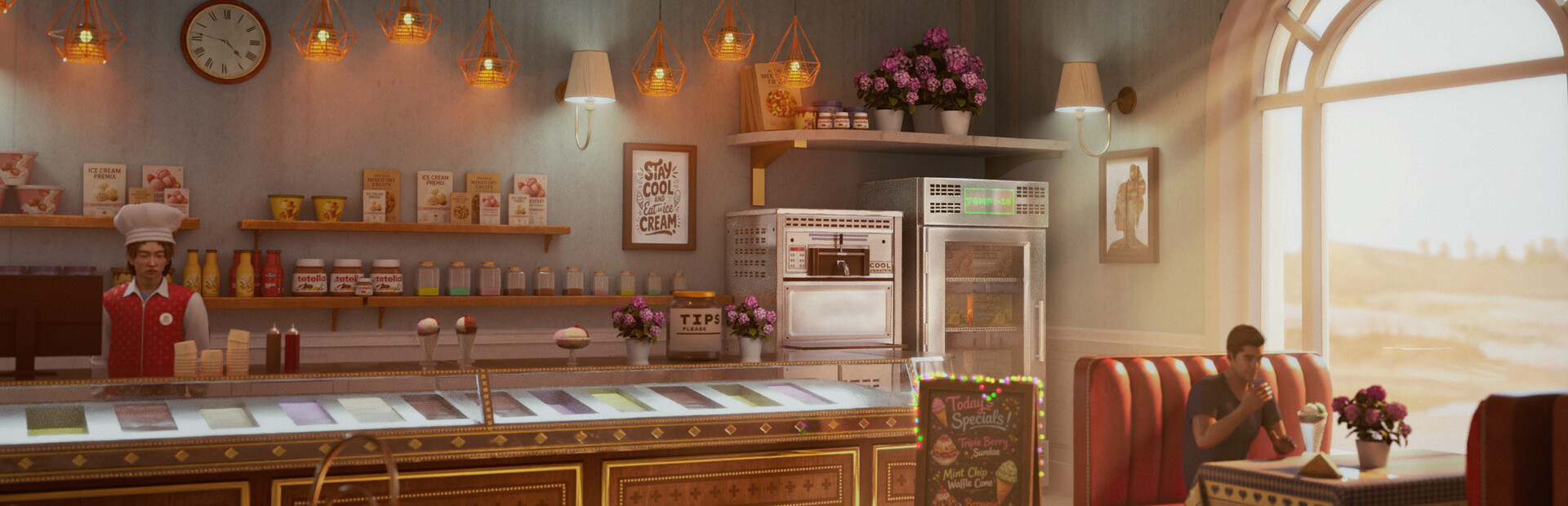
Look around the shop with Fly
Move above the usual walking route and through scenery with the Premium Fly option. Camera-relative movement and separate normal and fast speeds let you change position while inspecting your shop and its surroundings.
Playing the demo? View Ice Cream Simulator Demo mods.
Check the controls before flying
Open the Movement tab, enable Movement and select Fly. Review the movement, up, down and faster-flight bindings, along with both speed settings. Move to a clear, walkable spot before switching Movement off.
Flight and shop work are separate
Flying changes your position. It does not finish recipes, serve customers or advance shop tasks automatically, so return to the usual work area when you want to continue those activities.
Available ability modifiers
MovementPremium
Fly around your shop and through scenery to explore from different positions.
Open the Movement tab, enable Movement and select Fly. Check the configured movement keys and both speed settings.
Changes movement rather than shop tasks. Return to a clear, walkable position before disabling.
Supported movement styles: Fly
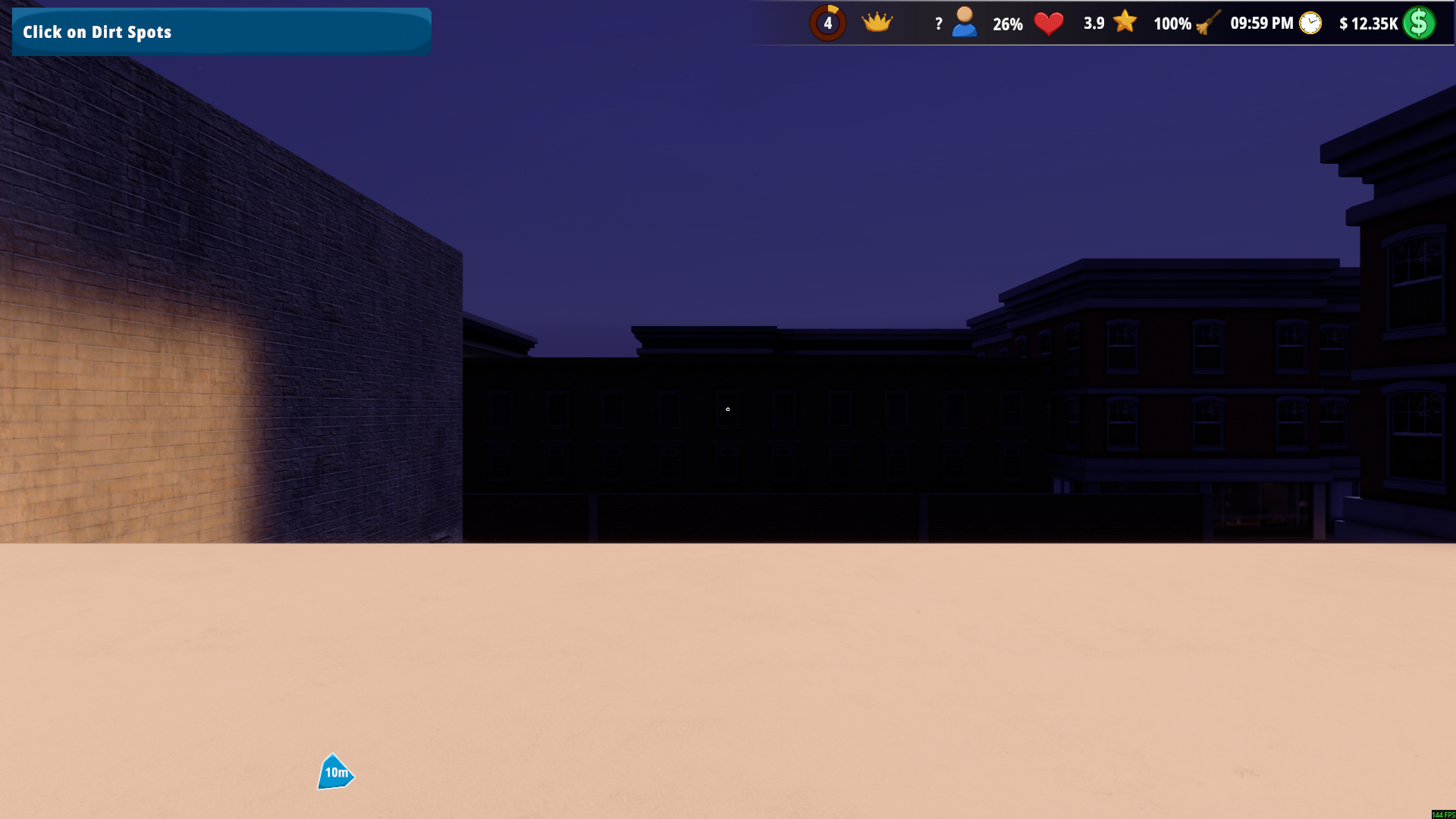
Fly above the shop at night
Leave the shop floor behind and fly up through the roof for a view of the surrounding buildings.
More ways to customise Ice Cream Simulator
- Ice Cream Simulator resources
Set your available money up or down.
- Ice Cream Simulator rule modifiers
Free rules for freezing prepared ice cream and replenishing display scoops.
- Ice Cream Simulator game actions
Three actions change store cleanliness or complete recipe ingredients.
- Ice Cream Simulator progression systems
Grant experience during a loaded game.
Using these features
Choose the feature in the Windows app after connecting your game. Check its requirements before making a change.
Setup for Ice Cream Simulator →