

Resources
1 optionSet your available money up or down.
View resources →Run a small ice cream shop in Ice Cream Simulator Demo, from preparing batches to choosing how to spend your budget. Adjust preparation, funds, experience and movement to shape your shop routine.

Looking for the full game? View Ice Cream Simulator mods.
Start with free mods
Download Bytonian Mods for Windows and try these free features. Choose one to see how it works and any requirements.
Make prepared ice cream ready without the usual freezing wait.
Enable the rule while preparing your ice cream batch.
Does not add ingredients or automatically serve customers.
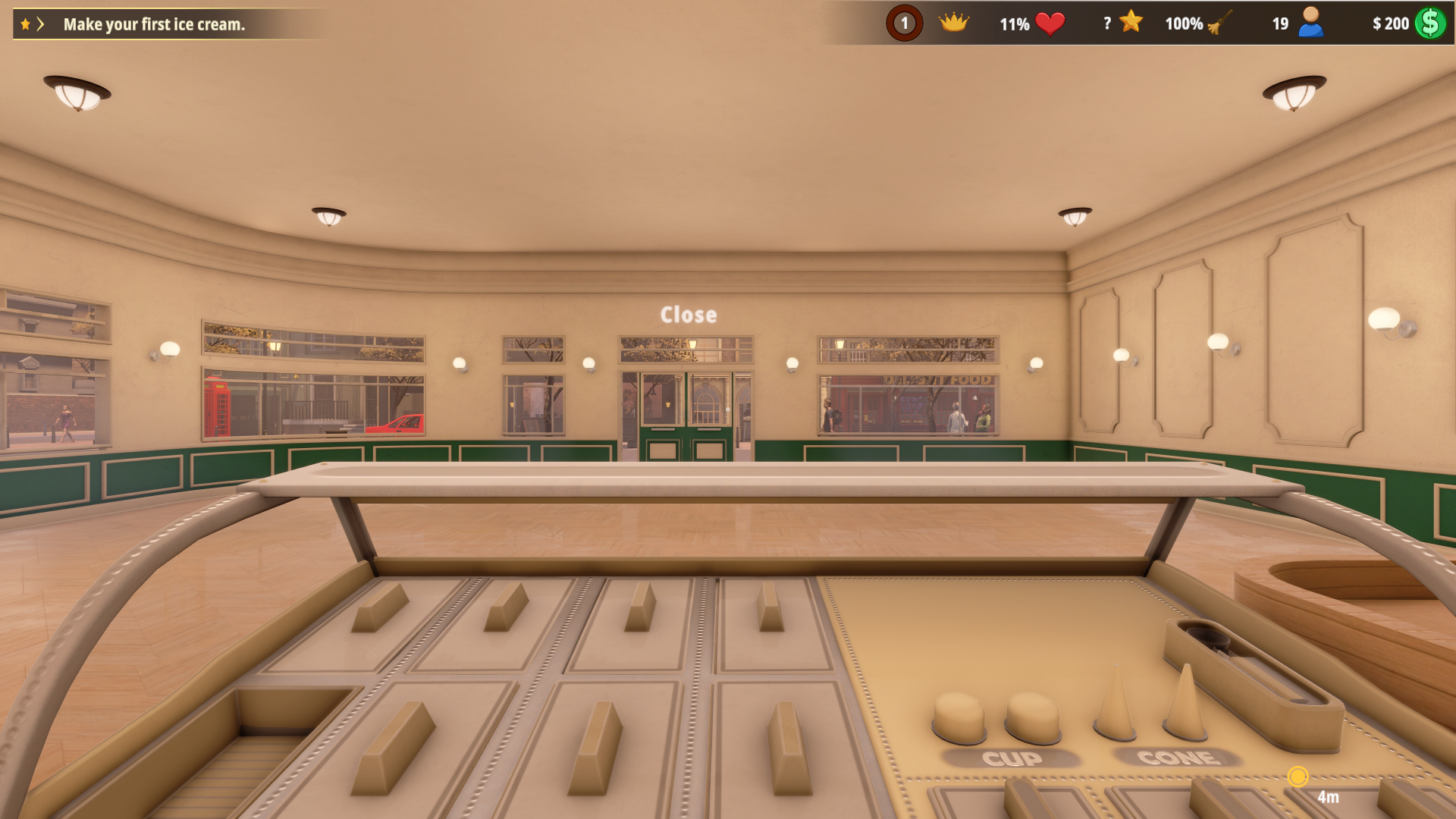
Your first shop in Ice Cream Simulator Demo
Get ready to make your first ice cream behind the shop counter.
Set your shop budget, finish a recipe's ingredients or skip the freezing wait. You can also add experience and fly around the shop to explore.
Install Bytonian Mods, launch Ice Cream Simulator Demo and select this demo in the app. Follow the connection prompts, load your shop and choose an option.
Set your available money up or down.
View resources →A free rule removes the freezing wait for prepared ice cream.
View rule modifiers →Adjustable flight for exploring the shop environment.
View ability modifiers →Complete recipe ingredients and continue the preparation.
View game actions →Grant experience during a loaded game.
View progression systems →Download the Windows app and follow the setup prompts.
Open Ice Cream Simulator Demo and select it in Bytonian Mods. Follow the app’s connection prompts.
Review the available options in the app and choose the ones that suit how you play.