

Resources
1 optionSet your available money up or down.
View resources →Set your shop's money, finish recipe ingredients, clean up messes, or change how quickly ice cream freezes. These Ice Cream Simulator mods also help you manage scoops, gain experience and explore your shop.

Playing the demo? View Ice Cream Simulator Demo mods.
Start with free mods
Download Bytonian Mods for Windows and try these free features. Choose one to see how it works and any requirements.
Clear store dirt, footprints, dust and splashes, and restore cleanliness.
Load your shop and trigger Clean Store when you want a fresh start.
Cleans the current store once; it does not prevent new dirt from appearing.
Replenish scoops in display containers as you serve ice cream.
Load prepared ice cream into the display and enable the rule before scooping.
Does not create a new flavour. Start with ice cream in the container rather than relying on it to fill an empty display.
Add dust, footprints and ice cream splashes when you want a messy shop to clean.
Load your shop, then trigger Dirty Store.
Deliberately adds dirt. Use Clean Store separately when you want to remove it.
Make prepared ice cream ready without the usual freezing wait.
Enable the rule while preparing your ice cream batch.
Does not add ingredients or automatically serve customers.
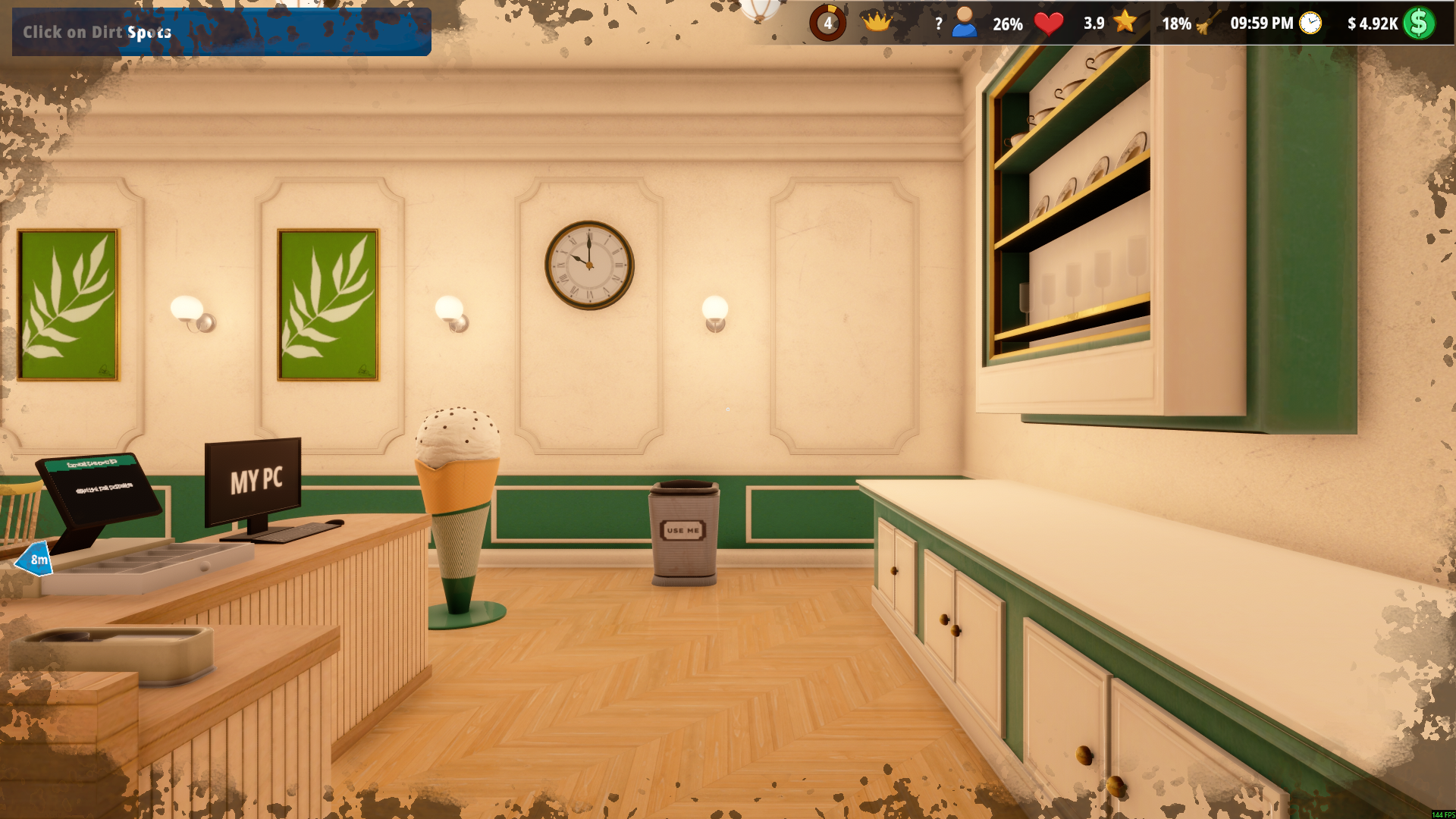
Inside your ice cream shop
Run your ice cream shop, serve customers and keep the store clean.
Game Actions covers cleaning, adding dirt and finishing recipe ingredients. Resources sets money, Progression Systems grants experience, Rule Modifiers changes freezing and scooping, and Ability Modifiers contains Fly.
Install Bytonian Mods, open Ice Cream Simulator and select it in the app. Follow the connection prompts, load your shop and choose the relevant option before starting the task.
Set your available money up or down.
View resources →Free rules for freezing prepared ice cream and replenishing display scoops.
View rule modifiers →Adjustable flight for exploring the shop environment.
View ability modifiers →Three actions change store cleanliness or complete recipe ingredients.
View game actions →Grant experience during a loaded game.
View progression systems →Browse the Steam achievement names and descriptions for Ice Cream Simulator. Choose and unlock achievements for free with Bytonian Mods in the Windows app.
View all achievements →Download the Windows app and follow the setup prompts.
Open Ice Cream Simulator and select it in Bytonian Mods. Follow the app’s connection prompts.
Review the available options in the app and choose the ones that suit how you play.