
Open 49 Fields, Then Choose One
Use Open 49 Fields to unlock the first 49 fields, then swipe through the farm to select one.
Requires the Windows app and the Bytonian Mods browser extension for Chrome or Edge. Browser setup guide
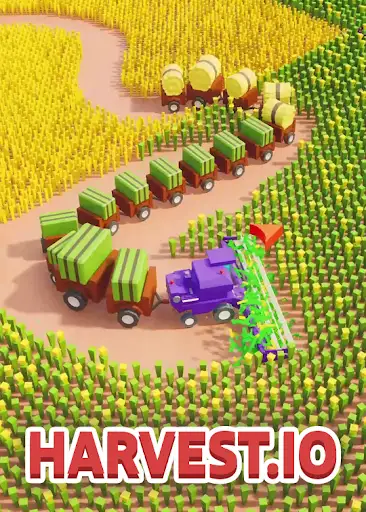
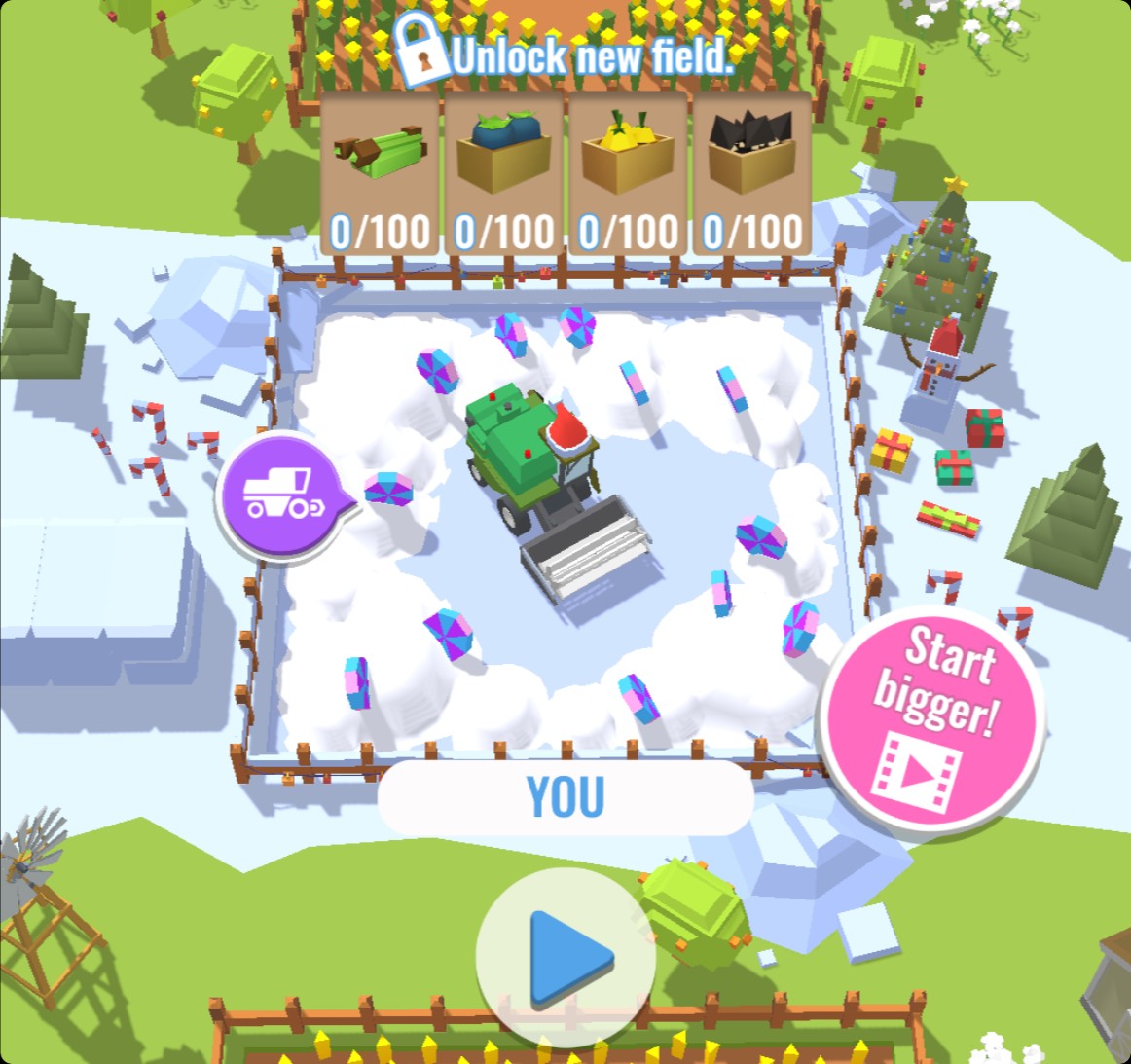
Explore another field
Swipe through the farm to choose an opened field. Open 49 Fields unlocks the first 49 fields and resets crop requirement progress when applied.
Apply the field unlock
Apply Open 49 Fields and let the game reload. Swipe through the farm to move between opened fields, then press Play when you are ready.
Crop requirements refresh
Applying the control resets crop requirement progress to match the opened fields. Your selected harvester, recorded best results and sound preference are kept.
Available customisation options
Open 49 FieldsFree
Open the first 49 fields and choose one through the normal farm menu.
Apply, let the game reload, then swipe through the farm to select an opened field.
Applying resets crop requirement progress to match the opened fields.
Questions about customisation options
- Does applying reload the game?
- Yes. The game reloads to read the opened fields and refresh crop requirements.
Using these features
Connect your game, then open Customise in the Windows app. Choose an option, check its available values and follow its instructions. Each option lists its own requirements and limits.
Setup for Harvest.io →