
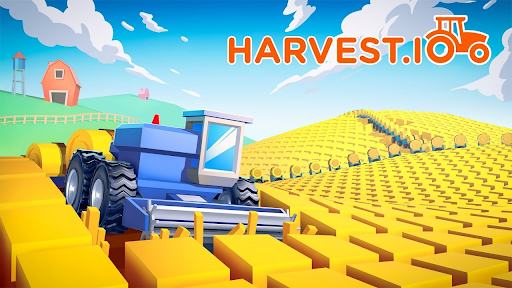
Customise
1 optionA free field unlock with normal farm selection.
View customisation options →Open the first 49 fields so you can choose a new place to harvest through the normal farm menu. Swipe to an opened field, press Play and drive your harvester through its crops.
Requires the Windows app and the Bytonian Mods browser extension for Chrome or Edge. Browser setup guide
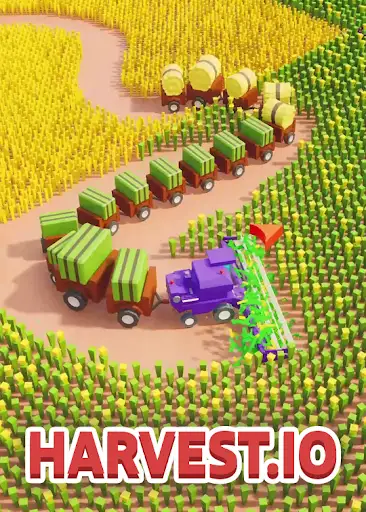
Start with free mods
Download Bytonian Mods for Windows and try these free features. Choose one to see how it works and any requirements.
Open the first 49 fields and choose one through the normal farm menu.
Apply, let the game reload, then swipe through the farm to select an opened field.
Applying resets crop requirement progress to match the opened fields.
Swipe through the farm to browse opened fields, from the starting wheat farm to a snowy candy field. Choose a field, then use the normal Play button to start harvesting.
Open 49 Fields is free. Applying it reloads the game and resets crop requirement progress to match the opened fields.
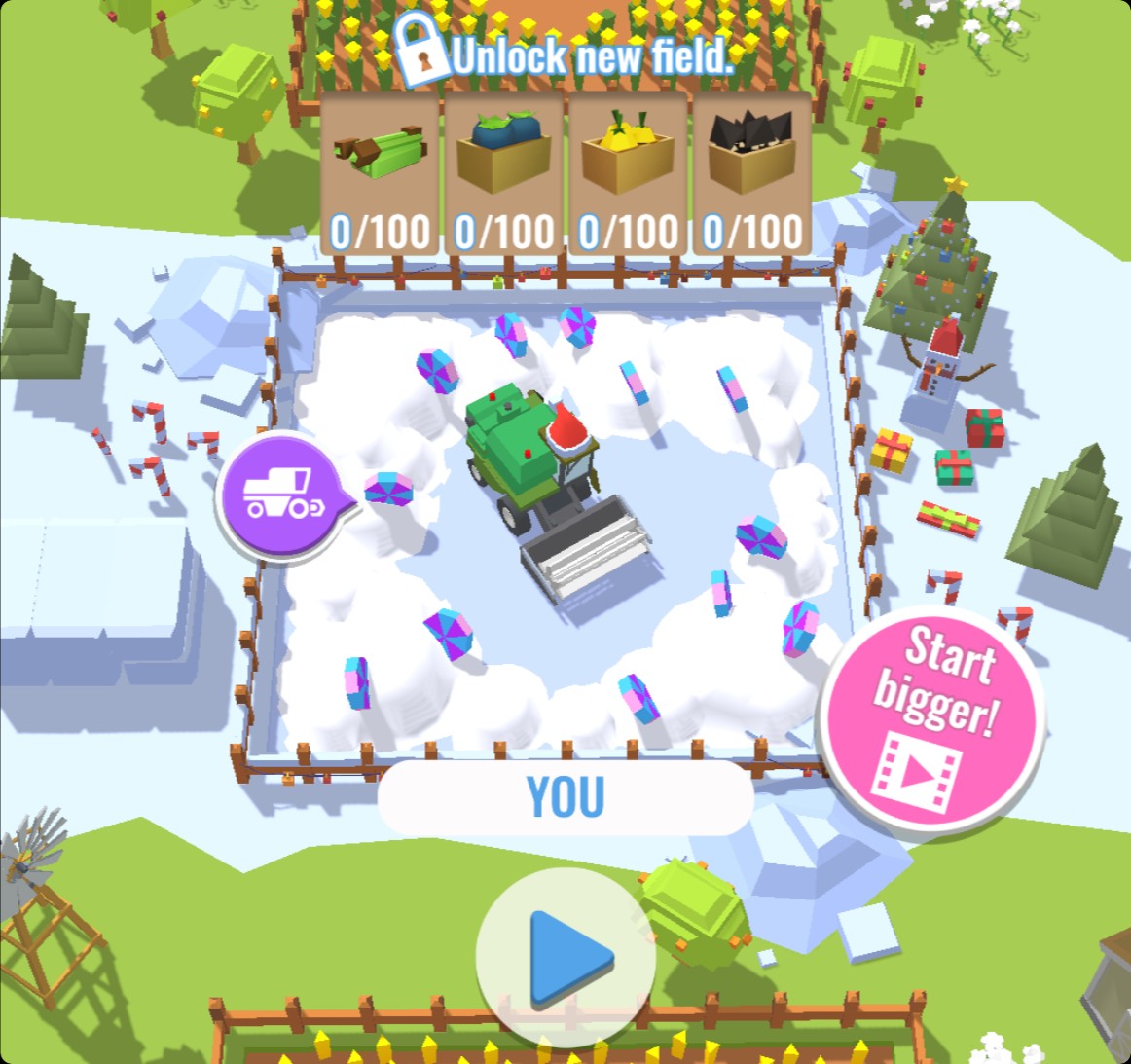
Choose your next harvest
Open the first 49 fields and swipe through the farm to choose where to harvest. Applying the option reloads the game and resets crop requirement progress.
A free field unlock with normal farm selection.
View customisation options →Download the Windows app and follow the setup prompts.
Set up the browser extension in Chrome or Edge, then open the supported YouTube Playable. Follow the connection guide if the game is already running.
Open Customise in Bytonian Mods, choose an option and follow its instructions. Check the available values and any limits before making your change.