

Comb, Recolor and Clear the Salon View
Comb every strand in one press or recolor the seated customer's whole hairstyle. Hide Salon Snow clears the falling flakes from the winter room so you can see your styling while the room stays the same.
Requires the Windows app and the Bytonian Mods browser extension for Chrome or Edge. Browser setup guide
Two ways to change the hairstyle
Comb All Hair applies the game's own comb treatment across the customer's strands. It can bring a side-swept style into a forward fringe, but it does not offer a direction selector.
Give the whole hairstyle a fresh color with Recolor All Hair. Choose a customer and press the action; the default color is red.
Keep the view clear
Hide Salon Snow removes the moving flakes while leaving the winter room intact. It is a one-press hide action; the control does not turn flakes back on.
Available game actions
Comb All HairFree
Comb the current customer's hair strands together in one press.
Choose a salon customer, then press Comb All Hair to apply the game's comb treatment across their hairstyle.
The comb direction follows the game's styling; there is no direction selector.
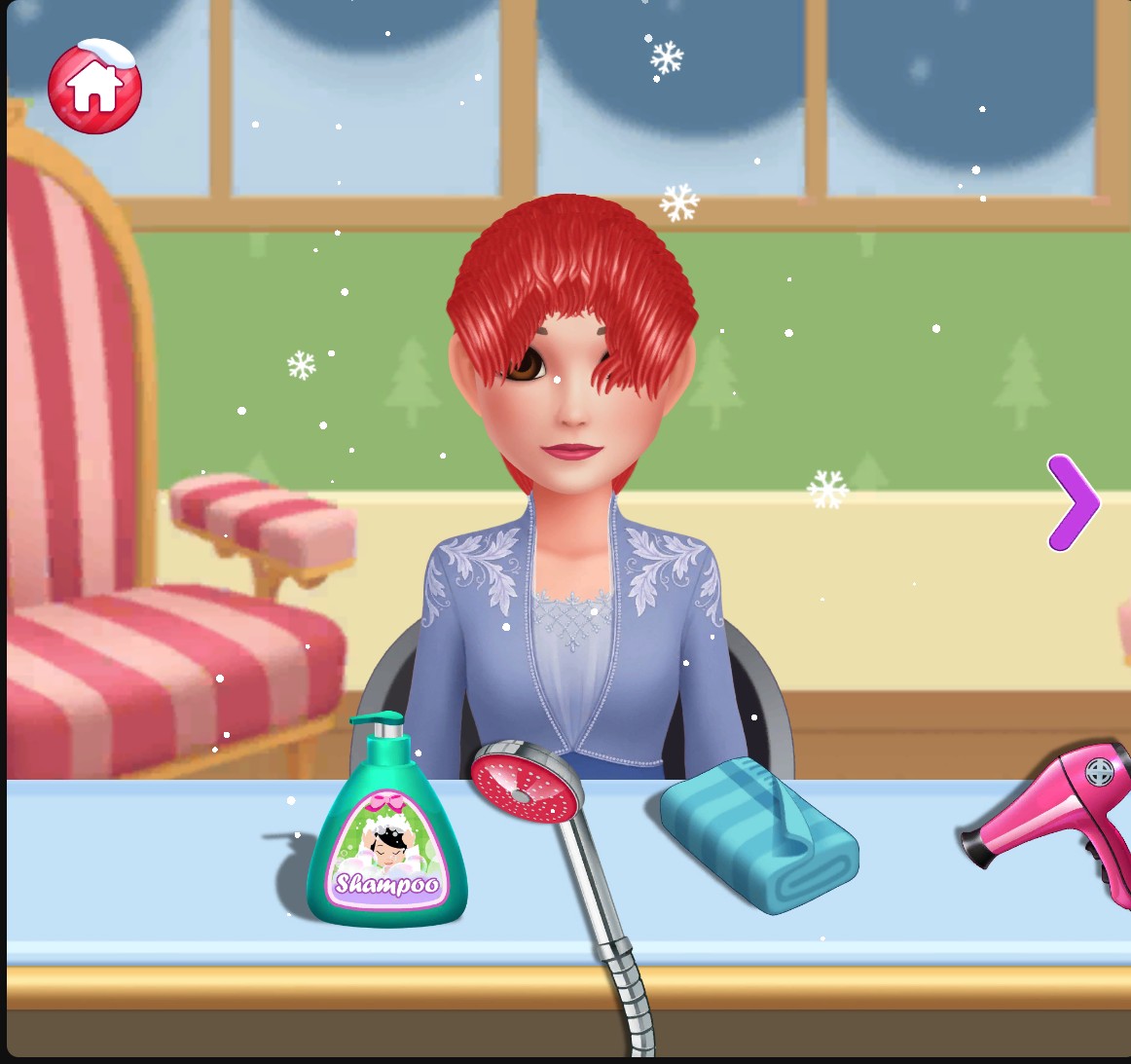
Hair combed in one action
Comb the whole hairstyle into a forward fringe in one action.
Hide Salon SnowPremium
Hide the falling snow overlay for a clearer view of the styling chair.
Press Hide Salon Snow while the winter salon is open.
The winter room stays. This hide action does not include a control to turn flakes back on.
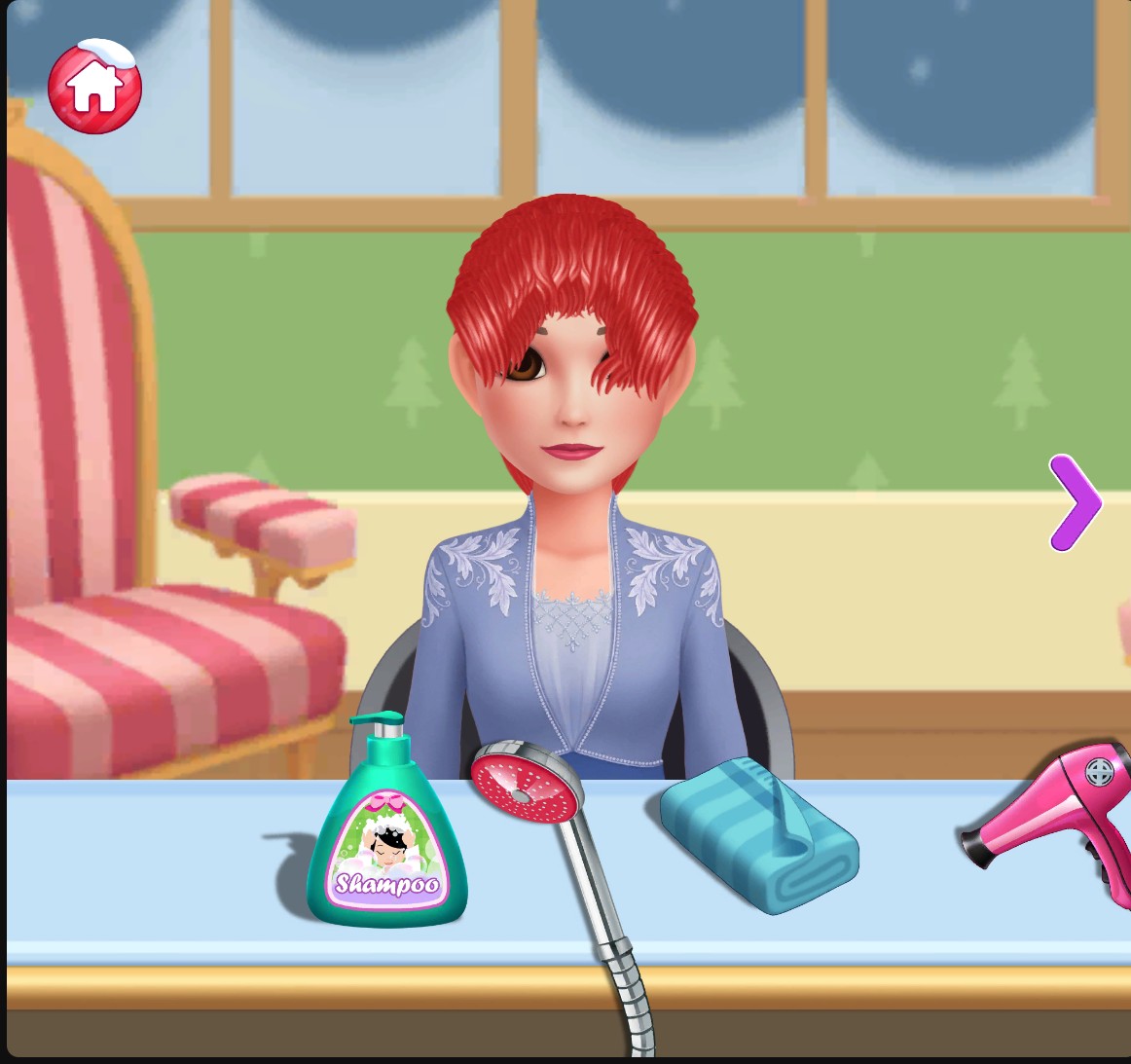
A clearer salon view
The falling snow overlay is hidden while the winter room, current hairstyle and salon tools remain visible.
Recolor All HairPremium
Give your customer's whole hairstyle a fresh color in one action.
Choose a seated customer and press Recolor All Hair. Leave the color at its default for the red look shown here.
Applies to the customer currently seated in your salon.
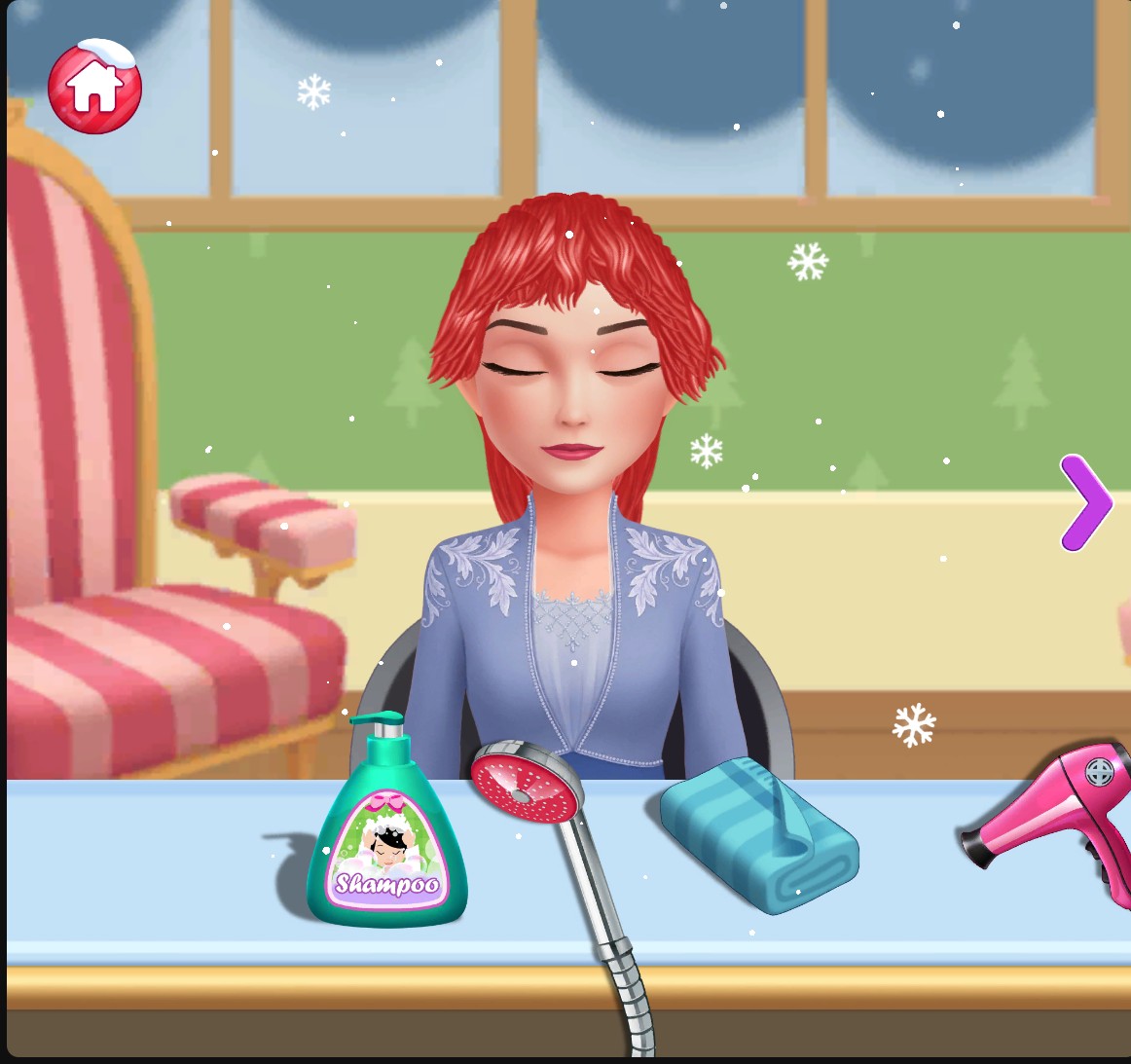
A fresh red look
Give your customer's whole hairstyle a fresh red look in one action.
Using these features
Choose the feature in the Windows app after connecting your game. Check its requirements before making a change.
Setup for Hair Salon: Beauty Salon Game →