
Choose Gym Boss Cash, Tickets and strength progress
Set Cash or Tickets to the balance you want, or choose Strength progress to advance your gym level. Apply your changes before returning to the gym.
Requires the Windows app and the Bytonian Mods browser extension for Chrome or Edge. Browser setup guide

Cash and tickets
Enter a balance from 0 to 99,999 for cash or tickets. Cash customization is free, while tickets are a premium option.
Strength progress
Choose a strength progress value to advance your gym level. For example, 10,000 strength progress takes a starting character to level 5.
Available customisation options
CashFree
Choose your cash balance up to 99,999.
Enter the cash amount you want and apply your changes.
TicketsPremium
Choose your ticket balance up to 99,999.
Enter the ticket amount you want and apply your changes.
Strength progressPremium
Choose your strength progress to advance your gym level.
Enter your chosen strength progress and apply your changes.
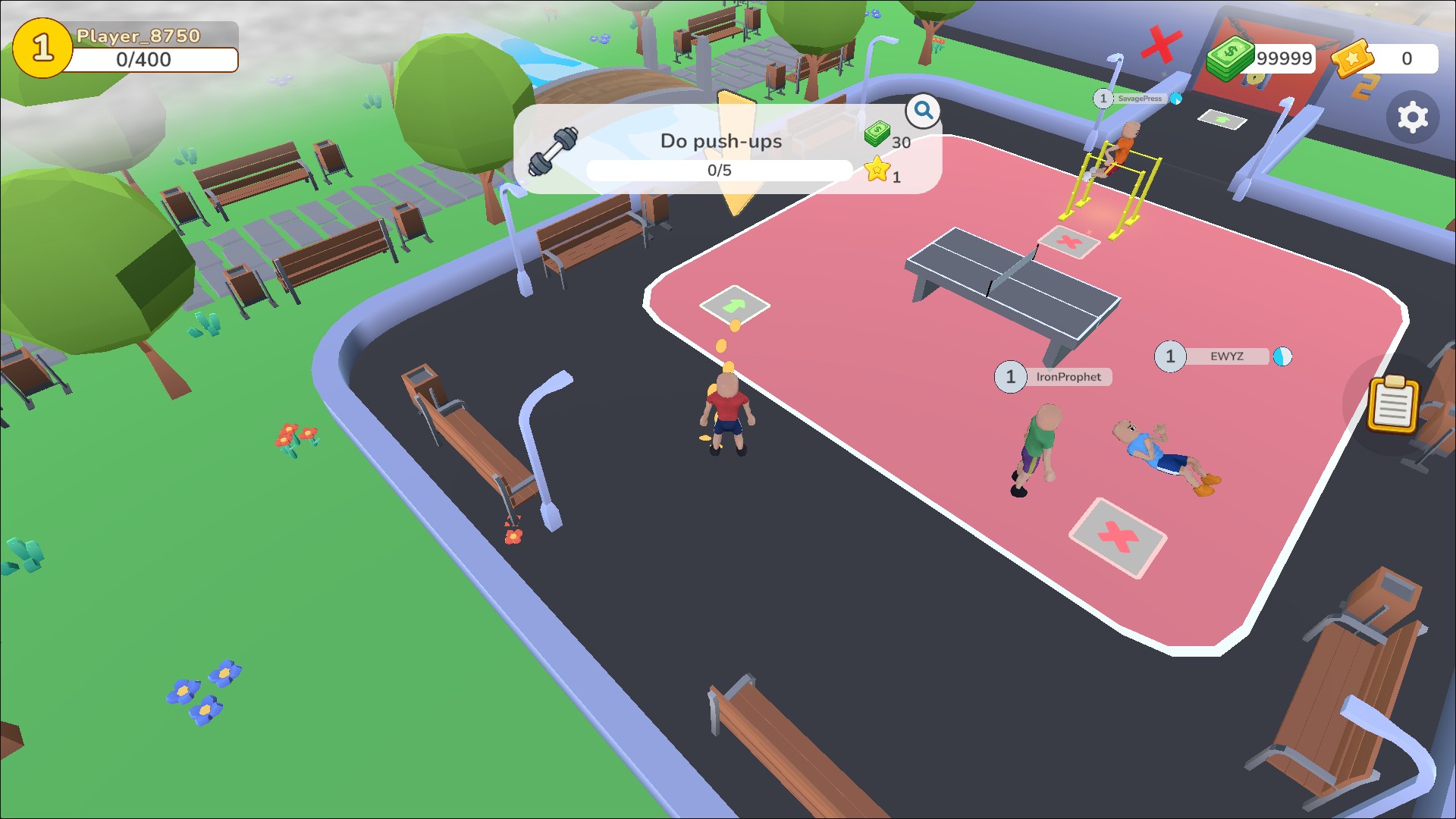
Choose your cash balance
Set your cash balance up to 99,999 before returning to the gym.
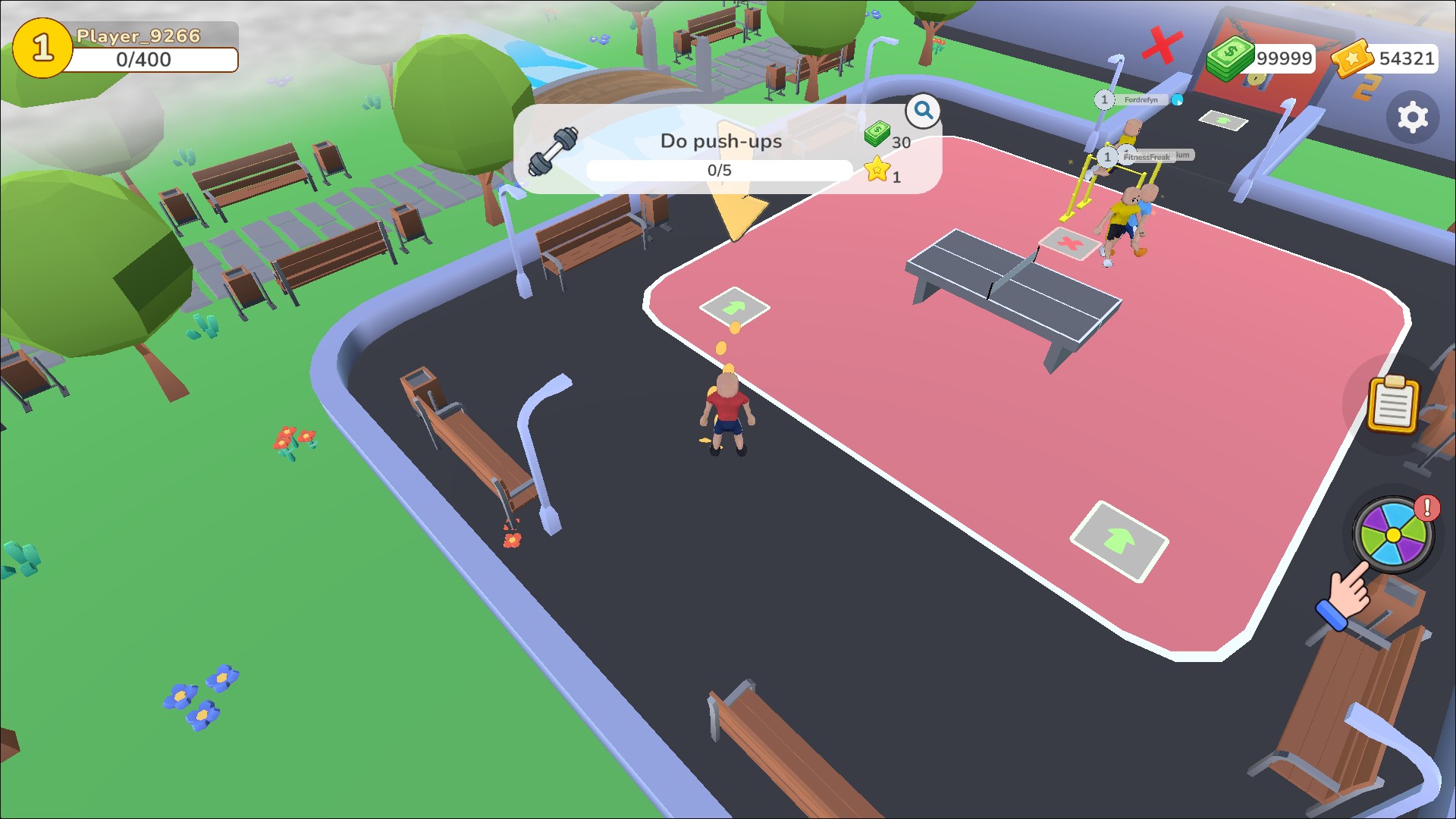
Choose your ticket balance
Set the ticket balance you want before returning to the gym.
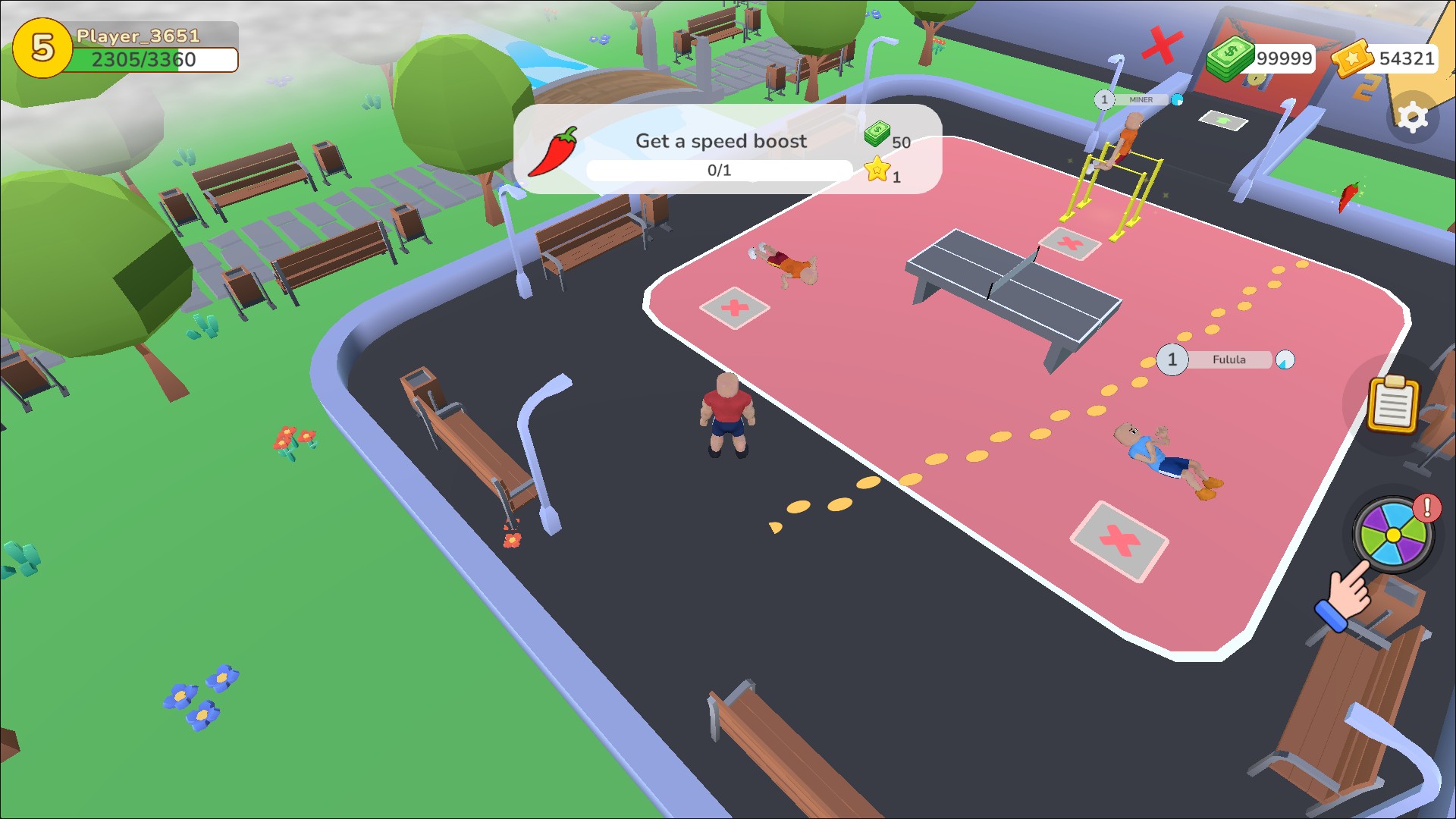
Choose your strength progress
Advance your gym level by choosing your strength progress.
Questions about customisation options
- How do I use these controls?
- Open customization, enter the values you want and apply your changes. Return to the game to see your balances and character progress.
Using these features
Connect your game, then open Customise in the Windows app. Choose an option, check its available values and follow its instructions. Each option lists its own requirements and limits.
Setup for Gym Boss →