
Customise
3 optionsSet cash and tickets or advance your character’s strength progress.
View customisation options →Set your Cash and Tickets balances or raise Strength progress to advance your gym level. Watch the new balances and level on the gym HUD as you train.
Requires the Windows app and the Bytonian Mods browser extension for Chrome or Edge. Browser setup guide
Start with free mods
Download Bytonian Mods for Windows and try these free features. Choose one to see how it works and any requirements.
Choose your cash balance up to 99,999.
Enter the cash amount you want and apply your changes.
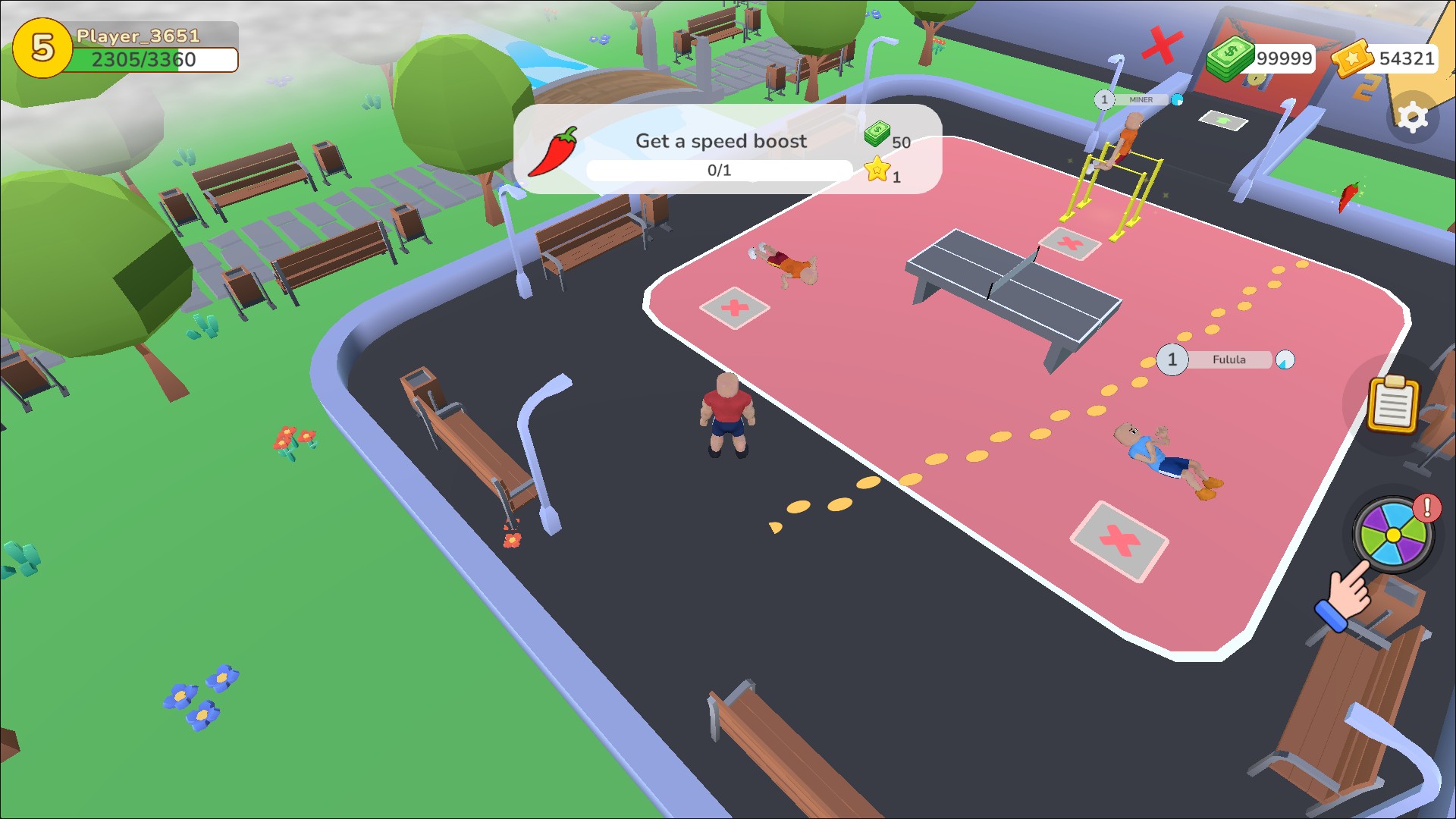
Choose cash and ticket amounts up to 99,999. Both balances appear in the gym HUD so you can see your chosen amounts as you play.
Choose your strength progress to raise your character’s gym level. The level badge and progress bar show where your character stands.
Build up your Gym Boss
Choose your cash, tickets and strength progress before heading back to the gym.
Set cash and tickets or advance your character’s strength progress.
View customisation options →Download the Windows app and follow the setup prompts.
Set up the browser extension in Chrome or Edge, then open the supported YouTube Playable. Follow the connection guide if the game is already running.
Open Customise in Bytonian Mods, choose an option and follow its instructions. Check the available values and any limits before making your change.