
Choose your coins and Magic Search stock
Set the resources you want for your next sorting puzzle. Coins fund normal booster purchases, while Magic Search gives you a quick way to complete a matching triple.
Requires the Windows app and the Bytonian Mods browser extension for Chrome or Edge. Browser setup guide
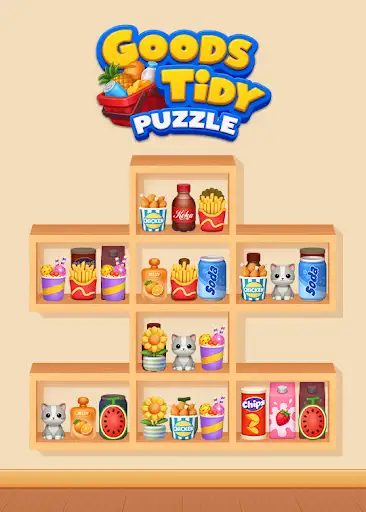

Keep coins ready for booster purchases
Choose your coin balance and use it for the game's normal booster packs. This balance has 7,600 coins remaining after buying three Magic Search uses for 2,400 coins.
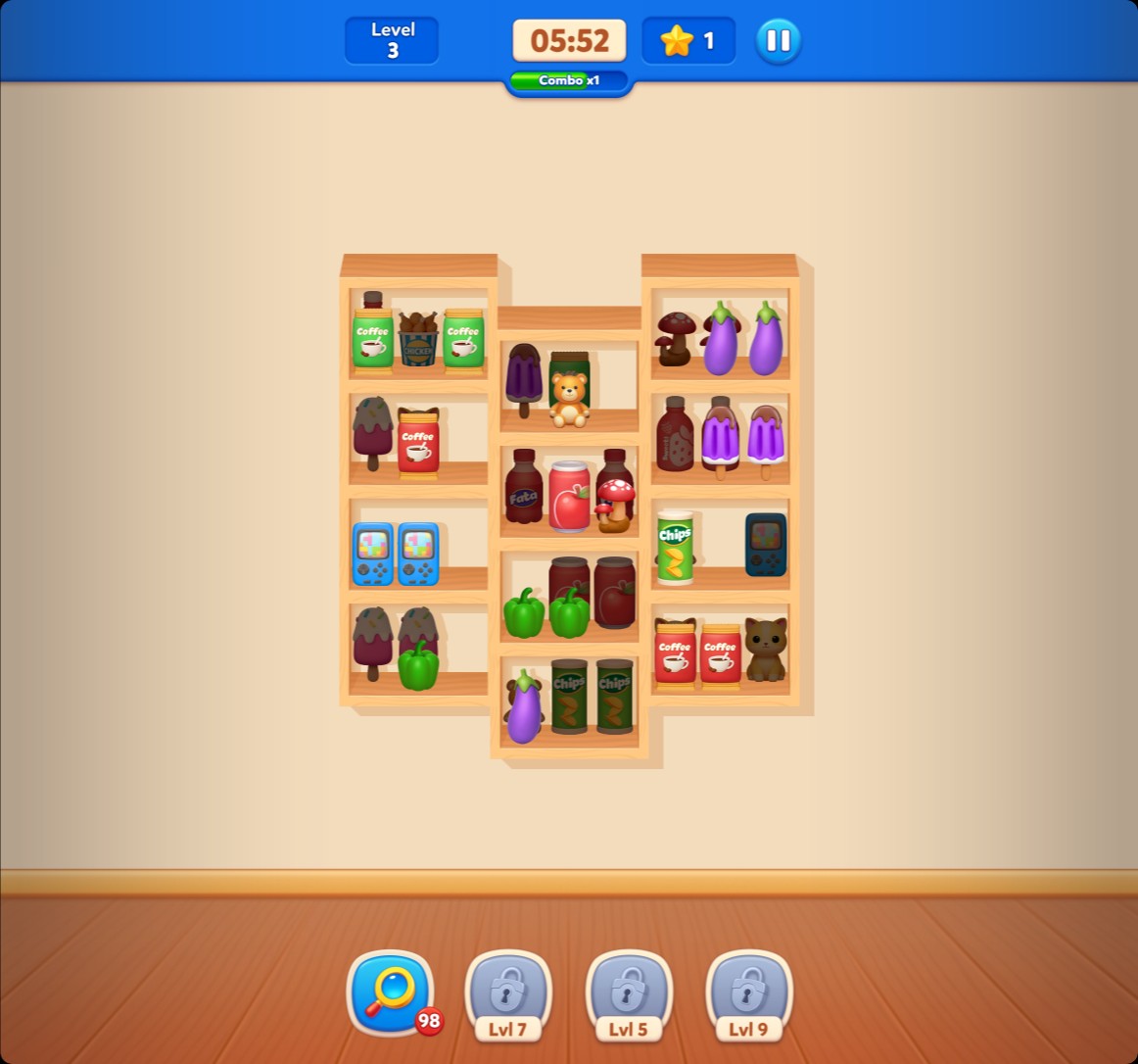
Keep Magic Search ready for another match
Use Magic Search to complete a matching triple. This Level 3 board shows 98 charges remaining after one use and a star earned for the match.
Coins for normal booster packs
Choose a coin balance before shopping for boosters. A Magic Search pack costs 2,400 coins and adds three charges. Purchases still use the game's normal prices and level requirements.
Magic Search for a matching triple
Magic Search unlocks at Level 3. Choose its stock, then tap the magnifying glass during a puzzle to complete a match. Each use spends one charge.
Available customisation options
CoinsPremium
Choose your coin balance for normal booster purchases.
Choose a coin amount, then buy available packs through the game's normal booster menu.
Packs still cost coins and require their normal level unlocks.
Magic Search stockFree
Keep Magic Search charges ready to complete matching triples.
Reach Level 3, choose your stock, then tap Magic Search during a puzzle.
Each use spends one charge.
Questions about customisation options
- Will these controls unlock the other boosters?
- Other boosters keep their normal level requirements. These controls adjust coins and Magic Search stock.
- Does Magic Search stay unlimited?
- Each use consumes a charge. Choose the stock you want and watch the remaining count on the booster button.
Using these features
Connect your game, then open Customise in the Windows app. Choose an option, check its available values and follow its instructions. Each option lists its own requirements and limits.
Setup for Goods Tidy Puzzle →