
Customise
2 optionsAdjust coins or Magic Search charges, then use the game's normal booster buttons as you clear the shelves.
View customisation options →Set coins for the booster shop or stock up on Magic Search to complete a matching triple. Clear the front row of goods to uncover more items behind it.
Requires the Windows app and the Bytonian Mods browser extension for Chrome or Edge. Browser setup guide
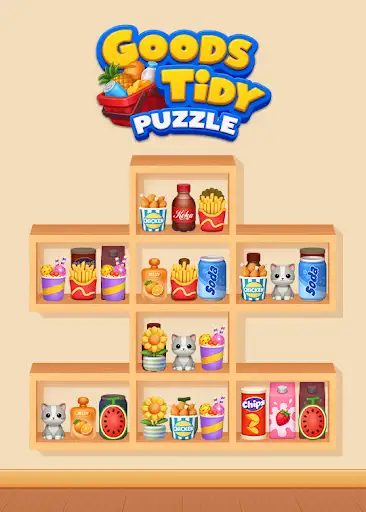
Start with free mods
Download Bytonian Mods for Windows and try these free features. Choose one to see how it works and any requirements.
Keep Magic Search charges ready to complete matching triples.
Reach Level 3, choose your stock, then tap Magic Search during a puzzle.
Each use spends one charge.
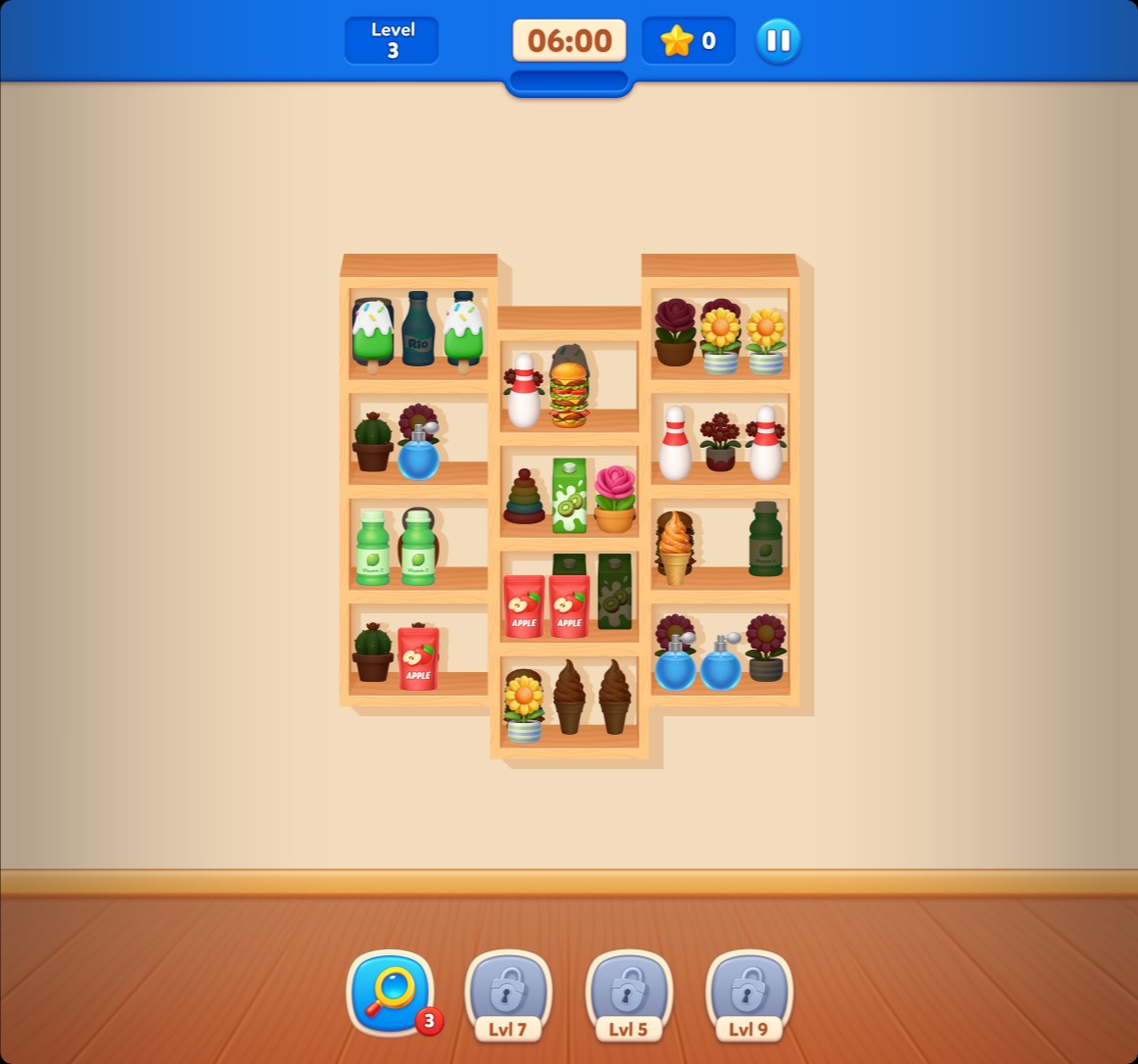
Sort the shelves and clear matching triples
Arrange matching goods in groups of three to clear the shelves before time runs out. Magic Search becomes available at Level 3.
Move matching drinks, snacks and other goods together to clear groups of three. Watch the space you leave behind: the next layer can change which match you make next.
Magic Search completes a matching triple when you need help. You can adjust its stock after the normal Level 3 unlock, or choose a coin balance to buy booster packs.
Adjust coins or Magic Search charges, then use the game's normal booster buttons as you clear the shelves.
View customisation options →Download the Windows app and follow the setup prompts.
Set up the browser extension in Chrome or Edge, then open the supported YouTube Playable. Follow the connection guide if the game is already running.
Open Customise in Bytonian Mods, choose an option and follow its instructions. Check the available values and any limits before making your change.