
Cash for home-screen upgrades
Choose your cash balance before the next run and put it toward the game's normal upgrades. Start Units adds more characters to your starting group, while the home screen also offers Profitability upgrades.
Requires the Windows app and the Bytonian Mods browser extension for Chrome or Edge. Browser setup guide
Apply between runs
Set Cash, apply the change and let the game reload. Open the home screen and buy an upgrade with the normal upgrade button. Applying cash during a run restarts the game, so finish the run first.
Spend through the normal shop
Your chosen cash is a balance to spend, rather than an automatic upgrade. After a purchase, the game updates the remaining cash, upgrade level and next price as usual.
Available customisation options
CashFree
Set the cash balance used for normal starting-unit and profitability upgrades.
Apply between runs, wait for the reload, then buy upgrades from the home screen.
Applying cash restarts the game. Finish your current run first.
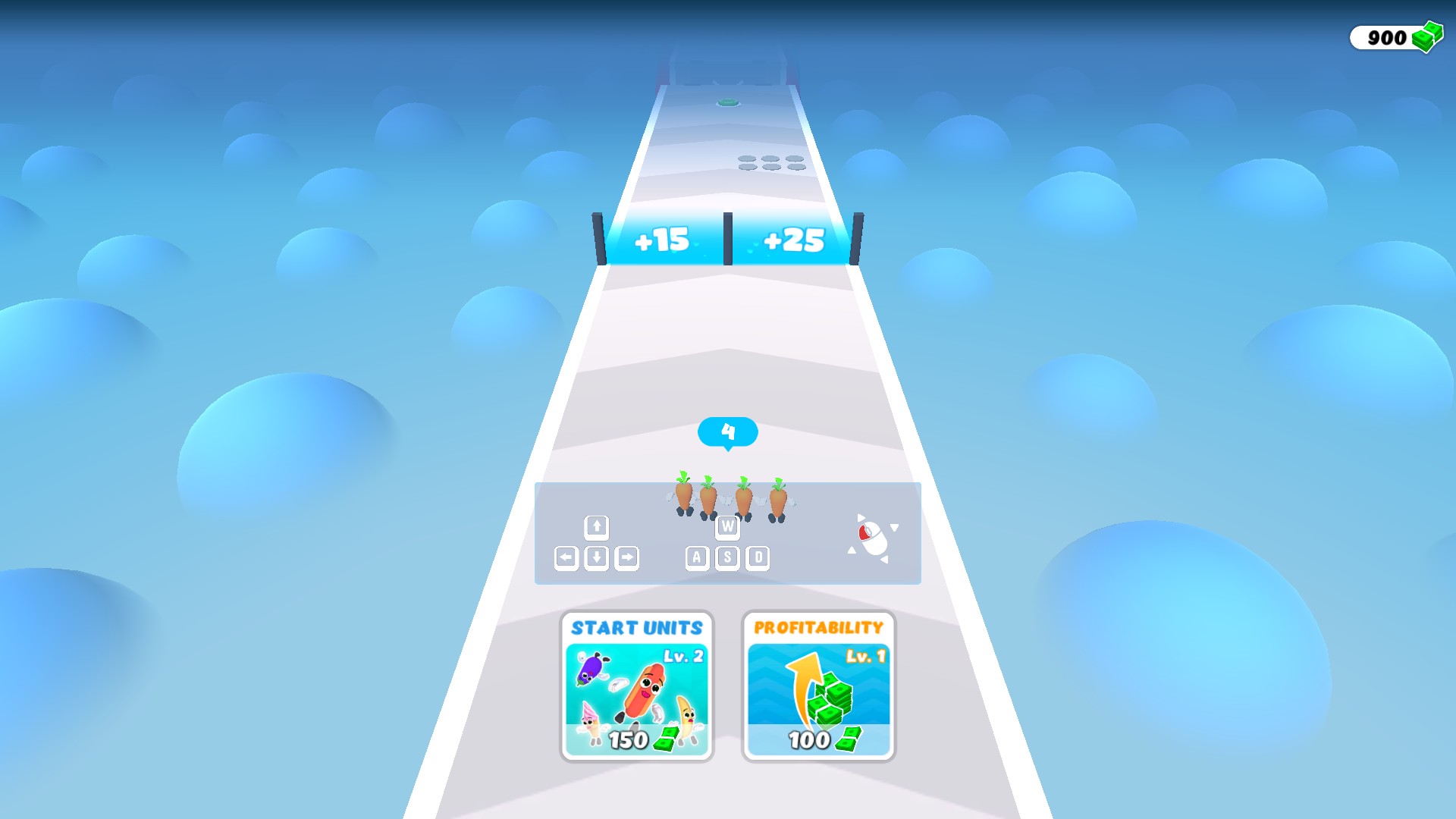
Cash for your next upgrade
Buy starting-unit upgrades from the home screen. Here, a 100-cash purchase raises Start Units to level 2 and leaves 900 cash for more upgrades.
Questions about customisation options
- How do I get more starting food characters?
- Apply enough cash for the displayed price, then buy Start Units from the home screen. The purchase raises the starting-unit upgrade and deducts its price.
Using these features
Connect your game, then open Customise in the Windows app. Choose an option, check its available values and follow its instructions. Each option lists its own requirements and limits.
Setup for Good Mood Food →