
Customise
1 optionChoose a cash balance and buy the upgrades you want before heading back onto the course.
View customisation options →Set your cash balance for upgrades such as more starting food characters. Lead your group through number gates and steer around traps on the way to the finish.
Requires the Windows app and the Bytonian Mods browser extension for Chrome or Edge. Browser setup guide
Start with free mods
Download Bytonian Mods for Windows and try these free features. Choose one to see how it works and any requirements.
Set the cash balance used for normal starting-unit and profitability upgrades.
Apply between runs, wait for the reload, then buy upgrades from the home screen.
Applying cash restarts the game. Finish your current run first.
Use Cash for the starting-unit and profitability upgrades on the home screen. Choose Start Units to begin your next run with more food characters.
Look ahead to the number gates and steer your group through the course. Keep the crowd clear of traps as you head toward the feeding finish.
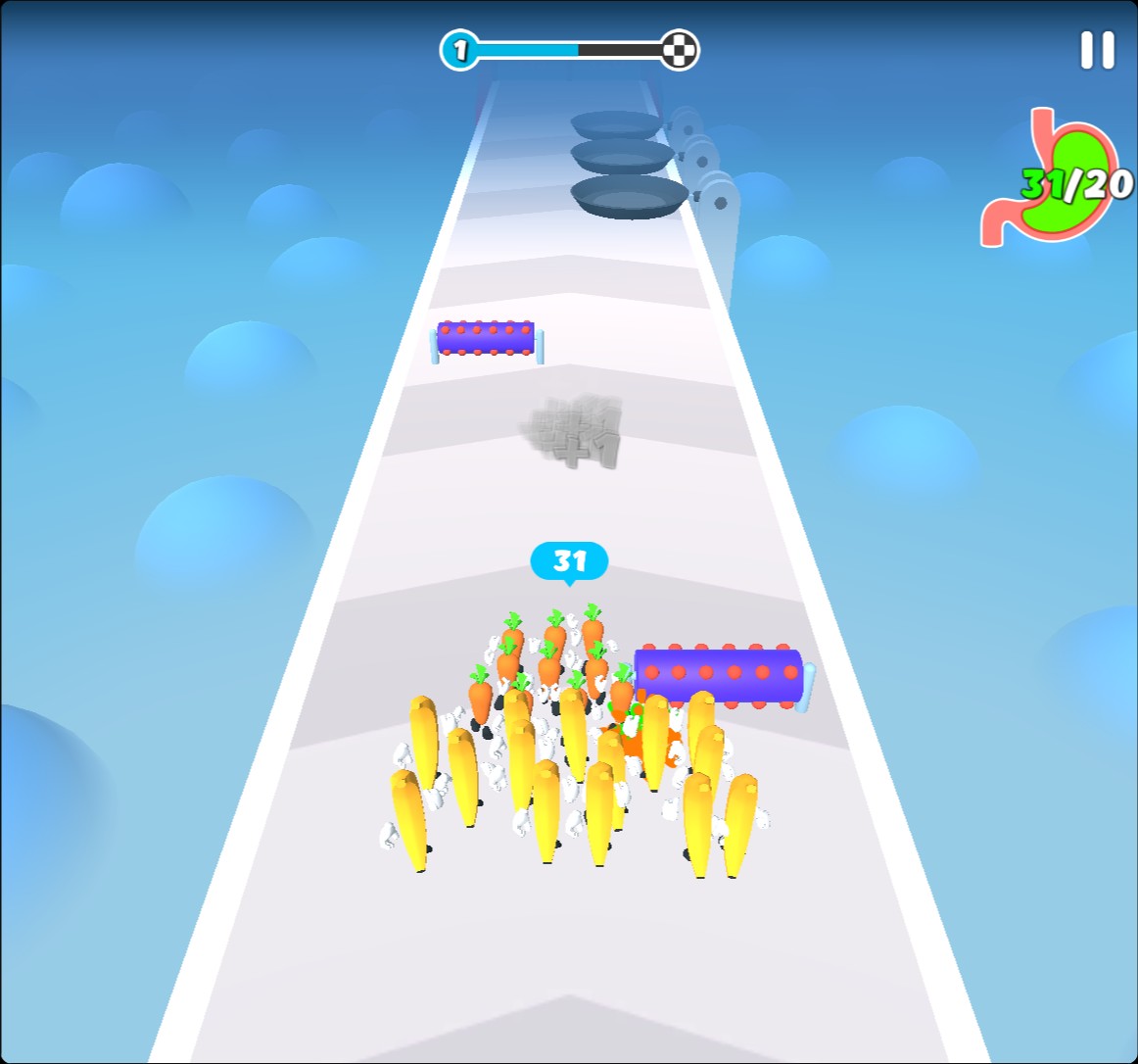
Guide your food crowd
Collect food characters, choose number gates and guide the group around obstacles on the way to the finish.
Choose a cash balance and buy the upgrades you want before heading back onto the course.
View customisation options →Download the Windows app and follow the setup prompts.
Set up the browser extension in Chrome or Edge, then open the supported YouTube Playable. Follow the connection guide if the game is already running.
Open Customise in Bytonian Mods, choose an option and follow its instructions. Check the available values and any limits before making your change.